Configuración de la plataforma Viber
Pushwoosh le permite enviar mensajes de Viber a los usuarios como parte de sus campañas omnicanal. Conecte su cuenta de Viber a Pushwoosh para usar Viber en Customer Journey.
Prerrequisitos
Anchor link toAntes de configurar Viber, asegúrese de que se cumplen los siguientes requisitos:
- Cuenta de Pushwoosh: Un proyecto en el que desee habilitar Viber.
- Token de autenticación: Su token de autenticación de Rakuten Viber necesario para conectar Viber a Pushwoosh. Aprenda más.
Configure la configuración de Viber
Anchor link toPara configurar la configuración de Viber, siga estos pasos:
- Vaya a Settings → Configure platforms. Desplácese hacia abajo en la lista de plataformas para encontrar Viber y haga clic en Connect.

- En el cuadro de diálogo Viber notifications, introduzca su AUTH TOKEN de Rakuten Viber.
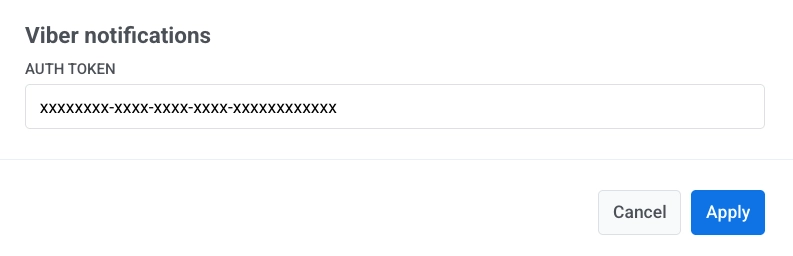
- Haga clic en Apply para guardar su configuración. Para descartar los cambios, haga clic en Cancel.
¿Qué sigue?
Anchor link toDespués de la configuración, puede enviar mensajes de Viber en Customer Journeys.