Audience sync
The Audience sync element updates a Meta Ads custom audience or a Google Ads audience when users reach this step in a journey. Choose Add users to audience to include them in ad targeting, or Remove users from audience to stop showing ads to them.
Before you start
Anchor link toMake sure the ad platform integration you plan to use is configured for your project. If neither integration is connected, the element shows Configure your ad account and cannot run sync.
Learn how to set up integration: Meta Ads integration or Google Ads integration.
Configure audience sync
Anchor link to- Double-click Audience sync on the canvas.
- Enter Step name.
- In How to sync users info to the ad audience, select one option:
- Add users to audience
- Remove users from audience
- In AD PLATFORM, choose Meta Ads or Google Ads.
- In the account field below it (Meta Ads account or Google Ads account), select one connected account for the platform you chose.
- In Audience, select an existing audience on that platform.
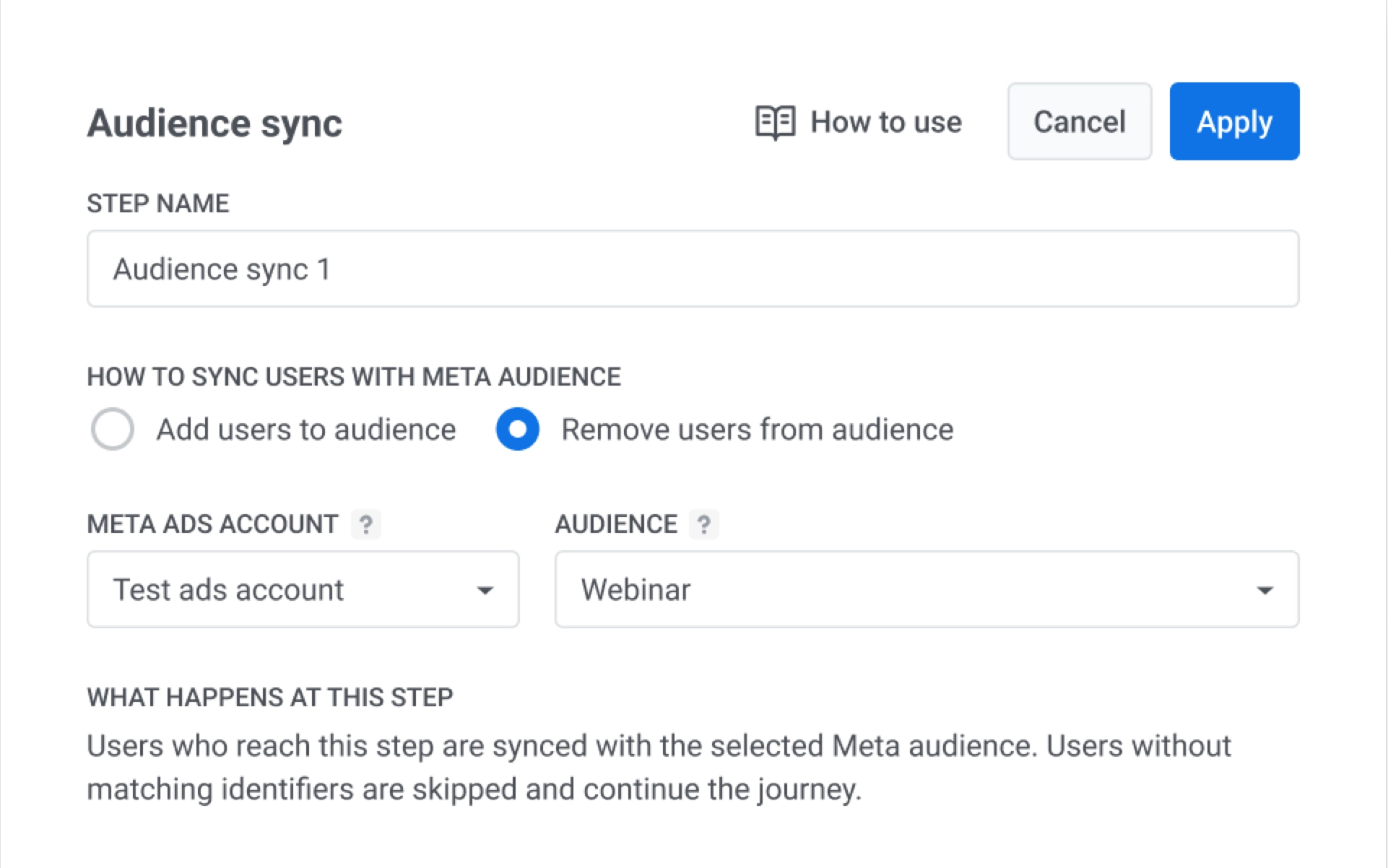
- Click Apply.