Build segments by User ID
Use the User ID filter to create a segment of known users by their Pushwoosh User ID, or switch it to HWID, Email, Phone, or Token to match by that device identifier instead. This works best when you already know which users or devices you want to include and those identifiers are registered in your project.
How to build a segment by User ID
Anchor link toTo create a User ID-based segment:
-
Go to Audience → Segments.
-
Click Create Segment to open the segment builder.
-
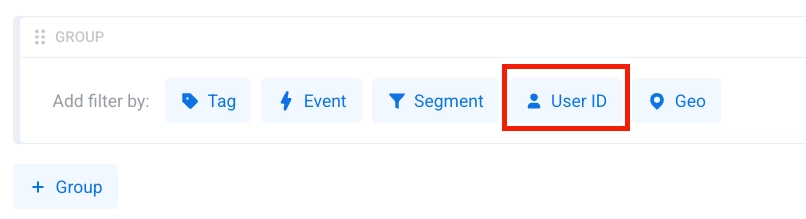
In the segment builder, click User ID in Add filter by.
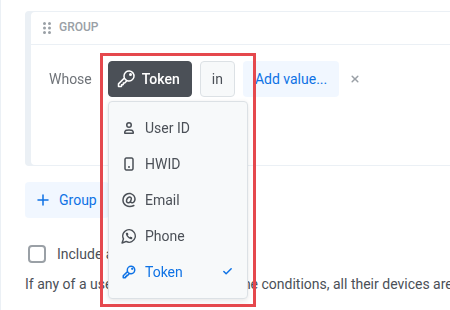
- Choose which identifier to filter by: User ID, HWID, Email, Phone, or Token.
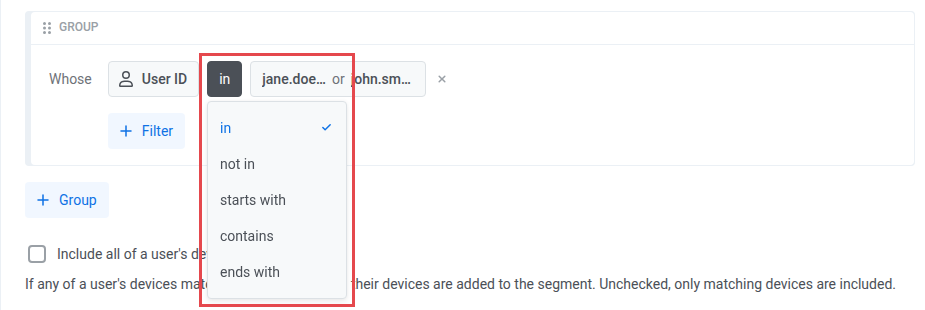
- Choose the operator for the condition. Learn more
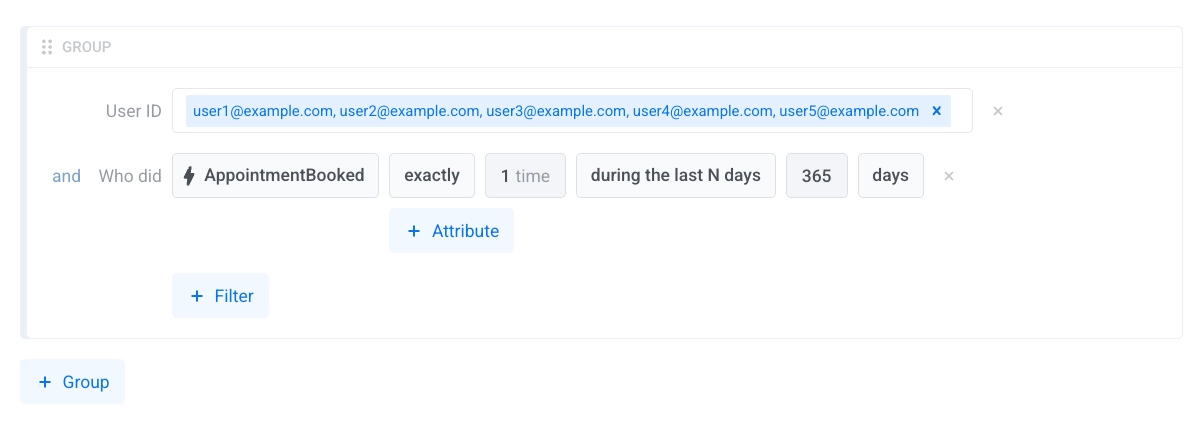
- Add the values that should be included in the segment: User IDs, HWIDs, emails, phone numbers, or push tokens, depending on the field you chose in step 4. in and not in take a list of values. starts with, contains, and ends with take a single value. Enter phone numbers in E.164 format, for example
+15551234567. Pushwoosh stores them this way, and starts with only matches from the very first character.
-
Add more filters if needed.
-
To target a user across all their devices when the condition matches, use Include all of a user’s devices. Learn how this option works.
-
Click Save.
Operators
Anchor link toEach field takes the same five operators, comparing the values you enter against that field’s value on each user or device.
| Operator | Description | Example |
|---|---|---|
| in | Matches any value in the list | UserID in ["user1", "user2"] |
| not in | Does not match any value in the list | HWID not in ["a1b2c3d4e5"] |
| starts with | Begins with the specified string | Phone starts with "+1555" |
| contains | Contains the specified string | Email contains "example.com" |
| ends with | Ends with the specified string | Token ends with "9a2e2f" |
Multi-device matching
Anchor link toFor HWID, Email, Phone, and Token, operators evaluate each device individually. A user matches if any one of their devices satisfies the condition.
not in matches any user with at least one device whose value is not in the list. If a user has several devices, one device outside the list is enough to match, even if another device of that user is on the list.
Turning on Include all of a user’s devices adds every device of a matching user to the segment, including devices whose values are on the excluded list.
Token matching
Anchor link toToken matches the push token shown for a device in User Explorer. It doesn’t match Firebase Cloud Messaging (FCM) sender keys or web push keys, which aren’t indexed for this filter.
Unlike Email, Token values are case-sensitive. Pushwoosh compares them exactly as entered, without lowercasing.
Legacy segments
Anchor link toSegments saved before these operators were introduced carry no operator value and are read as in. Nothing changes for existing segments.