Adjust: send event
The Adjust: send event Point template sends a server-to-server event to Adjust for every traveler that passes this step. The event carries the attribution of the install, so the journey step shows up in Adjust reports and can be handed to ad networks as a conversion.
Configure the point
Anchor link to- Drag Adjust: send event from the Integrations section onto the canvas.
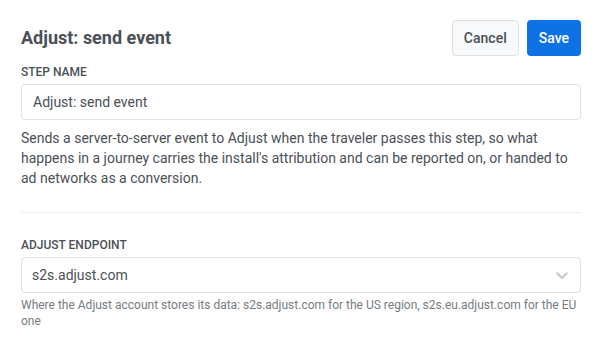
- Double-click the point and enter a Step Name.
- In Adjust endpoint, pick the region the Adjust account stores its data in:
s2s.adjust.comfor the US region,s2s.eu.adjust.comfor the EU one.
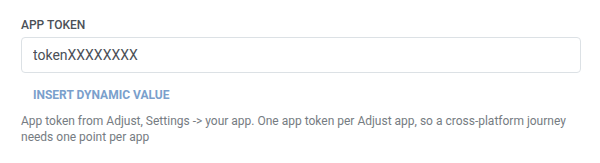
- In App token, enter the app token from Adjust: Settings > your app. One app token belongs to one Adjust app, so a cross-platform journey needs a separate point per app.
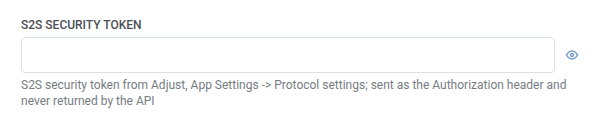
- In S2S security token, enter the token from Adjust: App Settings > Protocol settings. Pushwoosh sends it as the request’s Authorization header. It’s stored masked, like a webhook secret header, and Adjust never returns it once saved.
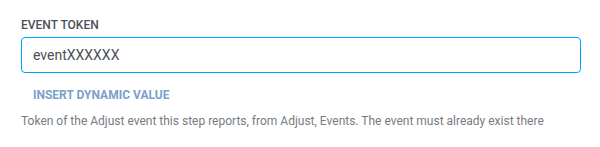
- In Event token, enter the token of the Adjust event this step reports, from Adjust: Events. The event must already exist there.
- In Identifier type, pick which identifier Adjust matches the event by:
idfvoridfaon iOS,gps_adidorandroid_idon Android,adidfor the Adjust device ID on either platform.

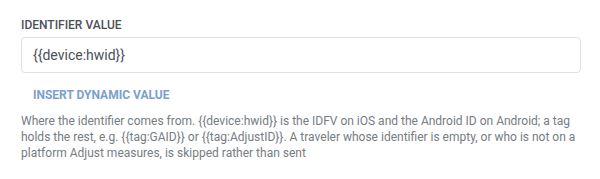
- In Identifier value, keep the default
{{device:hwid}}(the IDFV on iOS and the Android ID on Android), or use a tag for the rest, for example{{tag:GAID}}or{{tag:AdjustID}}.
- In Environment, keep
production, or picksandboxto keep the event out of Adjust’s reports while the point is being set up.

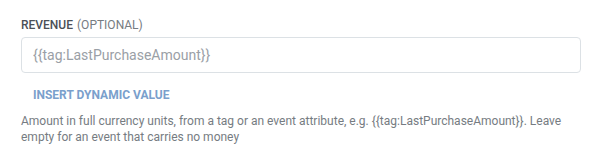
- Optional. In Revenue, add the amount from a tag or an event attribute, for example
{{tag:LastPurchaseAmount}}. Leave it empty for an event that carries no money.
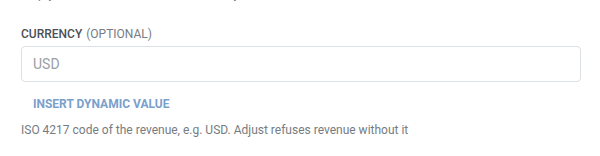
- In Currency, enter the ISO 4217 code of the revenue, for example
USD. Required if Revenue is filled in, because Adjust refuses revenue without a currency.
- Click Save.
When no request is sent
Anchor link toPushwoosh skips the request (and the traveler continues to the next step) when:
- Identifier value resolves to empty for that traveler
- The traveler is on a platform Adjust doesn’t measure: anything other than iOS, Android, Huawei Android, Baidu Android, Amazon, OSX, or Windows
That isn’t a failed request. Adjust would have nothing to match the event to.
A failed request (one that did have an identifier) drops the traveler from the journey instead. See Errors and failed requests.
Example scenario: Reporting a completed purchase to Adjust
Anchor link toAn app wants a purchase made later in a journey to carry the install’s attribution in Adjust, so it can be handed to ad networks as a conversion.
- Add Adjust: send event right after the step that confirms the purchase. Set Event token to the token of the
purchaseevent from Adjust’s Events page. In Revenue, set{{tag:LastPurchaseAmount}}, and in Currency, setUSD. - Click Save.
Once this runs, the purchase shows up in Adjust’s reports with the install’s attribution, ready to hand to ad networks as a conversion.