Register phone numbers for WhatsApp
For a customer to receive WhatsApp messages, they must have a valid phone number and be registered as a WhatsApp platform subscriber in Pushwoosh.
Additionally, WhatsApp requires businesses to obtain opt-in consent from customers before messaging them. For guidelines on obtaining consent, refer to WhatsApp Opt-In Best Practices.
Methods to register WhatsApp subscribers
Anchor link toThere are three main methods to register phone numbers as WhatsApp subscribers:
-
Using Pushwoosh SDK. Learn more
-
Using Pushwoosh API. Learn more
-
Importing WhatsApp contacts from a CSV file
How to import WhatsApp contacts from a CSV file
Anchor link toYou can also upload contacts directly from a WhatsApp campaign: go to Campaigns > WhatsApp messages > Upload contacts.
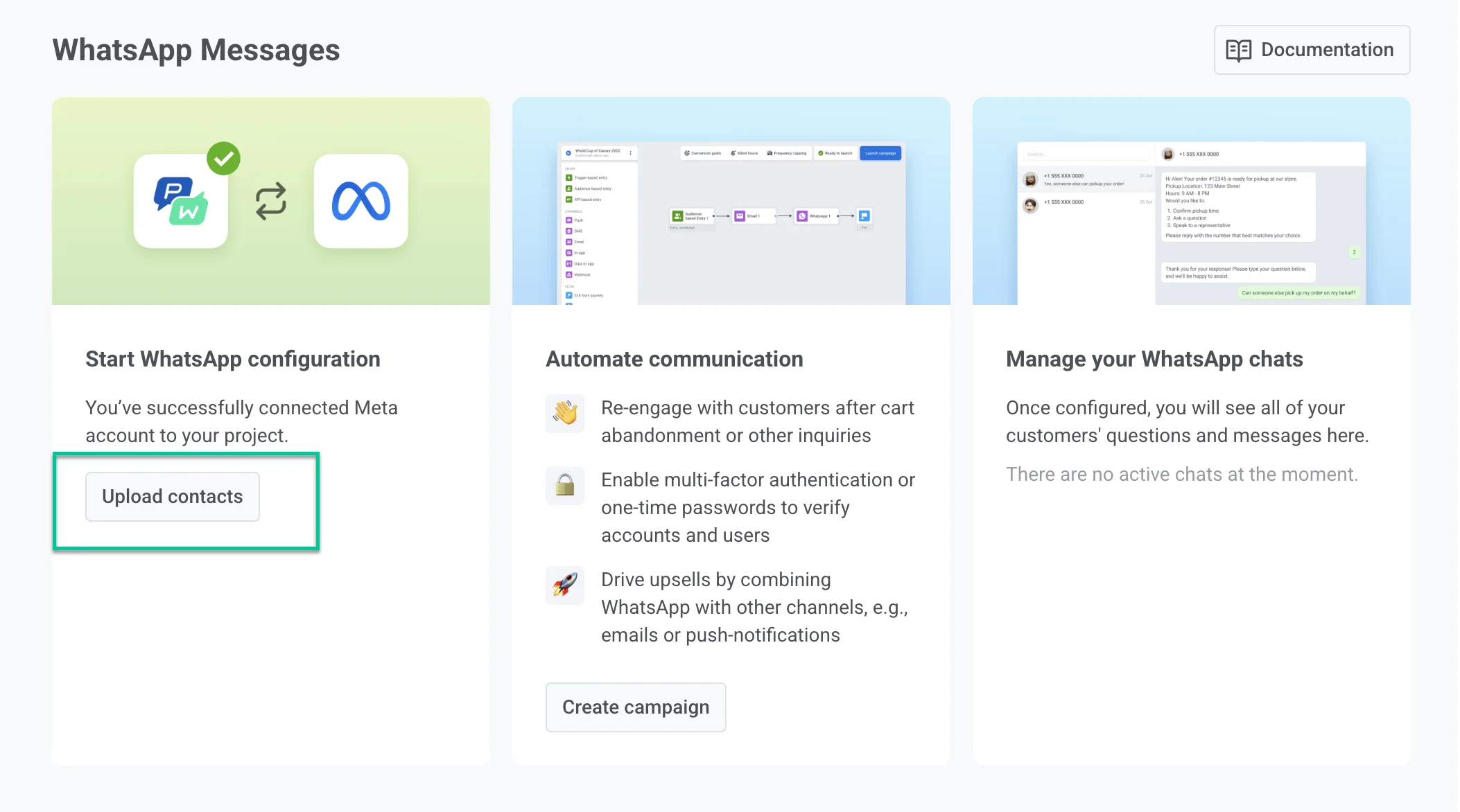
To import a contact list for later use across campaigns, go to Audience > Import CSV > Import Contacts instead. This shared Import contacts wizard can register email, SMS, WhatsApp, and Viber subscribers from the same CSV file in one pass. Map the column with phone numbers to the WhatsApp channel to register them as WhatsApp subscribers. Enter the plain phone number in E.164 format. Pushwoosh adds the whatsapp: prefix internally.
You can then use this data to create segmented and personalized WhatsApp campaigns.