Email templates library
Go to Content → Email content → Create email content to open Start with a template. For an empty canvas, choose Blank email.
The AI email builder’s template gallery has pre-built email layouts grouped by use case. Pick one to start with your Brand book colors, fonts, and block defaults already applied. Then customize any part of it.
Filter the gallery by category to narrow the picks, or browse All. Templates are listed below by that same category.
Welcome
Anchor link toOnboard a new user or a new trial.
Segment: all newly registered users, or users who just started a trial.
Best time to send: immediately after signup or trial start, with a checklist or follow-up touch going out within the first day.
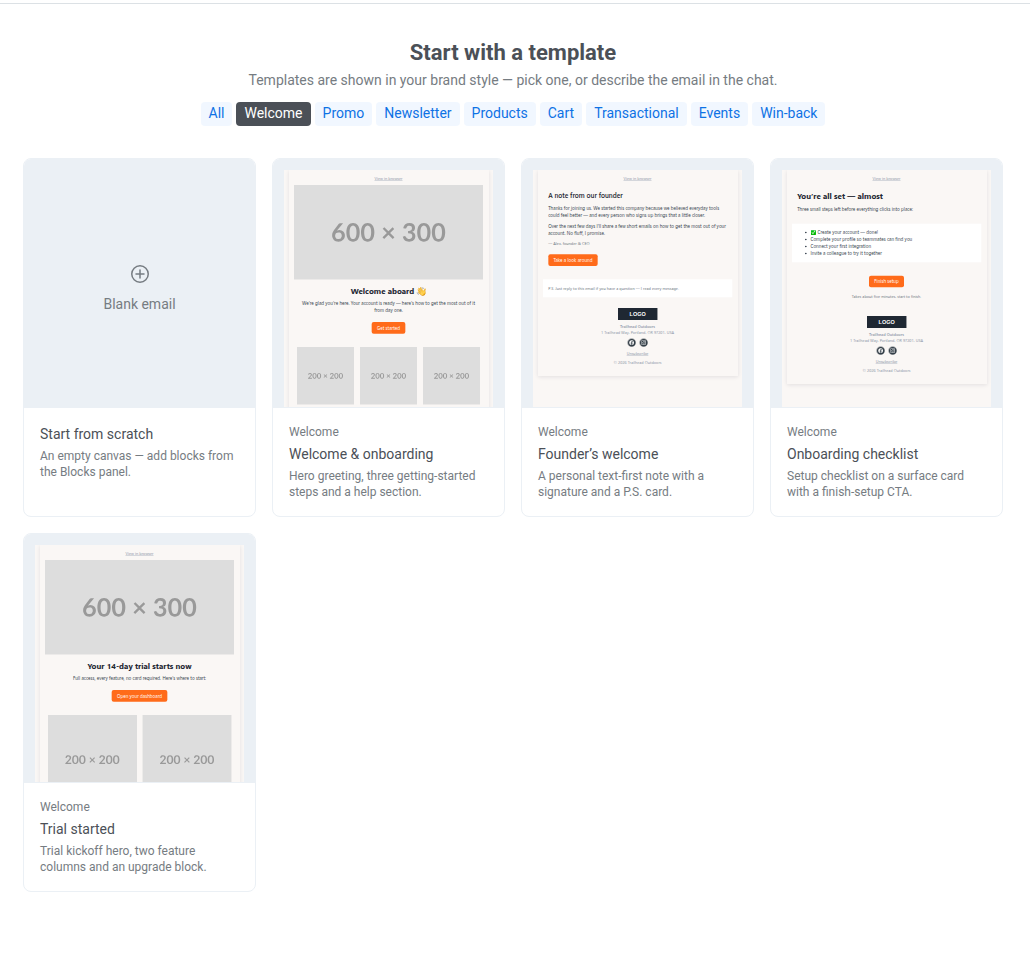
- Welcome & onboarding: a first-touch welcome for any new signup, introducing the product and the next steps.
- Founder’s welcome: a personal, high-touch welcome from leadership, for products where a founder-led relationship matters.
- Onboarding checklist: nudge users to finish setup steps they haven’t completed yet.
- Trial started: kick off a free trial and point users to the features that prove value fastest.
Promo
Anchor link toDrive a sale, a discount, or a limited-time push.
Segment: all users, or recent shoppers, wishlist users, and past promo responders.
Best time to send: at the start of the promo window, closer to the deadline for single-offer or countdown formats.
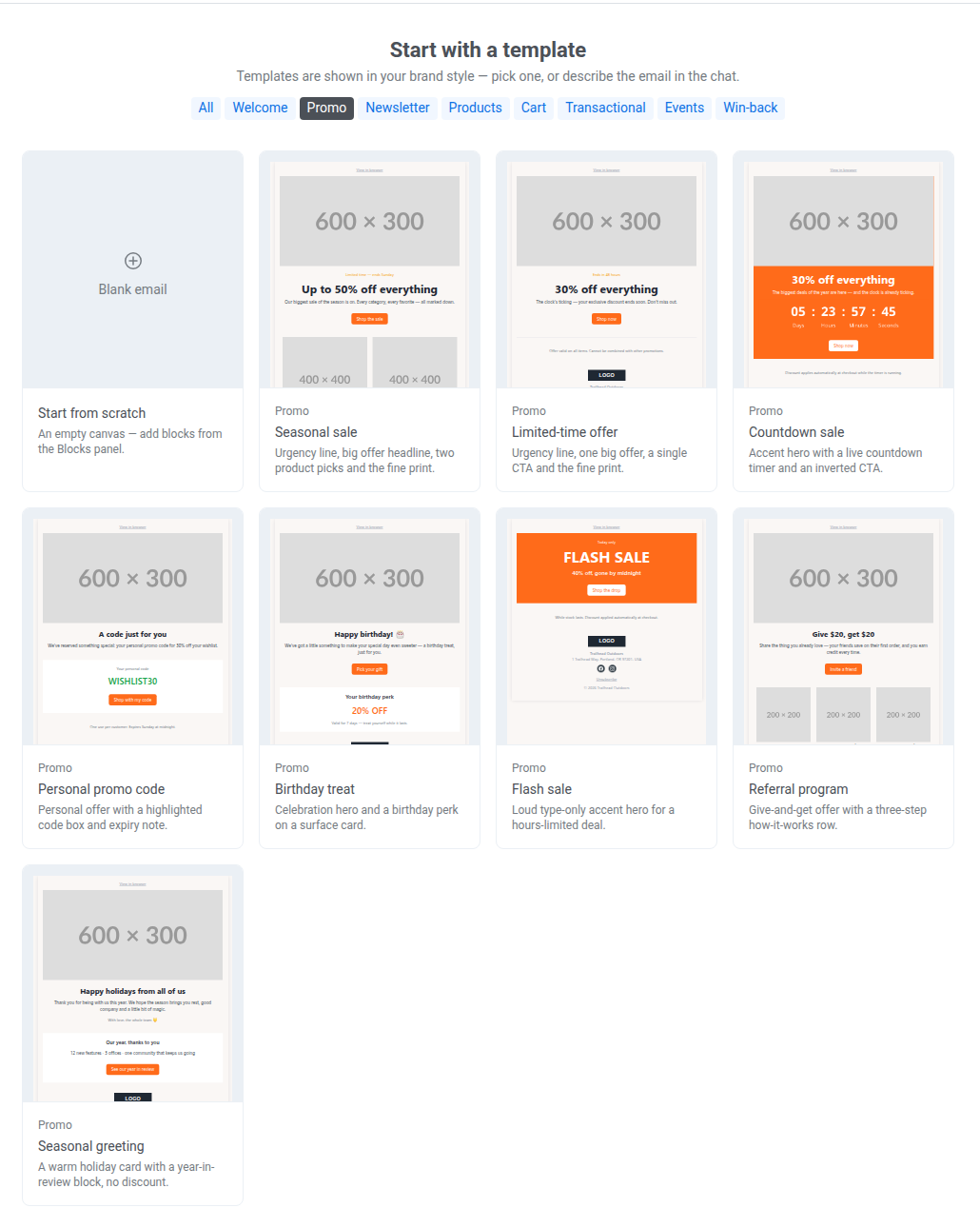
- Seasonal sale: a broad discount across categories, with a headline offer plus two product picks.
- Limited-time offer: one big offer with a single CTA, built for a short, focused promo.
- Countdown sale: a live countdown timer to manufacture urgency toward a deadline.
- Personal promo code: a personalized, single-recipient discount code.
- Birthday treat: a birthday or anniversary occasion-based perk.
- Flash sale: a very short, high-urgency deal measured in hours.
- Referral program: incentivize existing users to refer new ones.
- Seasonal greeting: a goodwill, relationship-building touch with no discount attached.
Newsletter
Anchor link toSend a recurring digest or a one-off announcement.
Segment: subscribed users, or a specific interest segment.
Best time to send: on a fixed recurring cadence your subscribers expect, or as soon as there’s news worth sharing.
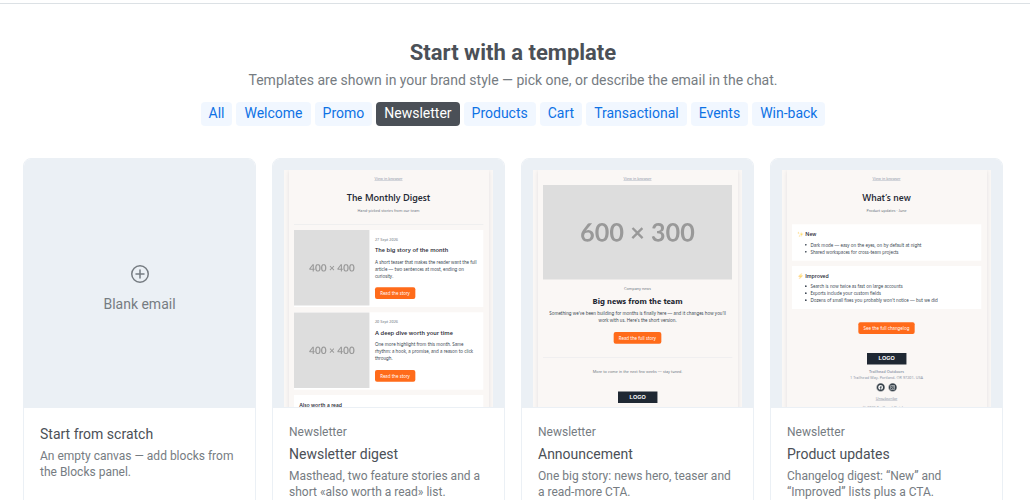
- Newsletter digest: a curated round-up of recent content. The stories live in a News block, so you can load them from an RSS or Atom feed instead of retyping each one.
- Announcement: a single important update or story that deserves its own send.
- Product updates: a changelog-style recap of what shipped and improved recently.
Products
Anchor link toShowcase catalog items.
Segment: all users, or those who’ve shown interest in a specific category or product line.
Best time to send: whenever you have new or noteworthy inventory to highlight. There’s no fixed cadence.
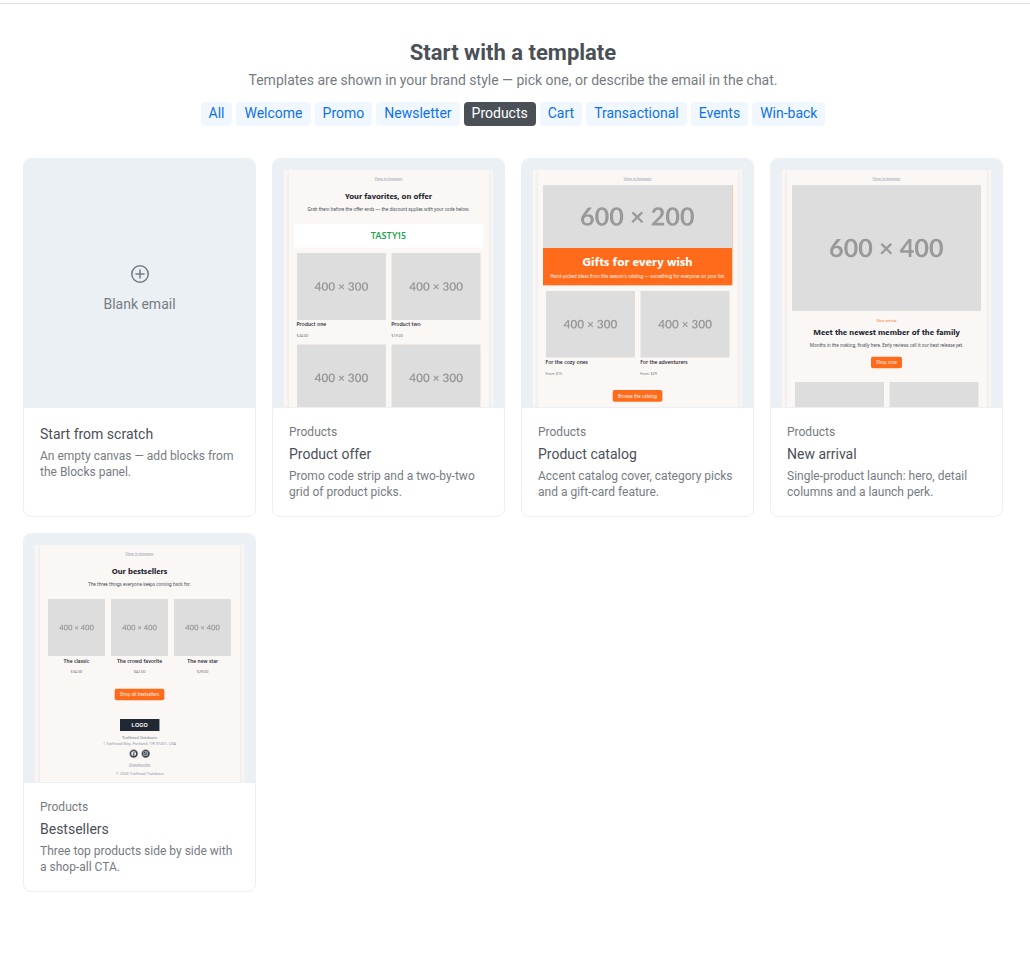
- Product offer: promote a specific set of products alongside a discount code.
- Product catalog: a browse-style showcase across multiple categories.
- New arrival: announce a single new product launch.
- Bestsellers: a social-proof push featuring your top-selling items.
Cart
Anchor link toBring a shopper back to a saved or watched item.
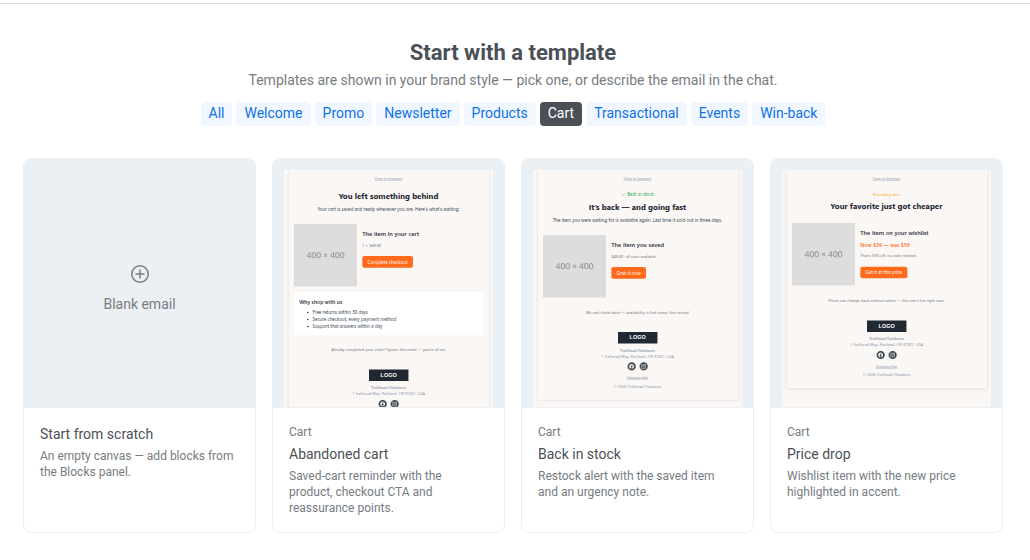
Segment: users who added items to their cart or wishlist, or watched a specific product, without completing a purchase.
Best time to send: within 1–2 hours of the triggering action for cart abandonment, and as soon as stock or price changes for the rest.
- Abandoned cart: remind a shopper about items left in their cart.
- Back in stock: alert a shopper that a previously unavailable item is available again.
- Price drop: notify a shopper that an item on their wishlist got cheaper.
Transactional
Anchor link toConfirm an order, appointment, shipment, or account action.
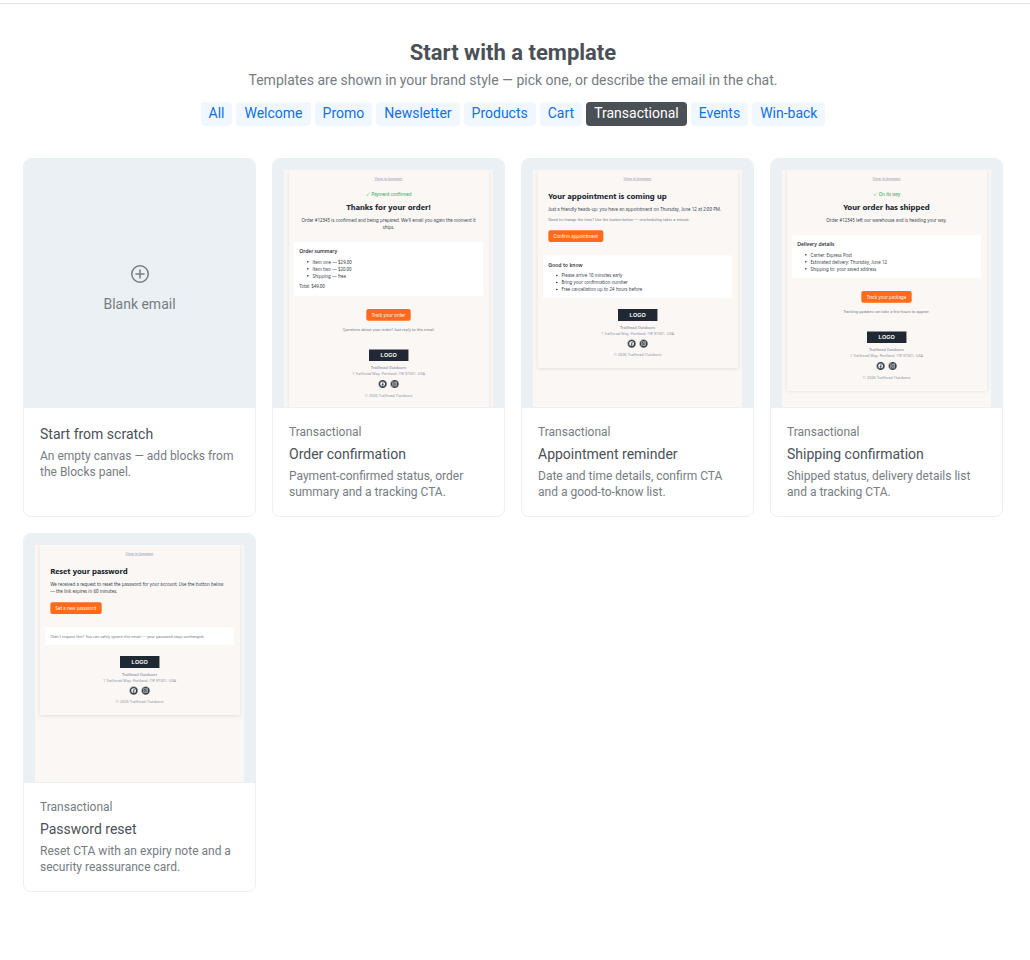
Segment: the specific user who triggered the action, not a broader marketing segment.
Best time to send: immediately after the triggering action, since the confirmation itself is the message.
- Order confirmation: confirm a completed purchase and share order and tracking details.
- Appointment reminder: remind a user of an upcoming booked appointment.
- Shipping confirmation: notify a user their order has shipped, with tracking.
- Password reset: deliver a secure reset link after a user requests one.
Events
Anchor link toInvite, remind, or follow up on an event.
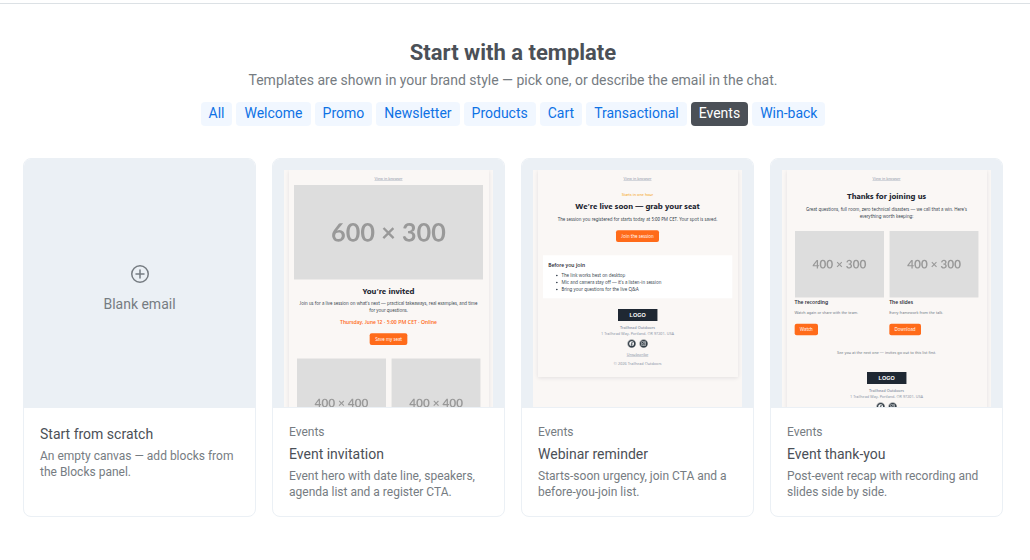
Segment: registered or invited attendees for a specific event.
Best time to send: the invitation ahead of the event, a reminder shortly before it starts, and a thank-you shortly after it ends.
- Event invitation: invite users to an upcoming event and get them to register.
- Webinar reminder: nudge registered attendees right before a webinar starts.
- Event thank-you: follow up after an event with a recording and materials.
Win-back
Anchor link toRe-engage an inactive user or ask for feedback.
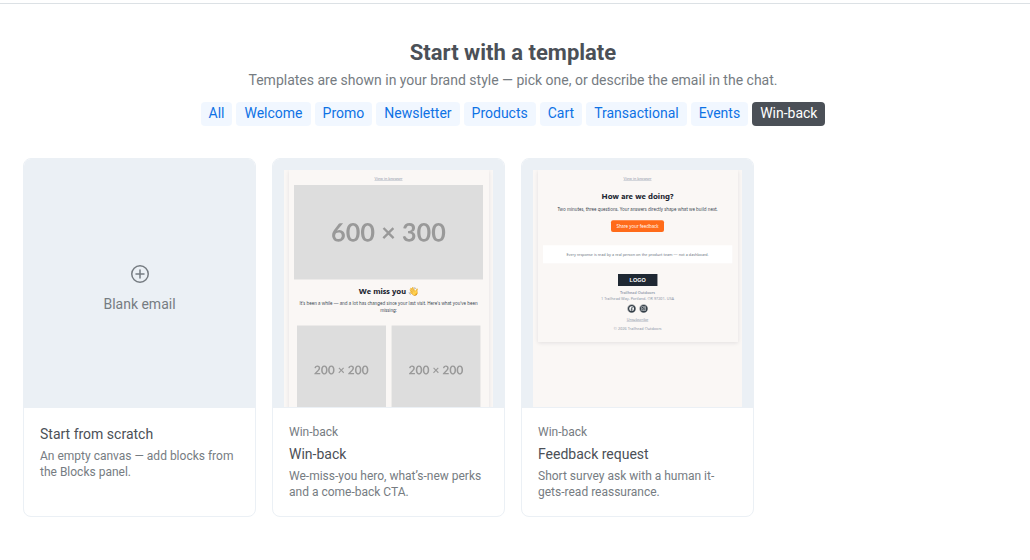
Segment: users who haven’t engaged in a while, or anyone you want direct feedback from.
Best time to send: after a defined period of inactivity (for example, 30–60 days) for win-back, or anytime for feedback requests.
- Win-back: re-engage a user who’s gone quiet with a reason to come back.
- Feedback request: ask a user for quick feedback on their experience.