向用户的所有设备发送推送
此方法允许您向用户的多个设备发送定向推送通知。生成的推送通知将发送到与指定 User ID 关联的所有设备。更多关于 User ID 的信息。
使用 Pushwoosh Journey 向用户的所有设备发送推送
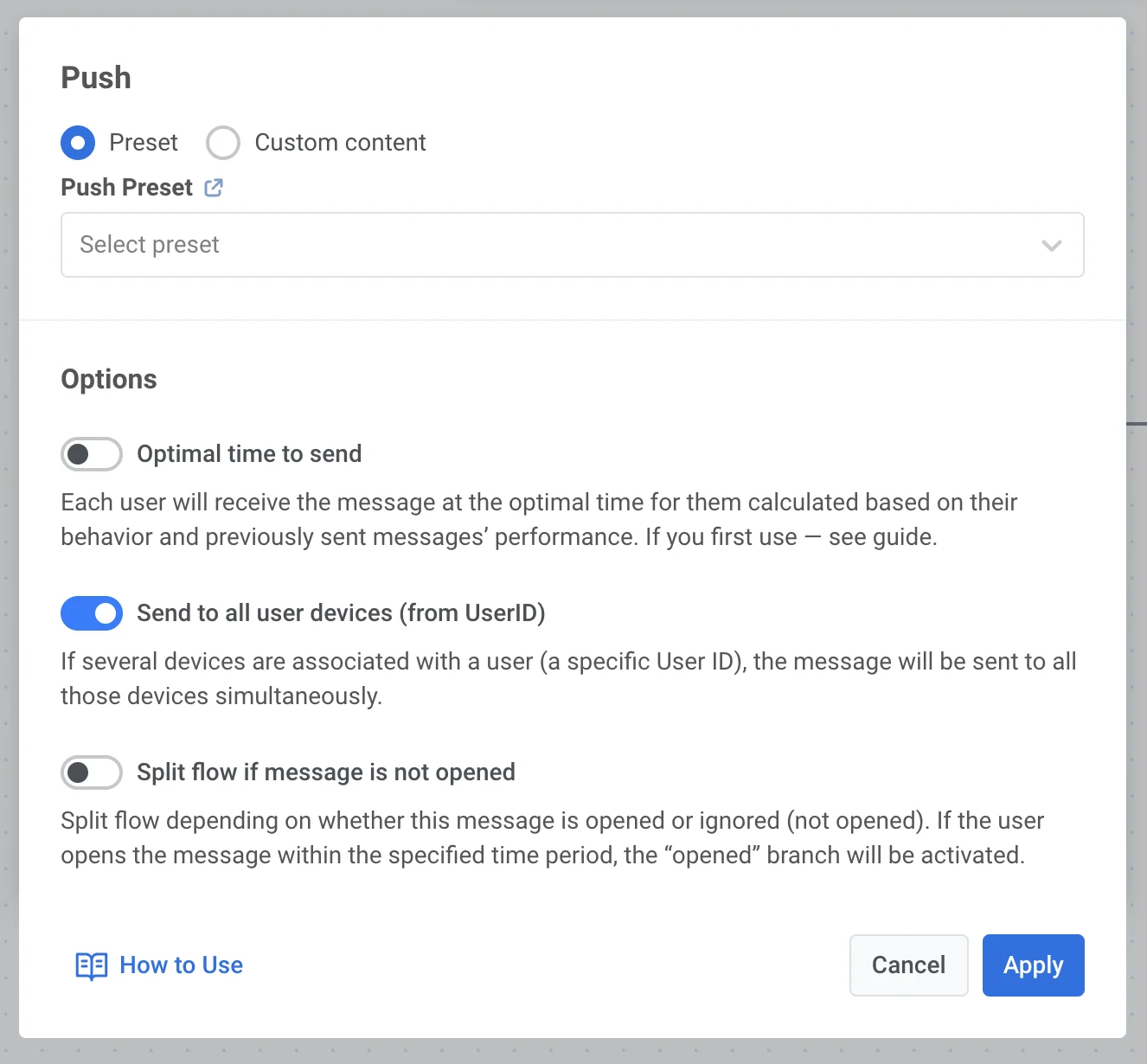
Anchor link to要向用户的所有设备发送推送,请在您的 Journey 中点击推送图标,然后向下滚动到“选项”(Options)。开启 Send to all devices (from User ID) 开关,然后点击 Apply。
此方法允许您向用户的多个设备发送定向推送通知。生成的推送通知将发送到与指定 User ID 关联的所有设备。更多关于 User ID 的信息。
要向用户的所有设备发送推送,请在您的 Journey 中点击推送图标,然后向下滚动到“选项”(Options)。开启 Send to all devices (from User ID) 开关,然后点击 Apply。