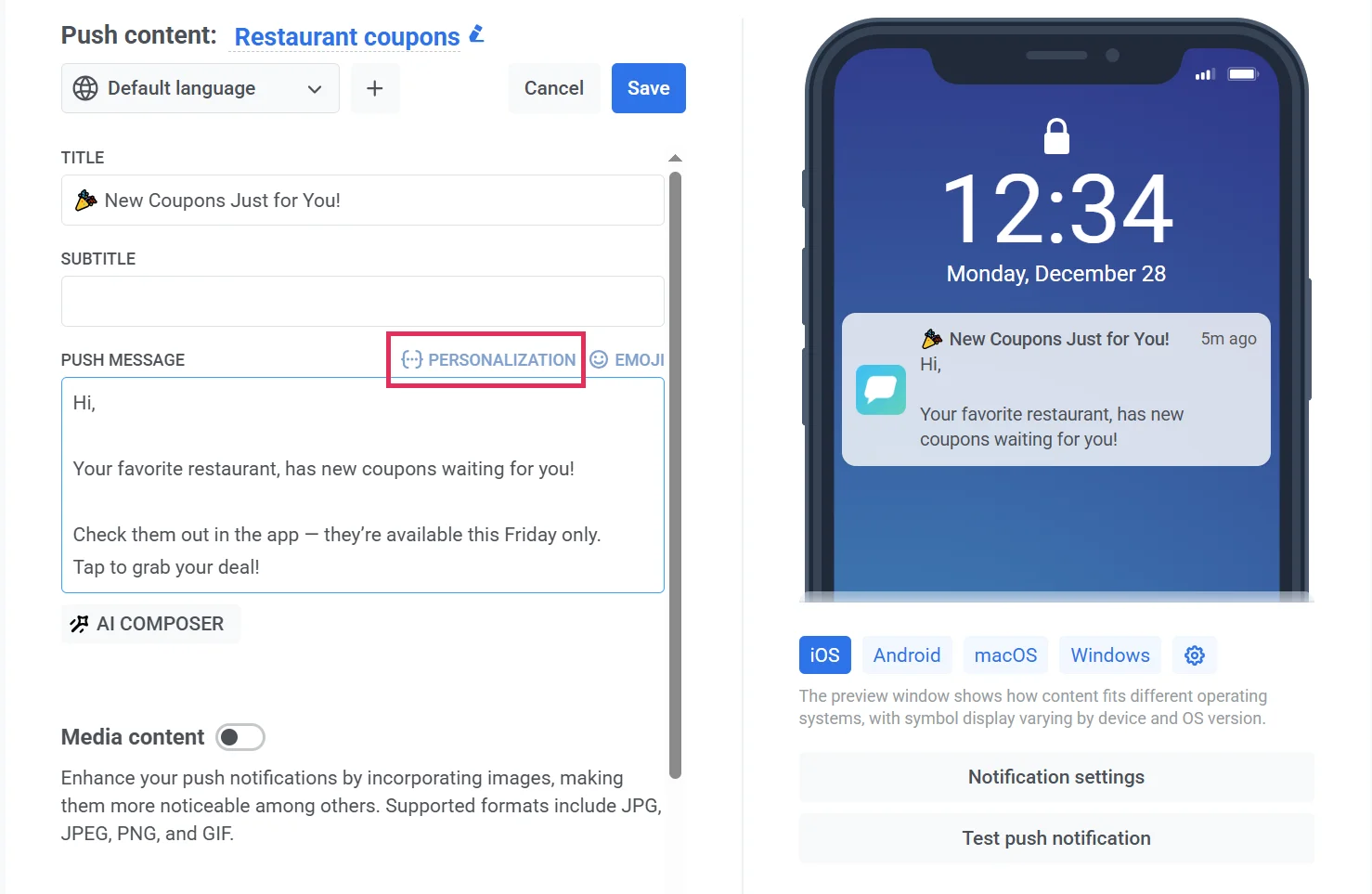
Using Dynamic content
Dynamic Content allows you to personalize your push messages by modifying the message content with corresponding Tag values that you collect from your users. This allows you to address your user by name, and use any of his or her preferences in the message to make it relevant for every single user.
Personalizing messages sent via API with Dynamic Content
Anchor link toTo personalize messages sent via API with Dynamic Content, please ensure you use the appropriate syntax for Dynamic Content placeholders.
1. To reach out to non-tagged users with a message containing some default Tag value, use the following Dynamic Content syntax: {Tag_name|format_modifier|default_value}.
For example, the message “Hello
{Alias|CapitalizeFirst|friend}!” will be sent to users with no alias specified and will look as “Hello friend!”.
2. To ignore non-tagged users, add a Dynamic Content formatted as follows: {Tag_name|format_modifier}. When there is no closing ”|” character, Ignore non-tagged is considered to be checked.
For example, a message “Get a -20% coupon in
{Restaurant|CapitalizeFirst}now!” will be sent only to those users who have any Tag value set on their devices or specified in “dynamic_content_placeholders” parameter of an API request. Non-tagged users won’t receive any message.
3. To send a message to non-tagged users, format Dynamic Content as follows: {Tag_name|format_modifier|}. When there is a closing ”|” character, Ignore non-tagged is considered to be unchecked.
For example, a message “Get a -20% coupon in
{Restaurant|CapitalizeFirst|}now!” will be sent to all the audience targeted including users with no Tag values specified. As a user has no Tag value and no default value is specified, non-tagged users will receive a message as is — “Get a -20% coupon in{Restaurant|CapitalizeFirst|}now!”.
Format modifiers by tag type
Anchor link toThe format modifier depends on the tag type. For example:
{Delivery date|d.m.Y H:i@local|}shows a Date tag in the recipient’s time zone, such as “23.11.2026 13:00”.{Price|currency:EUR|}shows a Price tag with the euro sign, such as ”€ 1 990.50”.{Interests|join:comma|}joins the values of a List tag with commas.{Subscribed|bool:yes_no|}shows a Boolean tag as “Yes” or “No” in the recipient’s language.
See Accepted modifiers for the full list.
Results
Anchor link toAs a result, imaginary Klaus and Annie will receive push messages from the same campaign, but personalized with their names and preferences: