MAUI Dotnet Geozones integration
Geozones let Pushwoosh send push notifications based on the device location. Before you start, integrate the base SDK as described in MAUI Dotnet, including its requirements. Then follow these steps:
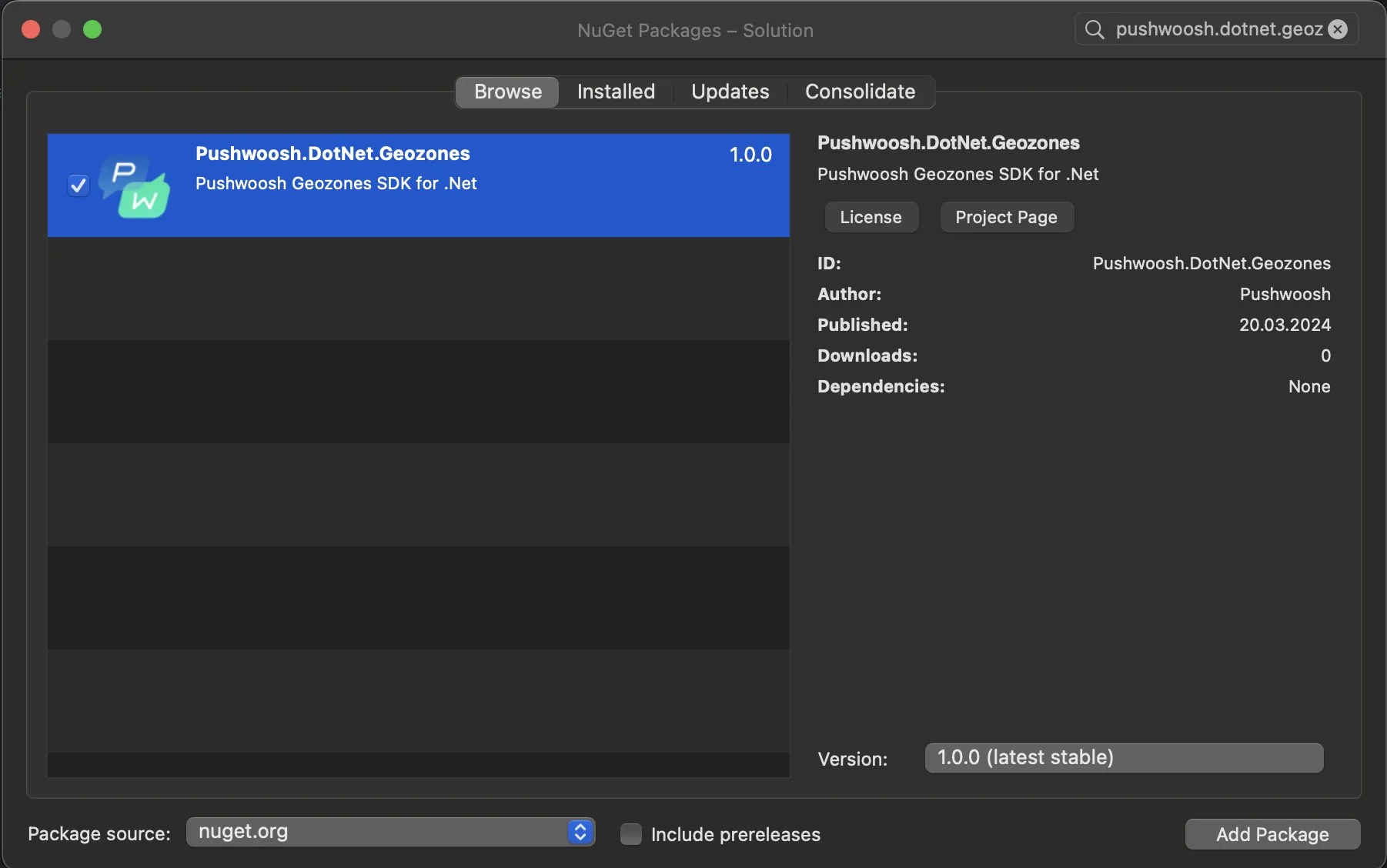
- Add the Pushwoosh.DotNet.Geozones NuGet Package to your solution. Update it together with
Pushwoosh.DotNet. Geozones 2.0.x crashes at launch on iOS next toPushwoosh.DotNet2.1.0 or later, so with that pair the build stops witherror PW0002.
- Android integration
In your Android project, locate the MainApplication.cs file and call LocationManager.Init() in OnCreate() right after PushManager.Init(), before base.OnCreate(). base.OnCreate() builds the MAUI app, and a page that uses LocationManager.Instance while it’s constructed finds it null if Init() runs later:
using Android.App;using Android.Runtime;using Pushwoosh.Android;using PushwooshSDK.DotNet.Geozones.Android;
...
[Application]public class MainApplication : MauiApplication{    public MainApplication(IntPtr handle, JniHandleOwnership ownership)        : base(handle, ownership)    {    }
    public override void OnCreate()    {        PushManager.Init();        LocationManager.Init();        base.OnCreate();    }
protected override MauiApp CreateMauiApp() => MauiProgram.CreateMauiApp();}- iOS integration
For your iOS project, open the AppDelegate.cs file and call LocationManager.Init() in FinishedLaunching()method:
using Pushwoosh.iOS;using PushwooshSDK.DotNet.Geozones.iOS;using UIKit;
...
[Register("AppDelegate")]public class AppDelegate : MauiUIApplicationDelegate{    public override bool FinishedLaunching(UIApplication application, NSDictionary launchOptions)    {        PushManager.Init();        LocationManager.Init();        return base.FinishedLaunching(application, launchOptions);    }
protected override MauiApp CreateMauiApp() => MauiProgram.CreateMauiApp();}- Add location permissions based on your app’s requirements.
Privacy - Location When In Use Usage Description permission should always be added.

5. Then start location tracking by calling the StartLocationTracking()method.
using PushwooshSDK.DotNet.Geozones;

...
LocationManager.Instance.StartLocationTracking();