使用 Liquid 模板
Liquid 模板通过在常规动态内容用法之外实现复杂的逻辑,极大地扩展了 Pushwoosh 的个性化功能。
Pushwoosh 中的消息个性化基于 Tags (用户数据)。Pushwoosh 提供了多种默认 Tags 和自定义 Tags。使用它们,您可以指定用户的名字、城市、购买历史等,以发送更个性化的消息,例如:嗨 {First_name},感谢您订购 {item}。
Liquid 模板为动态内容添加了更多逻辑。例如,如果用户的订阅标签包含 “free”,您可以向他们发送消息:“获取您的 10% 折扣。”
根据用户的 ID、行为和偏好修改消息内容是提高相关性并从营销活动中获得更佳效果的最有效方法。
基于 Shopify 的 Liquid 的内容模板使用 tags、objects 和 filters 的组合来加载动态内容。内容模板允许您从模板内部访问某些变量并输出其数据,而无需了解数据本身的任何信息。
Objects
Anchor link toobjects 定义将向用户显示的内容。objects 应包含在双花括号中:{{ }}
例如,在个性化消息时,在其正文中发送 {{Name}} 以将用户的姓名添加到消息内容中。用户的姓名(Name 标签值)将替换用户将看到的消息中的 Liquid 对象。
嗨 {{Name}}!我们很高兴您回来了!嗨 Anna!我们很高兴您回来了!
Tags
Anchor link totags 为模板创建逻辑和控制流。花括号百分比分隔符 {% 和 %} 以及它们包围的文本在模板呈现时不会产生任何可见的输出。这使您可以分配变量并创建条件或循环,而无需向用户显示任何 Liquid 逻辑。
例如,使用 if 标签,您可以根据用户设备上设置的语言来改变消息的语言:
{% if Language == 'fr' %}Salut!{% else %}Hello!{% endif %}Salut!
Hello!
Tags 运算符
Anchor link to| 运算符 | 描述 |
|---|---|
== | 等于 |
!= | 不等于 |
> | 大于 |
< | 小于 |
>= | 大于或等于 |
<= | 小于或等于 |
or | 逻辑或 |
and | 逻辑与 |
contains | 检查字符串或字符串数组中是否存在子字符串 |
Filters
Anchor link tofilters 修改 Liquid 对象或变量的输出。它们在双花括号 {{ }} 和变量赋值中使用,并由管道字符 | 分隔。一个输出可以使用多个过滤器,并从左到右应用。
{{ Name | capitalize | prepend:"Hello " }}Hello Anna
在通过 API 发送的消息中使用 Liquid 模板
Anchor link to在您的 createMessage 请求中使用 Liquid 语法来实现 Liquid 模板。模板可用于 createMessage 请求的 “content” 参数,以及任何其他支持动态内容的参数,特别是特定平台的 “title”、“subtitle” 和 “image” 参数。
通过使用内容模板,您可以在 API 请求中指定数据(传递 “template_bindings” 参数),或从存储在用户设备上的标签值中获取数据(不使用 “template_bindings” 参数)。这样,您就能够构建包含极其相关内容的用户级推送活动。
要使用名称中包含空格的标签定义模板逻辑,请使用以下技术:
示例
{% capture my_tag %}{{My Tag}}{% endcapture %}{% if my_tag == 'value' %}在这种情况下发送的内容{% else %}否则发送的内容{% endif %}Liquid 模板用例
Anchor link to在这里,您会发现几个 Liquid 模板派上用场的用例。
多语言推送
Anchor link toLiquid 模板使得明确指定用户应以何种语言接收您的推送消息成为可能。请看 API 请求的简单示例以及根据请求中使用的模板绑定收到的消息。
{% if Language == 'es' %}¡Hola!{% else %}Hello!{% endif %}{ "request": { "application": "XXXXX-XXXXX", // Pushwoosh 应用代码 "auth": "yxoPUlw.....IyEX4H", // Pushwoosh 控制面板中的 API 访问令牌 "notifications" : [ // 推送消息参数 { "content": "{% raw %}{% if language == 'es' %}¡Hola!{% else %}hello!{% endif %}{% endraw %}", "template_bindings": { // 可选。当请求中未传递 template_bindings 时,将使用设备中的标签值。 "language" : "es" } } ] }}语言为 ‘es’: ¡Hola!
语言为 ‘en’: Hello!
订阅升级提示
Anchor link to根据客户当前的计划,鼓励他们升级订阅。
{% if Subscription == 'Basic' %} 升级到白银版以获得更多产品功能和 24/7 支持。{% elsif Subscription == 'Silver' %} 升级到黄金版以获得优先支持和高级功能。{% else %} 请联系您的经理续订订阅。{% endif %}{ "request": { "application": "XXXXX-XXXXX", // Pushwoosh 应用代码 "auth": "yxoPUlw.....IyEX4H", // Pushwoosh 控制面板中的 API 访问令牌 "notifications" : [ // 推送消息参数 { "content": "{% raw %}{% if Subscription == 'Basic' %}升级到白银版以获得更多产品功能和 24/7 支持。{% elsif Subscription == 'Silver' %}升级到黄金版以获得优先支持和高级功能。{% else %}请联系您的经理续订订阅。 {% endif %}{% endraw %}", "template_bindings": { // 可选。当请求中未传递 template_bindings 时,将使用设备中的标签值。 "language" : "es" } } ] }}对于基础订阅计划的用户: 升级到白银版以获得更多产品功能和 24/7 支持。
对于白银订阅计划的用户: 升级到黄金版以获得优先支持和高级功能。
对于其他计划的用户: 请联系您的经理续订订阅。
列表标签
Anchor link to内容模板对于处理列表类型的标签非常有用。
变量大小
Anchor link to一种可能的用例是根据标签包含的值的数量来提供不同的内容。例如,您可以为具有不同行为的客户提供不同的折扣。假设客户的愿望清单中有一些商品——根据他们打算购买的产品数量,用最合适的折扣鼓励他们购买!
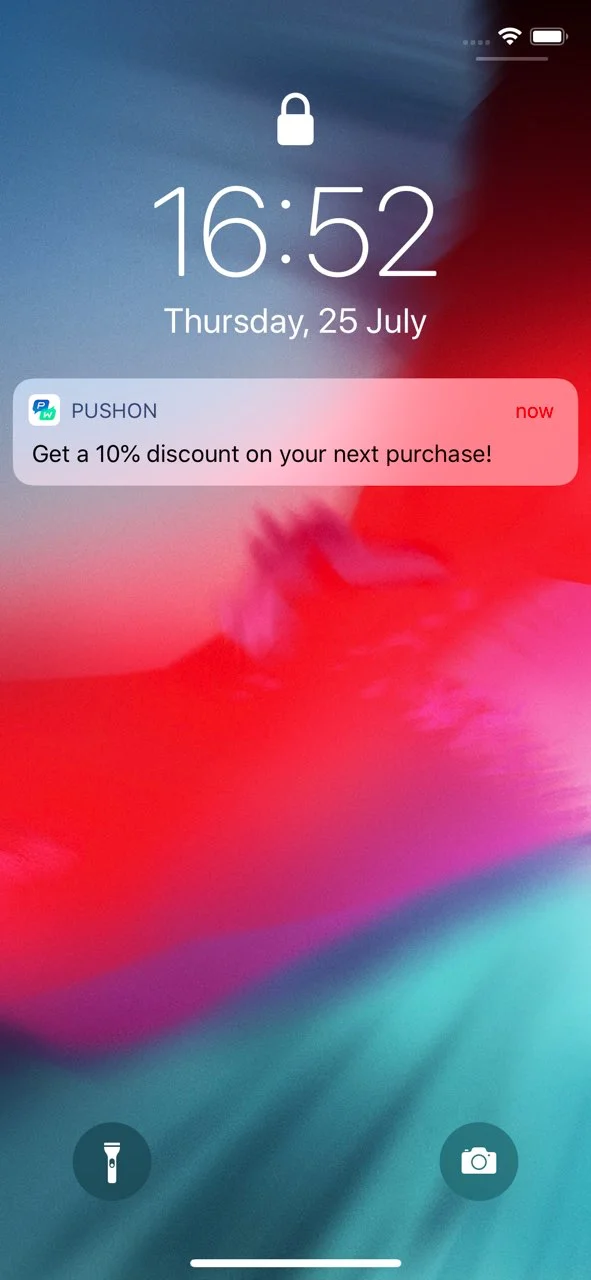
{% if WishList.size >= 3 %}下次购买可享 8 折优惠!{% elsif WishList.size == 2 %}下次购买可享 9 折优惠!{% else %}嘿,快来看看新款外套!{% endif %}{ "request": { "application": "XXXXX-XXXXX", // Pushwoosh 应用代码 "auth": "yxoPUlw.....IyEX4H", // Pushwoosh 控制面板中的 API 访问令牌 "notifications" : [ // 推送消息参数 { "content": "{% raw %}{% if WishList.size >= 3 %}下次购买可享 8 折优惠!{% elsif WishList.size == 2 %}下次购买可享 9 折优惠!{% else %}嘿,快来看看新款外套!{% endif %}{% endraw %}", "template_bindings": { "WishList" : ["Skinny Low Ankle Jeans", "Linen Trenchcoat", "High Waisted Denim Skirt", "Strappy Tiered Maxi Dress"] } } ] }}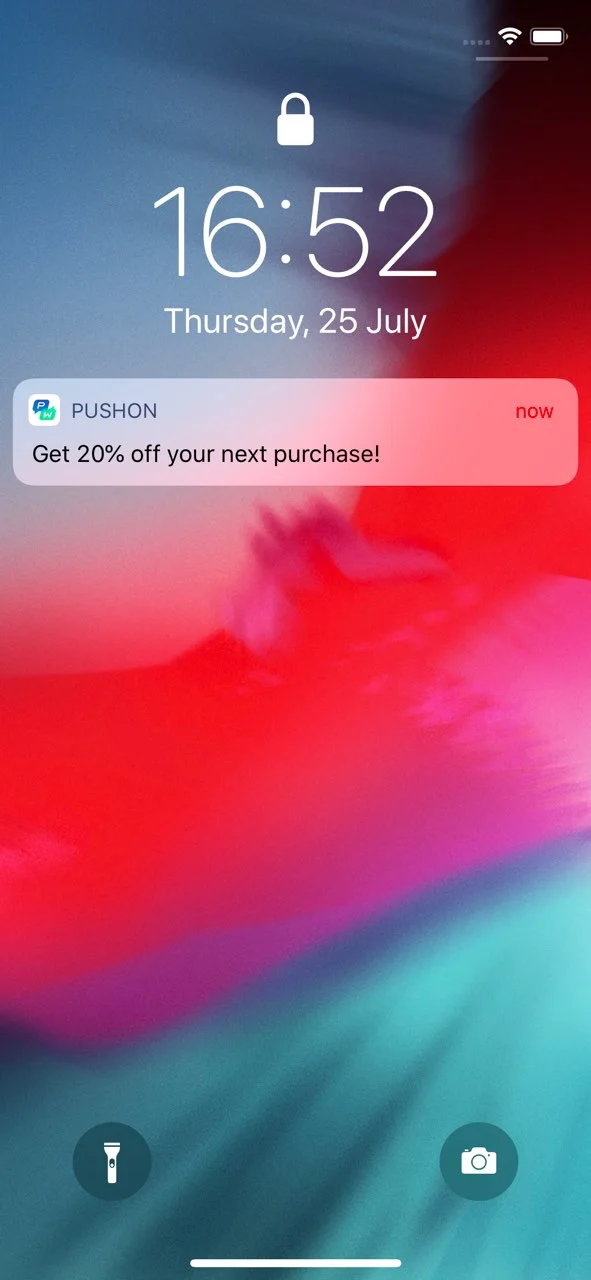
变量包含
Anchor link to您可能需要处理的另一个情况是处理列表标签值,并根据标签包含的值提供最相关的内容。
{% if WishList contains 'Skinny Low Ankle Jeans' %}愿望清单中的产品可享 8 折优惠!{% else %}嘿,快来看看全新的 Skinny Low Ankle Jeans!{% endif %}{ "request": { "application": "C90C0-0E786", "auth": "yxoPUlw.....IyEX4H", // Pushwoosh 控制面板中的 API 访问令牌 "notifications" : [ // 推送消息参数 { "content": "{% raw %}{% if WishList contains 'Skinny Low Ankle Jeans' %}下次购买可享 8 折优惠!{% else %}嘿,快来看看全新的 Skinny Low Ankle Jeans!{% endif %}{% endraw %}", "template_bindings": { "WishList" : ["Skinny Low Ankle Jeans", "Linen Trenchcoat", "High Waisted Denim Skirt", "Strappy Tiered Maxi Dress"] } } ] }}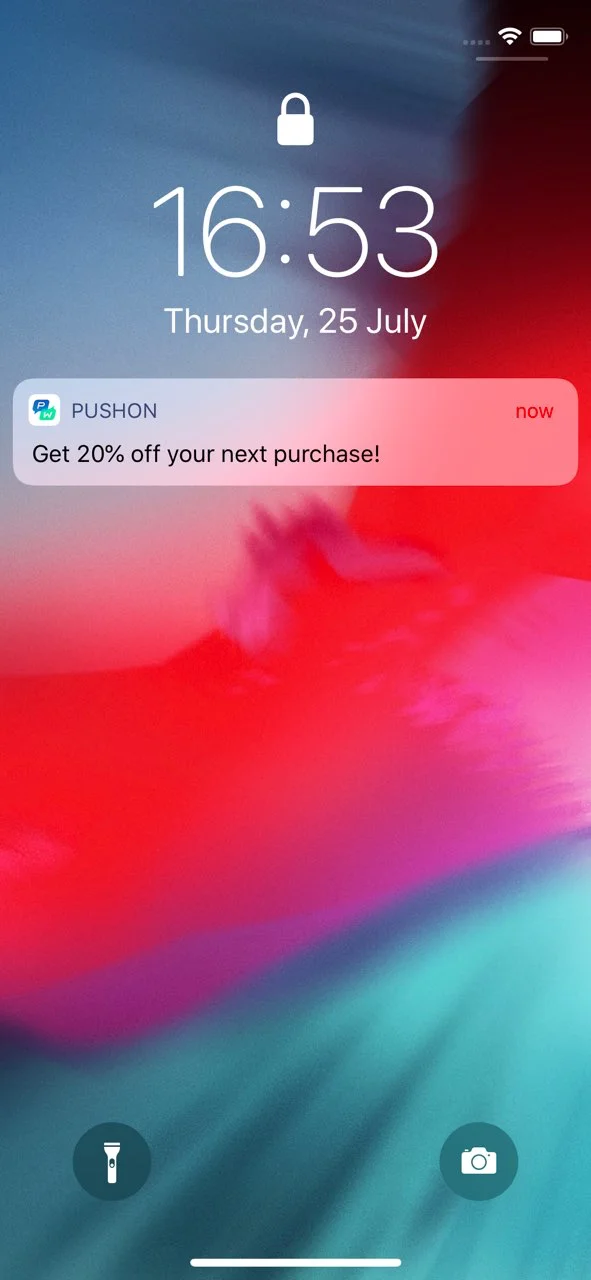
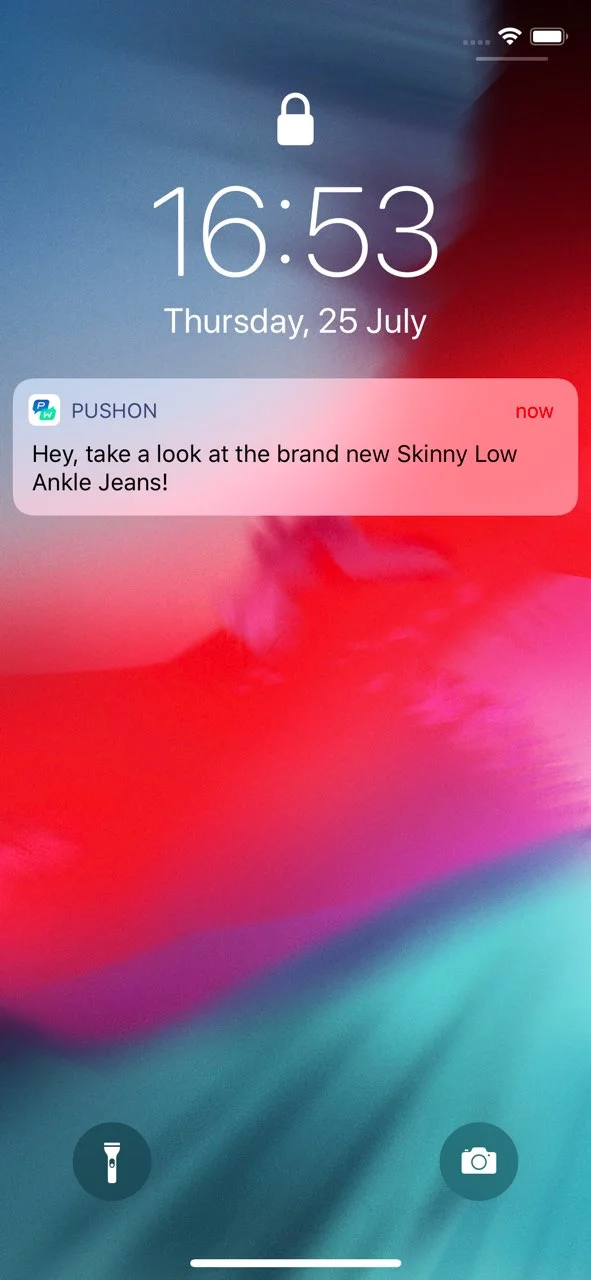
通过使用内容模板,您可以根据用户的行为调整消息内容。例如,如果列表标签包含多个值,您可以修改消息文本以包含复数词。
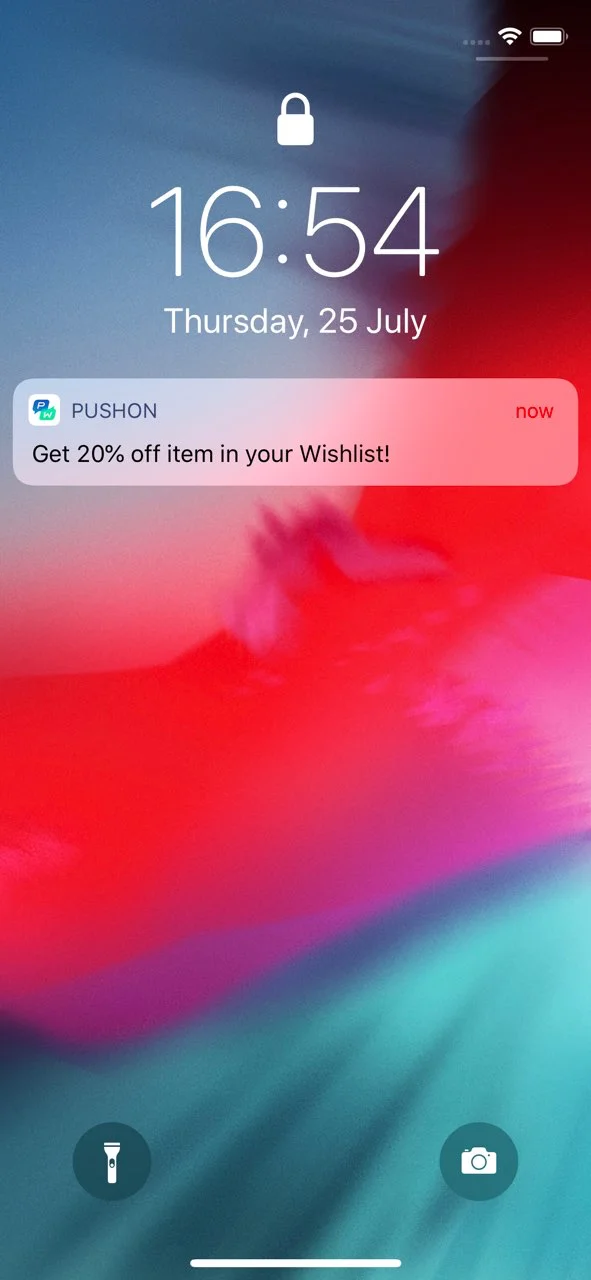
Get 20% off item{% if WishList.size > 1 %} s in your WishList!{% else %} in your Wishlist!{% endif %}{ "request": { "application": "C90C0-0E786", "auth": "yxoPUlw.....IyEX4H", // Pushwoosh 控制面板中的 API 访问令牌 "notifications" : [ // 推送消息参数 { "content": "Get 20% off item{% raw %}{% if WishList.size > 1 %}s in your WishList!{% else %} in your Wishlist!{% endif %}{% endraw %}", "template_bindings": { // 可选。当请求中未传递 template_bindings 时,将使用设备中的标签值。 "WishList" : ["Skinny Low Ankle Jeans", "Linen Trenchcoat", "High Waisted Denim Skirt", "Strappy Tiered Maxi Dress"] } } ] }}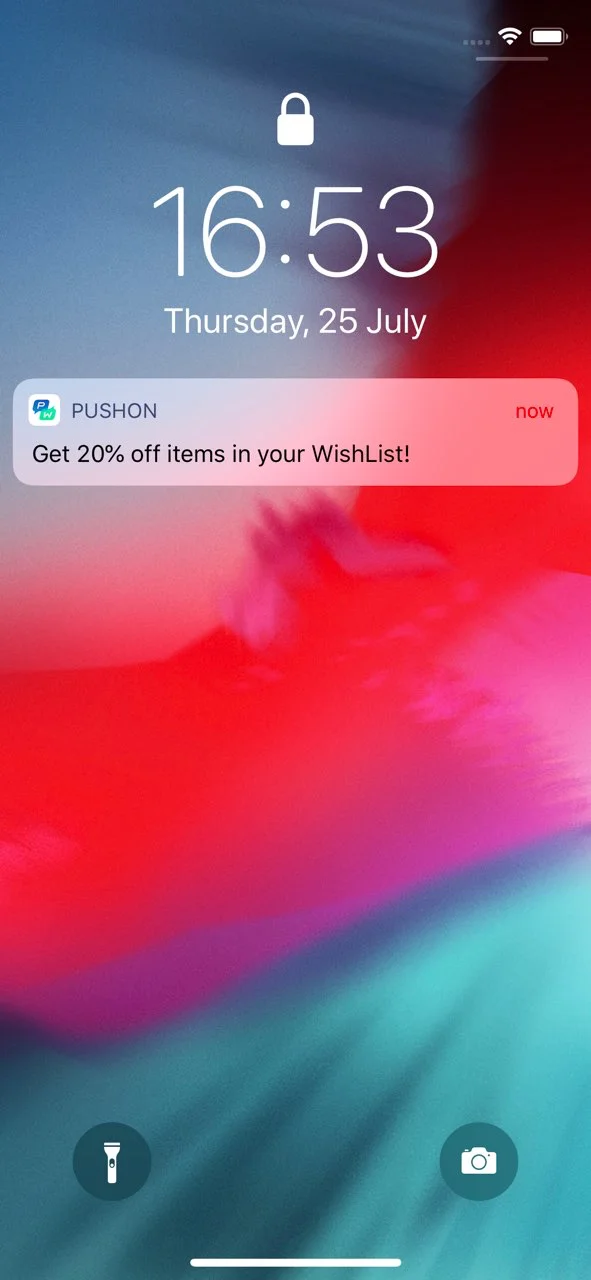
时区模板根据指定的时区转换日期和时间。
{{ MyDate | timezone: MyTimezone | date: \"%Y-%m-%d %H:%M\" }}{ "request" : { "auth" : "3H9bk8w3.....Acge2RbupTB", // Pushwoosh 控制面板中的 API 访问令牌 "application" : "XXXXX-XXXXX", // Pushwoosh 应用代码 "notifications" : [ // 推送消息参数 { "content": "Current Date: {{ MyDate | timezone: MyTimezone | date: \"%Y-%m-%d %H:%M\" }}", "template_bindings": { // 可选。当请求中未传递 template_bindings 时,将使用设备中的标签值。 "MyDate" : "2019-07-23 15:00", "MyTimezone" : "Asia/Dubai" } } ] }}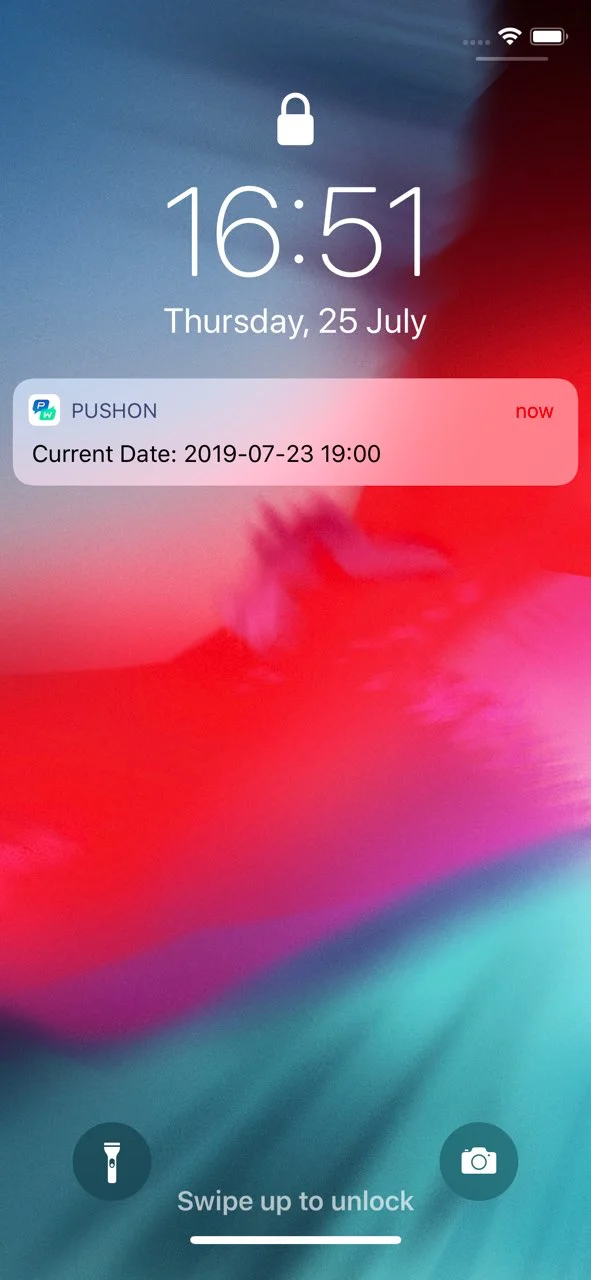
连接内容
Anchor link to连接内容是 Liquid 模板中的一项功能,允许您直接在电子邮件或推送通知消息中动态检索和使用来自外部源(例如 Web 服务)的数据。此功能通过从指定 URL 获取 JSON 数据并将其保存到可在内容中使用的变量中,从而实现实时个性化。
主要用例
Anchor link to-
产品推荐:显示为每个用户量身定制的个性化产品列表。
-
促销代码:插入由后端服务生成的唯一促销代码。
先决条件
Anchor link to- 要使用连接内容,您必须拥有自己的后端服务,该服务根据 User ID、HWID 或自定义标签 生成并提供所需的数据(例如,促销代码、产品推荐)。然后,Pushwoosh 在发送消息之前获取此数据。
分步实施指南
Anchor link to步骤 1. 设置后端服务
Anchor link to后端服务应:
- 接受包含用户特定参数(例如,
userId)的请求。连接内容支持UserID、HWID或您在项目中设置的任何自定义标签。 - 返回包含所需数据的 JSON 响应。然后,此内容可以动态插入到消息中。
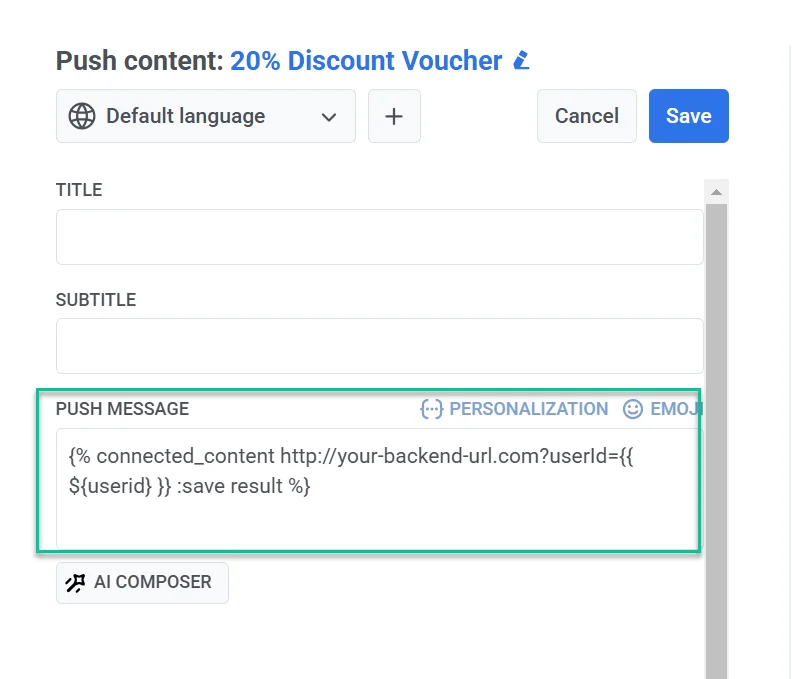
步骤 2. 在 Pushwoosh 中创建带有连接内容的预设
Anchor link to- 在 Push 或 Email 内容编辑器中,将连接内容语法插入到消息字段中。
示例
{% connected_content http://your-backend-url.com?userId={{ ${userid} }} :save result %}语法分解
connected_content | 从指定的后端 URL 获取 JSON 数据。 |
http://your-backend-url.com | 以 JSON 格式返回所需数据的后端端点。 |
userId={{ ${userid} }} | 一个动态查询参数,将用户 ID 传递给后端。 |
:save result | 将获取的 JSON 响应存储在 result 变量中,以供 Liquid 模板使用。 |
身份验证(可选)
如果您的后端服务需要身份验证,您可以在连接内容请求中包含 API 密钥或令牌,以确保安全访问。
{% connected_content http://your-backend-url.com?userId={{ ${userid} }}&auth=YOUR_API_KEY :save result %}在连接内容中使用标签
要包含自定义标签,请将它们作为查询参数插入到连接内容请求中({{ tag_name }})。
{% connected_content http://your-backend-url.com?userId={{ ${userid} }}{{ Language }} :save result %}- 接下来,添加包含检索到的数据的消息文本,如下所示:
嘿,{{userid}},获取您的个人促销代码 - {{result.code}}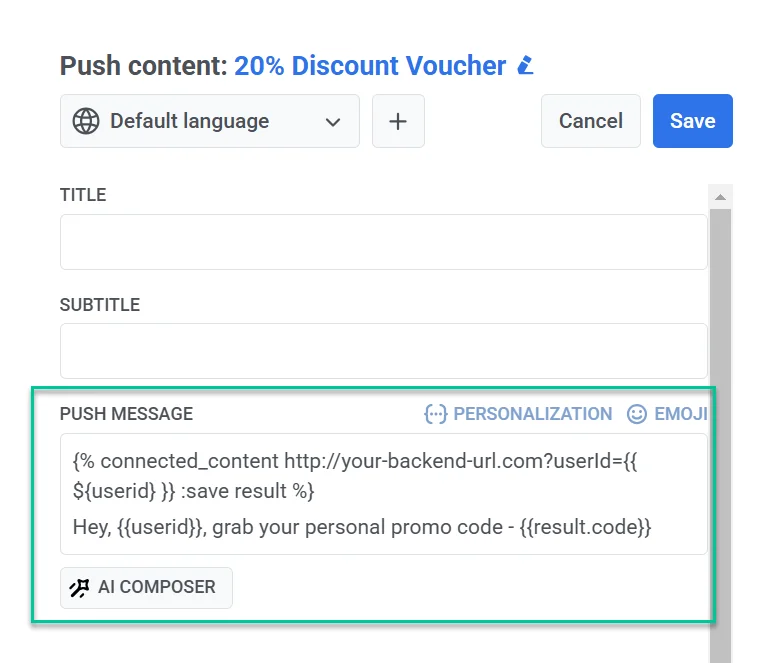
- 在最终确定消息内容并配置预设设置后,保存它以便在活动中重复使用。