AMP 웹 푸시
AMP는 거의 즉시 로드되는 사용자 우선 웹 페이지를 개발하기 위한 오픈 소스 Google 프레임워크입니다.
AMP 웹 푸시 구성 요소를 AMP 웹 페이지에 통합하면 고객이 모바일 브라우저에서 웹 서핑을 할 때 고객에게 다가갈 수 있습니다.
웹사이트에 AMP 통합하기
Anchor link to다음 파일을 웹사이트의 루트 디렉터리에 추가하세요:
permission-dialog.html 파일에는 사용자 정의할 수 있는 두 개의 블록이 있습니다:
<div class="subscribe" permission="default"> <p class="message"> {푸시 알림 구독하기} </p></div><div class="blocked" permission="denied"> <p class="message"> {브라우저 설정에서 푸시 알림 차단 해제하기} </p></div>여기서:
{푸시 알림 구독하기}— 사용자에게 푸시 알림을 허용하도록 요청하는 CTA 메시지입니다.{브라우저 설정에서 푸시 알림 차단 해제하기}— 사용자가 푸시 알림을 차단 해제하도록 유도하는 CTA 메시지입니다 (사용자가 푸시 알림을 명시적으로 차단한 경우).
권한 대화 상자의 모양을 사용자 정의하려면 다음 코드를 <head> 태그에 추가하세요:
 <style amp-custom>    .subscribe {        /* your css here */    }
    .blocked {        /* your css here */    }</style>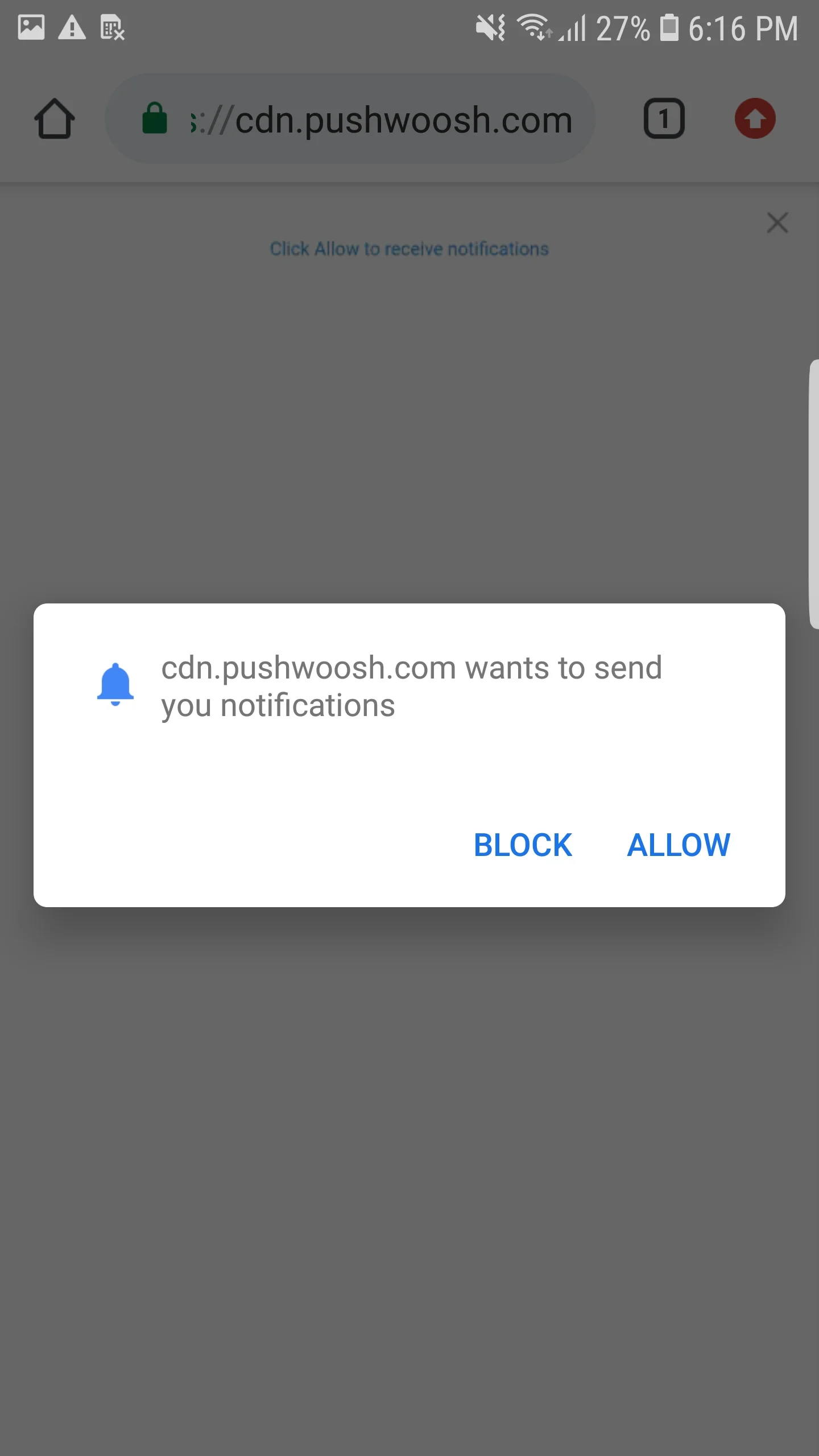
AMP 웹 푸시 통합하기
Anchor link toAMP 페이지에 웹 푸시 알림을 구현하려면 각 AMP 페이지에 amp-web-push 구성 요소를 추가하세요.
이를 위해 다음 두 단계를 따르세요:
1. 다음 스크립트를 <head> 태그에 추가하세요:
<head> ... <script async custom-element="amp-web-push" src="https://cdn.ampproject.org/v0/amp-web-push-0.1.js"></script> ...</head>2. 다음 코드를 <body> 태그에 추가하세요:
<body> <amp-web-push id="amp-web-push" layout="nodisplay" helper-iframe-url="https://{domain}/helper-iframe.html" permission-dialog-url="https://{domain}/permission-dialog.html"service-worker-url="https://{domain}/service-worker.js?applicationCode={applicationCode}&senderId={senderId}&applicationServerKey={applicationServerKey}" ></amp-web-push> ... <!-- Start Subscribe to notifications button --> <amp-web-push-widget visibility="unsubscribed" layout="fixed" width="250" height="80"> <button class="subscribe" on="tap:amp-web-push.subscribe"> {구독 버튼의 텍스트} </button> </amp-web-push-widget> <!-- End the Subscribe to notifications button --> <!-- Start Unsubscribe from notifications button --> <amp-web-push-widget visibility="subscribed" layout="fixed" width="250" height="80"> <button class="unsubscribe" on="tap:amp-web-push.unsubscribe"> {구독 취소 버튼의 텍스트} </button> </amp-web-push-widget> <!-- End Unsubscribe from notifications button --> <!-- Start Fallback if a user blocks notifications --> <amp-web-push-widget visibility="blocked" layout="fixed" width="250" height="80"> <div class="fallback"> {사용자가 알림을 차단할 경우의 대체 문구} </div> </amp-web-push-widget> <!-- End Fallback if a user blocks notifications -->...</body>여기서:
{domain}— 웹사이트 URL,{applicationCode}— Pushwoosh 앱 코드,{senderId}— Firebase 콘솔의 발신자 ID,{applicationServerKey}— Firebase 콘솔의 서버 키,{구독 버튼의 텍스트}— 푸시 알림을 활성화하는 버튼의 텍스트,{구독 취소 버튼의 텍스트}— 푸시 알림을 비활성화하는 버튼의 텍스트,{사용자가 알림을 차단할 경우의 대체 문구}— 사용자가 푸시 알림을 차단할 때 표시되는 대체 블록입니다.
버튼 스타일을 사용자 정의하려면 다음 코드를 <head> 태그에 추가하세요:
<style amp-custom> amp-web-push-widget button.subscribe { /* your css here */ } amp-web-push-widget button.unsubscribe { /* your css here */ } amp-web-push-widget .fallback { /* your css here */ }</style>모든 작업을 올바르게 수행했는지 확인하려면 https://search.google.com/test/amp를 사용하세요.