MAUI Dotnet Geozones 연동
Pushwoosh를 사용하면 MAUI .NET 애플리케이션에 Geozones 기능을 간단하게 연동할 수 있습니다. 시작하려면 다음 단계를 따르세요:
- 솔루션에 Pushwoosh.DotNet.Geozones NuGet 패키지를 추가합니다
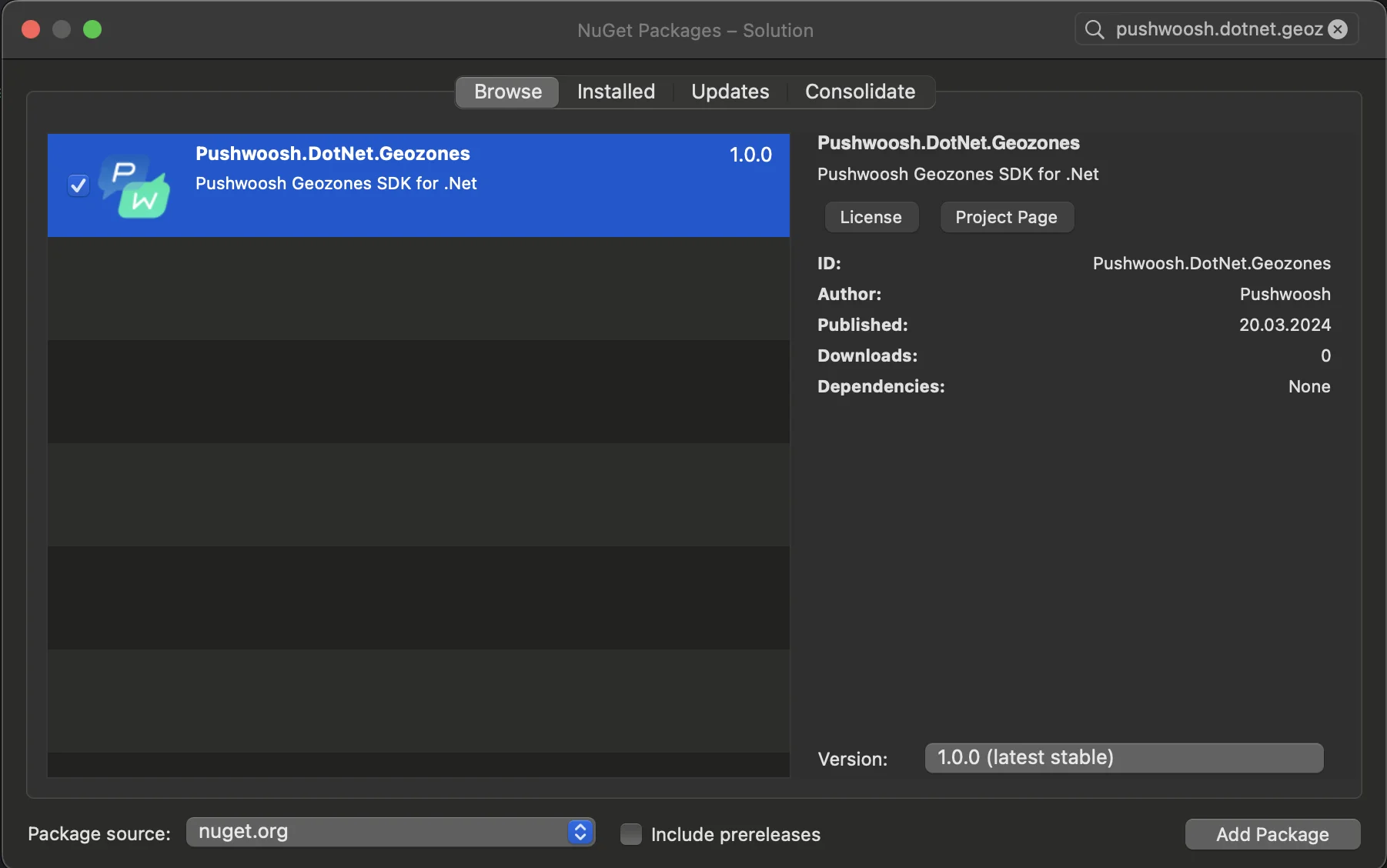
- Android 연동
Android 프로젝트에서 MainActivity.cs 파일을 찾아 OnCreate() 메서드에서 LocationManager.Init()를 호출합니다:
using PushwooshSDK.DotNet.Geozones.Android;
...
[Activity(Theme = "@style/Maui.SplashTheme", MainLauncher = true, ConfigurationChanges = ConfigChanges.ScreenSize | ConfigChanges.Orientation | ConfigChanges.UiMode | ConfigChanges.ScreenLayout | ConfigChanges.SmallestScreenSize | ConfigChanges.Density)]public class MainActivity : MauiAppCompatActivity{ protected override void OnCreate(Bundle savedInstanceState) { base.OnCreate(savedInstanceState); PushManager.Init(); LocationManager.Init(); }}- iOS 연동
iOS 프로젝트의 경우, AppDelegate.cs 파일을 열고 FinishedLaunching() 메서드에서 LocationManager.Init()를 호출합니다:
using Pushwoosh.iOS;using PushwooshSDK.DotNet.Geozones.iOS;using UIKit;
...
[Register("AppDelegate")]public class AppDelegate : MauiUIApplicationDelegate{    public override bool FinishedLaunching(UIApplication application, NSDictionary launchOptions)    {        PushManager.Init();        LocationManager.Init();        return base.FinishedLaunching(application, launchOptions);    }
protected override MauiApp CreateMauiApp() => MauiProgram.CreateMauiApp();}- 앱의 요구 사항에 따라 위치 권한을 추가합니다.
Privacy - Location When In Use Usage Description 권한은 항상 추가해야 합니다.

5. 그런 다음 StartLocationTracking() 메서드를 호출하여 위치 추적을 시작합니다.
using PushwooshSDK.DotNet.Geozones;

...
LocationManager.Instance.StartLocationTracking();