Windows 구성
WNS 인증
Anchor link to먼저, 여기에 있는 Microsoft Dev Center 가이드에 따라 Windows Push Notification Service로 애플리케이션을 인증하세요.
Pushwoosh 구성
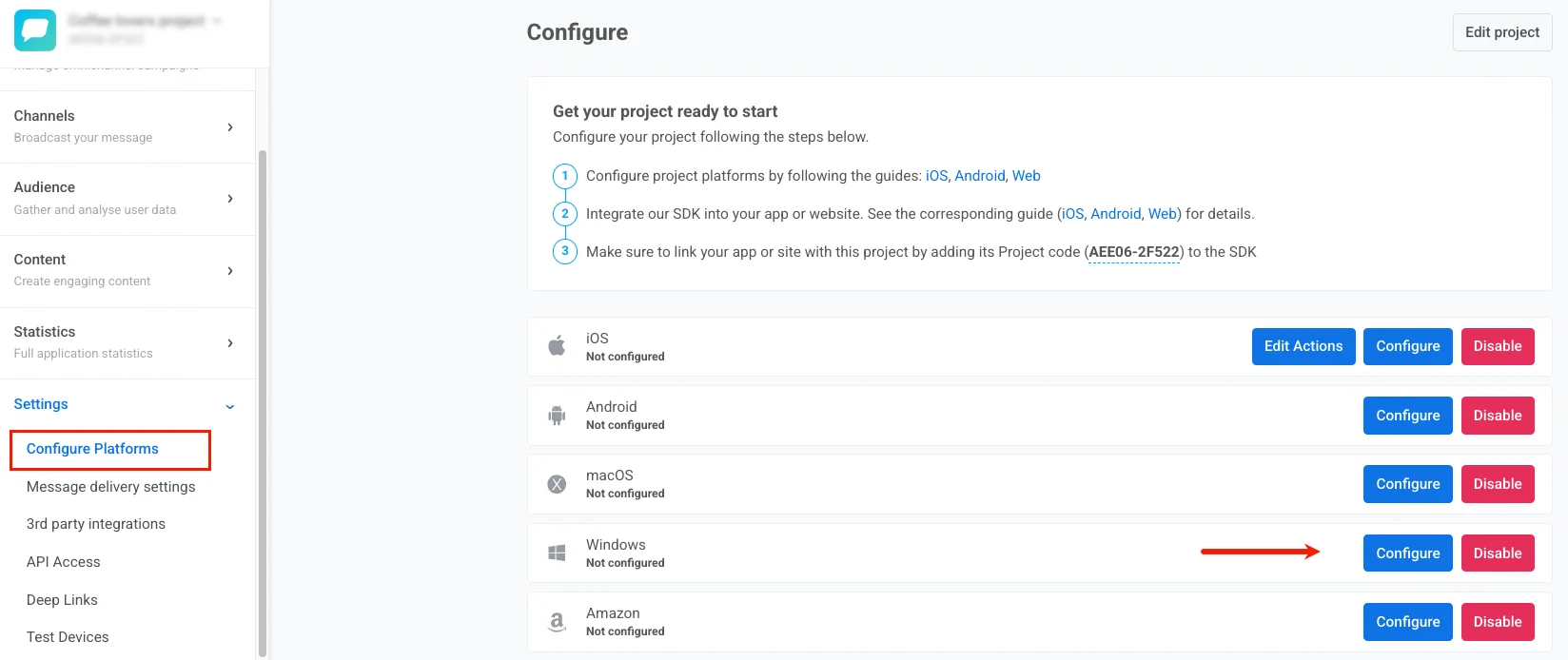
Anchor link to- Pushwoosh 프로젝트에서 Configure Platforms로 이동하여 Windows 옆의 Configure를 클릭합니다.
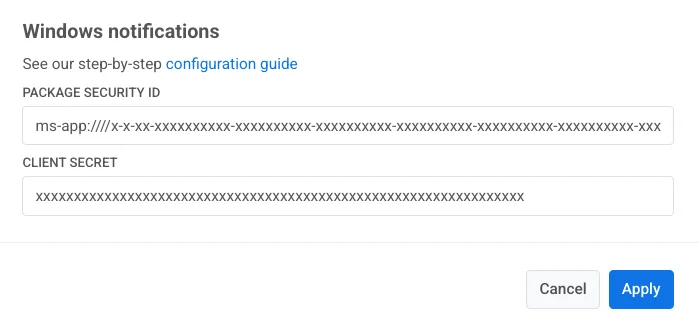
- 구성 창에서 Package Security ID와 Client Secret을 지정하고 Save를 클릭합니다.
다음 Windows 템플릿을 확인하세요:
Windows Tile Template Windows Toast Template Windows Badge Template