MAUI Dotnet Geozones ইন্টিগ্রেশন
Pushwoosh-এর সাহায্যে আপনার MAUI .NET অ্যাপ্লিকেশনে Geozones কার্যকারিতা ইন্টিগ্রেট করা খুবই সহজ। শুরু করার জন্য এই ধাপগুলি অনুসরণ করুন:
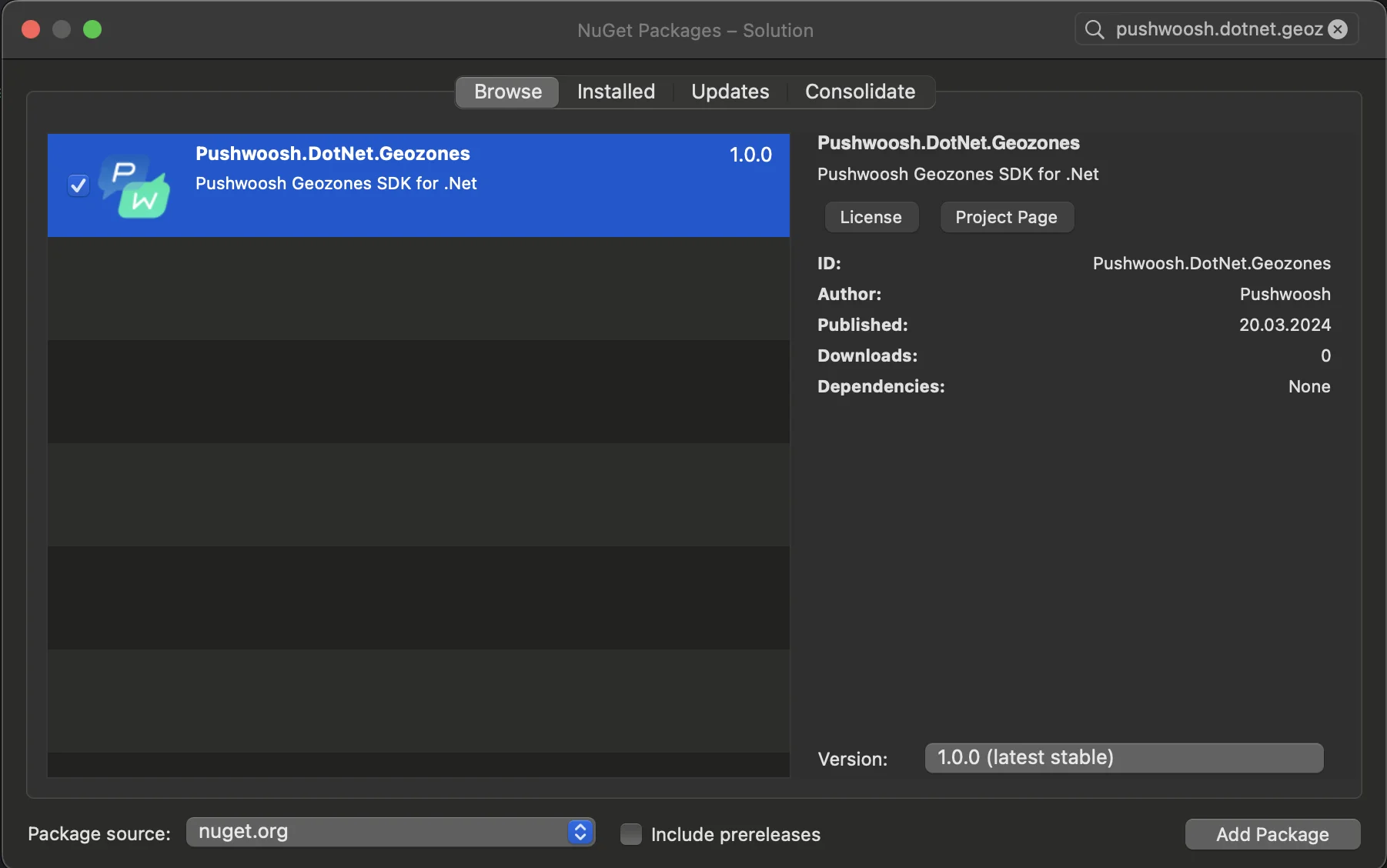
- আপনার সলিউশনে Pushwoosh.DotNet.Geozones NuGet প্যাকেজ যোগ করুন
- Android ইন্টিগ্রেশন
আপনার Android প্রজেক্টে, MainActivity.cs ফাইলটি খুঁজুন এবং OnCreate() মেথডে LocationManager.Init() কল করুন:
using PushwooshSDK.DotNet.Geozones.Android;
...
[Activity(Theme = "@style/Maui.SplashTheme", MainLauncher = true, ConfigurationChanges = ConfigChanges.ScreenSize | ConfigChanges.Orientation | ConfigChanges.UiMode | ConfigChanges.ScreenLayout | ConfigChanges.SmallestScreenSize | ConfigChanges.Density)]public class MainActivity : MauiAppCompatActivity{ protected override void OnCreate(Bundle savedInstanceState) { base.OnCreate(savedInstanceState); PushManager.Init(); LocationManager.Init(); }}- iOS ইন্টিগ্রেশন
আপনার iOS প্রজেক্টের জন্য, AppDelegate.cs ফাইলটি খুলুন এবং FinishedLaunching() মেথডে LocationManager.Init() কল করুন:
using Pushwoosh.iOS;using PushwooshSDK.DotNet.Geozones.iOS;using UIKit;
...
[Register("AppDelegate")]public class AppDelegate : MauiUIApplicationDelegate{    public override bool FinishedLaunching(UIApplication application, NSDictionary launchOptions)    {        PushManager.Init();        LocationManager.Init();        return base.FinishedLaunching(application, launchOptions);    }
protected override MauiApp CreateMauiApp() => MauiProgram.CreateMauiApp();}- আপনার অ্যাপের প্রয়োজনীয়তা অনুযায়ী লোকেশন পারমিশন যোগ করুন।
Privacy - Location When In Use Usage Description পারমিশনটি সবসময় যোগ করা উচিত।

- তারপর
StartLocationTracking()মেথড কল করে লোকেশন ট্র্যাকিং শুরু করুন।
using PushwooshSDK.DotNet.Geozones;

...
LocationManager.Instance.StartLocationTracking();