适用于 HTTP 网站的 Chrome 和 Firefox Web 推送
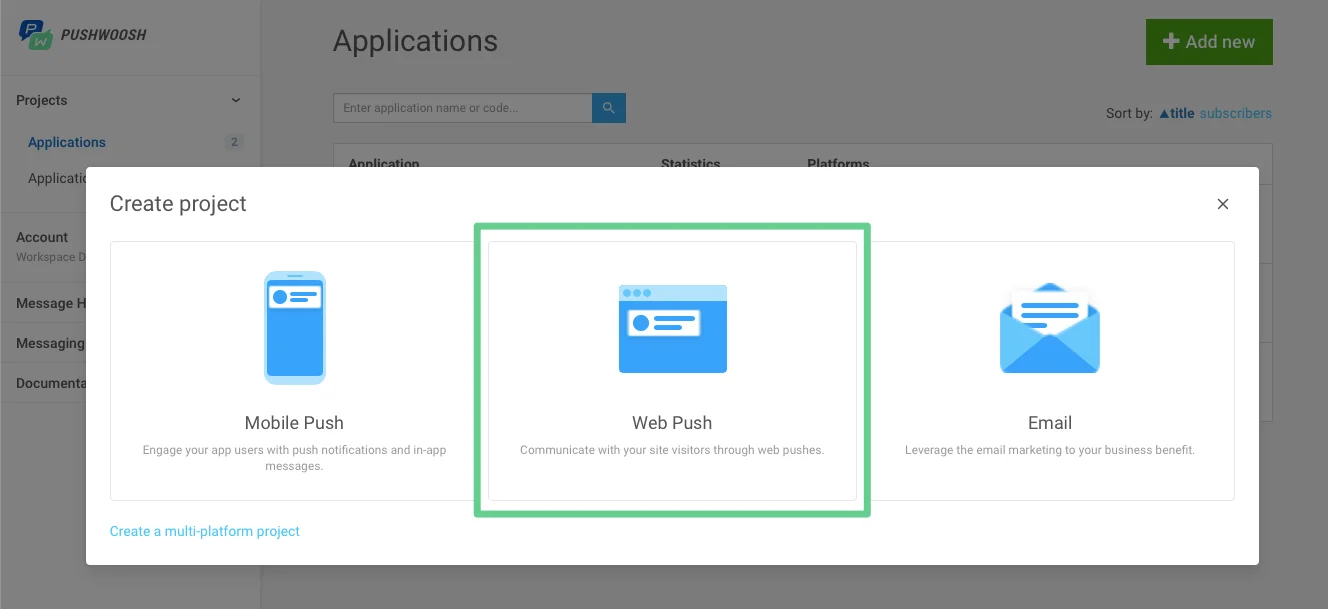
- 创建项目时选择 Web 推送选项。
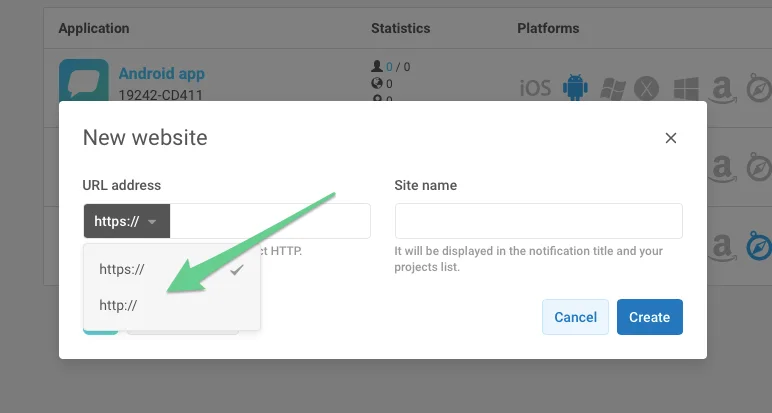
- 选择 http,输入您的网站 URL 和项目名称。
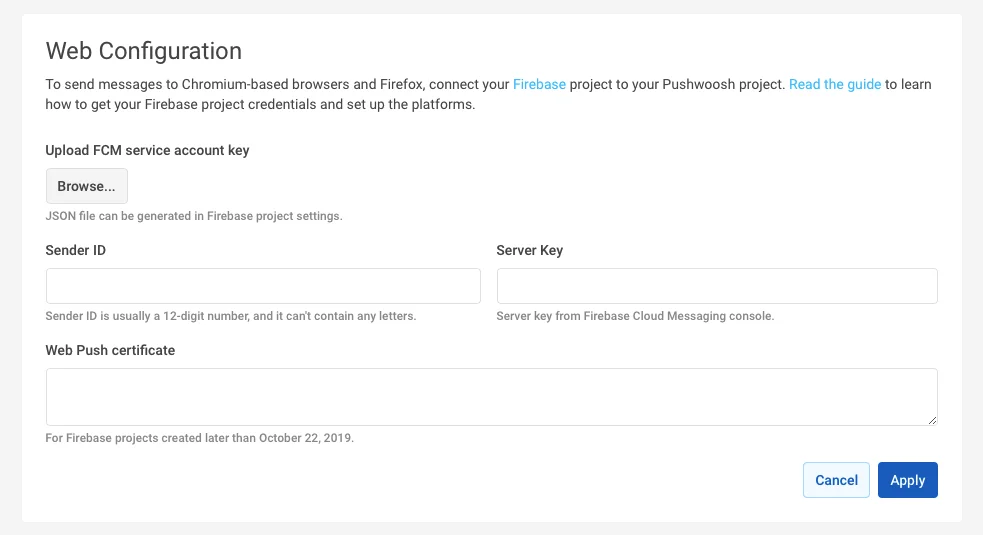
- 使用您的 FCM 项目凭据配置 Chrome 和 Firefox。
1. 在您网站的根目录中创建 pushwoosh-web-pushes-http-sdk.js 文件,并包含以下内容:
var pushwoosh = {  PUSHWOOSH_APPLICATION_CODE: 'XXXX-XXXX',  PUSHWOOSH_APPLICATION_CODE_GET_PARAMETER: 'pw_application_code',  init: function (applicationCode) {    this.PUSHWOOSH_APPLICATION_CODE = applicationCode;    window.addEventListener('message', this.pwReceiveMessage, false);  },  tryInitUsingGetParameter: function () {    var applicationCode = this.getQueryVariable(this.PUSHWOOSH_APPLICATION_CODE_GET_PARAMETER);    console.log(applicationCode);    if (applicationCode) {      this.init(applicationCode);    }  },  pwReceiveMessage: function (event) {    if (event.data == 'allowPushNotifications') {      localStorage.setItem('pwAllowPushNotifications', true);    }  },  isBrowserChrome: function () {    return navigator.userAgent.toLowerCase().indexOf('chrome') > -1;  },  isBrowserFirefox: function () {    return navigator.userAgent.toLowerCase().indexOf('firefox') > -1;  },  isBrowserSafari: function () {    return navigator.userAgent.toLowerCase().indexOf('safari') > -1 && !this.isBrowserChrome();  },  isBrowserSupported: function () {    return this.isBrowserChrome() || this.isBrowserFirefox();  },  subscribeAtStart: function () {    if (this.isBrowserSupported()) {      if (null === localStorage.getItem('pwAllowPushNotifications')) {        this.showSubscriptionWindow();      }    }  },  isSubscribedForPushNotifications: function () {    return true == localStorage.getItem('pwAllowPushNotifications');  },  showSubscriptionWindow: function () {    if (this.isBrowserSupported()) {      var windowWidth = screen.width / 2;      var windowHeight = screen.height / 2;
      var windowLeft = screen.width / 2 - windowWidth / 2;      var windowRight = screen.height / 2 - windowHeight / 2;
      var URL = 'https://' + this.PUSHWOOSH_APPLICATION_CODE + '.chrome.pushwoosh.com/';      var pwSubscribeWindow = window.open(URL, '_blank', 'width=' + windowWidth + ',height=' + windowHeight + ',resizable=yes,scrollbars=yes,status=yes,left=' + windowLeft + ',top=' + windowRight);    }  },  getQueryVariable: function (variable) {    // document.currentScript won't work if this code is called from function in event lister    if (document.currentScript) {      var urlParts = document.currentScript.src.split('?');      if (typeof urlParts[1] !== 'undefined') {        var vars = urlParts[1].split('&');        for (var i = 0; i < vars.length; i++) {          var pair = vars[i].split('=');          if (pair[0] == variable) {            return pair[1];          }        }      }    }    else {      console.error('Cannot get current script address');    }    return null;  }};pushwoosh.tryInitUsingGetParameter();
2. 将上一步的文件包含到您的网站中,并使用您的应用程序代码替换 XXXXX-XXXXX 来进行初始化。
<!--[if !IE]><!--> <script src="/pushwoosh-web-pushes-http-sdk.js?pw_application_code=XXXXX-XXXXX"></script><!--<![endif]-->3. 要创建推送订阅按钮,请使用以下代码:
<button onclick="pushwoosh.showSubscriptionWindow()">订阅推送通知</button>4. 或者,如果您希望通知订阅自动弹出(与上面的第 3 步相反),请使用以下代码:
<script>pushwoosh.subscribeAtStart();</script>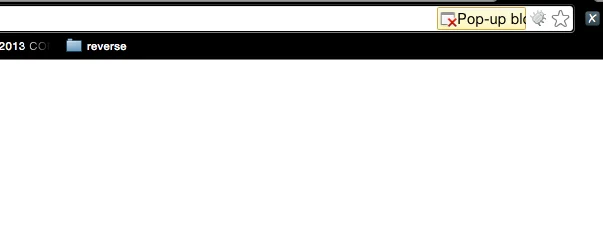
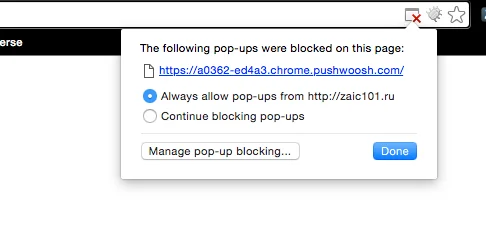
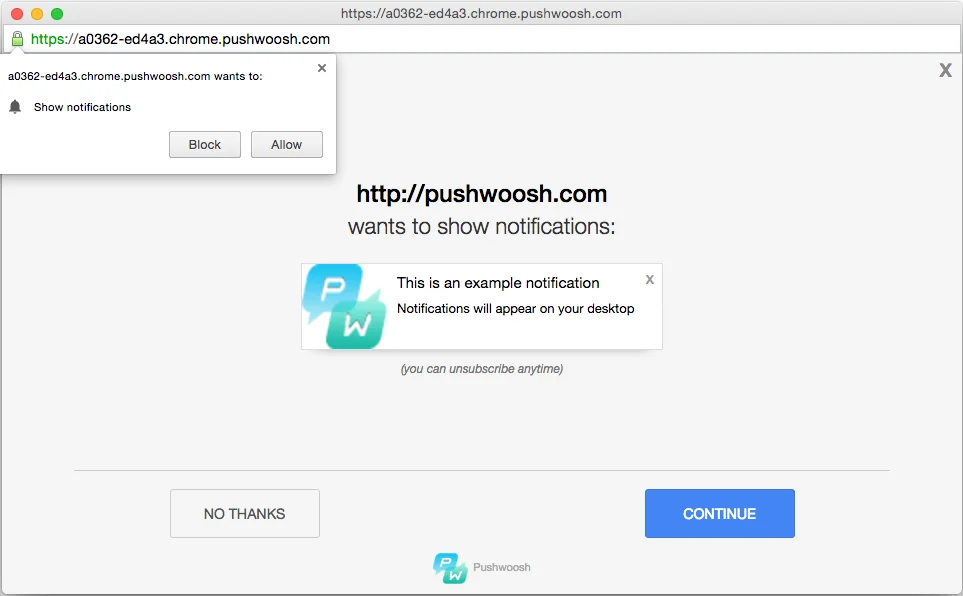
最终,用户将被提示订阅来自该网站的推送通知: