AMP Web Push
AMP 是一个开源的 Google 框架,用于开发可几乎瞬时加载的“用户优先”网页。
通过将 AMP Web Push 组件集成到您的 AMP 网页中,您可以在客户使用移动浏览器上网时与他们取得联系。
将 AMP 集成到您的网站
Anchor link to将以下文件添加到您网站的 根目录:
在 permission-dialog.html 文件中有两个可自定义的块:
<div class="subscribe" permission="default"> <p class="message"> {订阅推送通知} </p></div><div class="blocked" permission="denied"> <p class="message"> {在您的浏览器设置中取消阻止推送通知} </p></div>其中:
{订阅推送通知}— 一条 CTA 消息,请求用户允许推送通知;{在您的浏览器设置中取消阻止推送通知}— 一条 CTA 消息,提示用户在其浏览器设置中取消阻止推送通知(以防用户明确阻止了推送通知)。
要自定义权限对话框的外观,请将以下代码添加到 <head> 标签中:
 <style amp-custom>    .subscribe {        /* your css here */    }
    .blocked {        /* your css here */    }</style>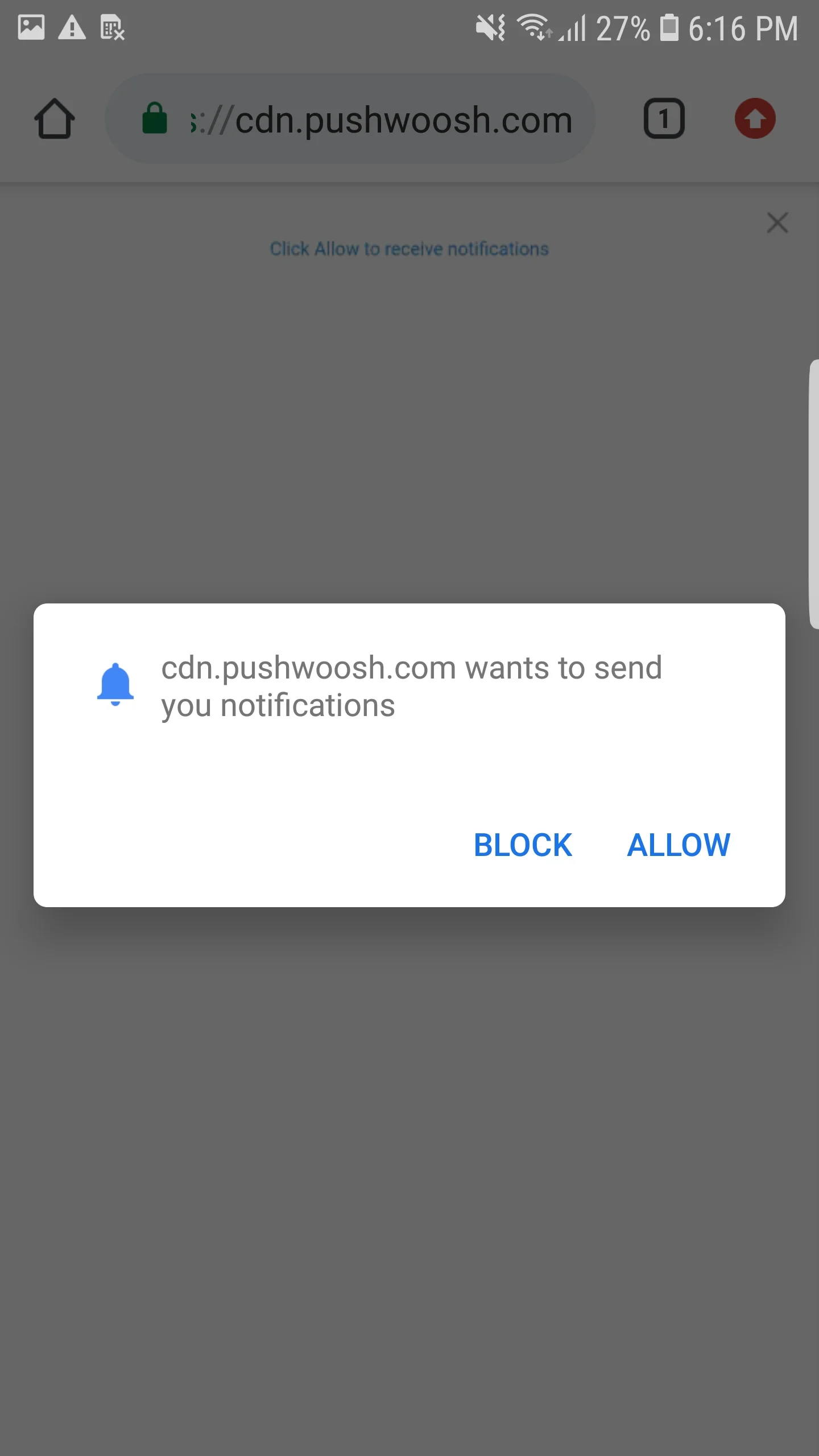
集成 AMP Web Push
Anchor link to要在 AMP 页面上实现 Web Push 通知,请将 amp-web-push 组件添加到每个 AMP 页面。
为此,请遵循以下两个步骤:
1. 将以下脚本添加到 <head> 标签中:
<head> ... <script async custom-element="amp-web-push" src="https://cdn.ampproject.org/v0/amp-web-push-0.1.js"></script> ...</head>2. 将以下代码添加到 <body> 标签中:
<body> <amp-web-push id="amp-web-push" layout="nodisplay" helper-iframe-url="https://{domain}/helper-iframe.html" permission-dialog-url="https://{domain}/permission-dialog.html"service-worker-url="https://{domain}/service-worker.js?applicationCode={applicationCode}&senderId={senderId}&applicationServerKey={applicationServerKey}" ></amp-web-push> ... <!-- 开始订阅通知按钮 --> <amp-web-push-widget visibility="unsubscribed" layout="fixed" width="250" height="80"> <button class="subscribe" on="tap:amp-web-push.subscribe"> {订阅按钮上的文本} </button> </amp-web-push-widget> <!-- 结束订阅通知按钮 --> <!-- 开始取消订阅通知按钮 --> <amp-web-push-widget visibility="subscribed" layout="fixed" width="250" height="80"> <button class="unsubscribe" on="tap:amp-web-push.unsubscribe"> {取消订阅按钮上的文本} </button> </amp-web-push-widget> <!-- 结束取消订阅通知按钮 --> <!-- 开始用户阻止通知时的后备内容 --> <amp-web-push-widget visibility="blocked" layout="fixed" width="250" height="80"> <div class="fallback"> {用户阻止通知时的后备内容} </div> </amp-web-push-widget> <!-- 结束用户阻止通知时的后备内容 -->...</body>其中:
{domain}— 您的网站 URL,{applicationCode}— 您的 Pushwoosh 应用代码,{senderId}— 来自您 Firebase 控制台的 Sender ID,{applicationServerKey}— 来自您 Firebase 控制台的 Server Key,{订阅按钮上的文本}— 启用推送通知的按钮上的文本,{取消订阅按钮上的文本}— 禁用推送通知的按钮上的文本,{用户阻止通知时的后备内容}— 当用户阻止推送通知时显示的后备块。
要自定义按钮样式,请将以下代码添加到 <head> 标签中:
<style amp-custom> amp-web-push-widget button.subscribe { /* your css here */ } amp-web-push-widget button.unsubscribe { /* your css here */ } amp-web-push-widget .fallback { /* your css here */ }</style>要检查您是否已正确完成所有操作,请使用 https://search.google.com/test/amp\