为 React Native 设置角标
由于 React Native 插件不包含 PWNotificationExtensionManager 头文件,您必须执行几个额外步骤才能为您的 React Native 项目实现角标功能。
1. 添加通知服务扩展 (File -> New -> Target…)
Anchor link to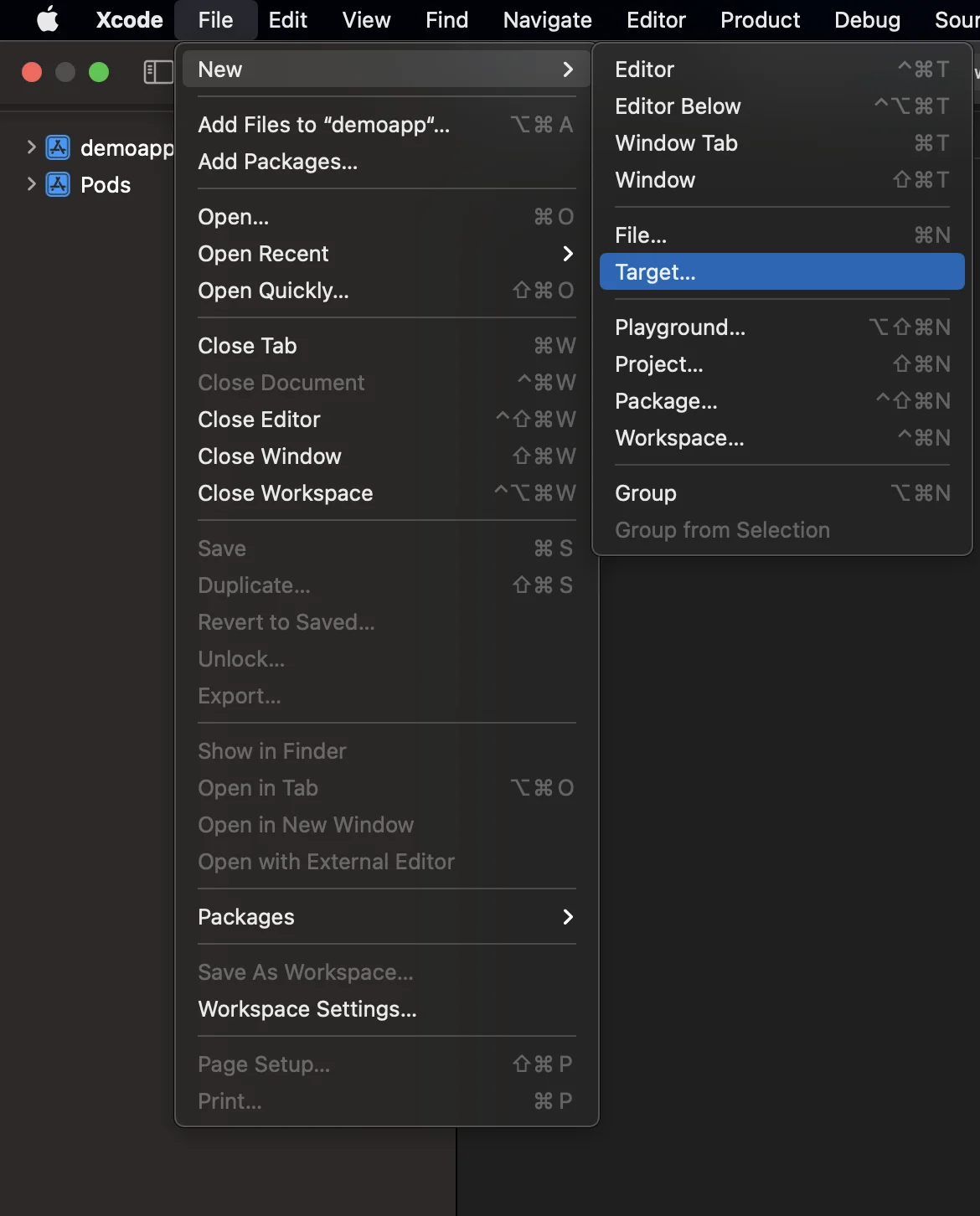
2. 选择 “Notification Service Extension”
Anchor link to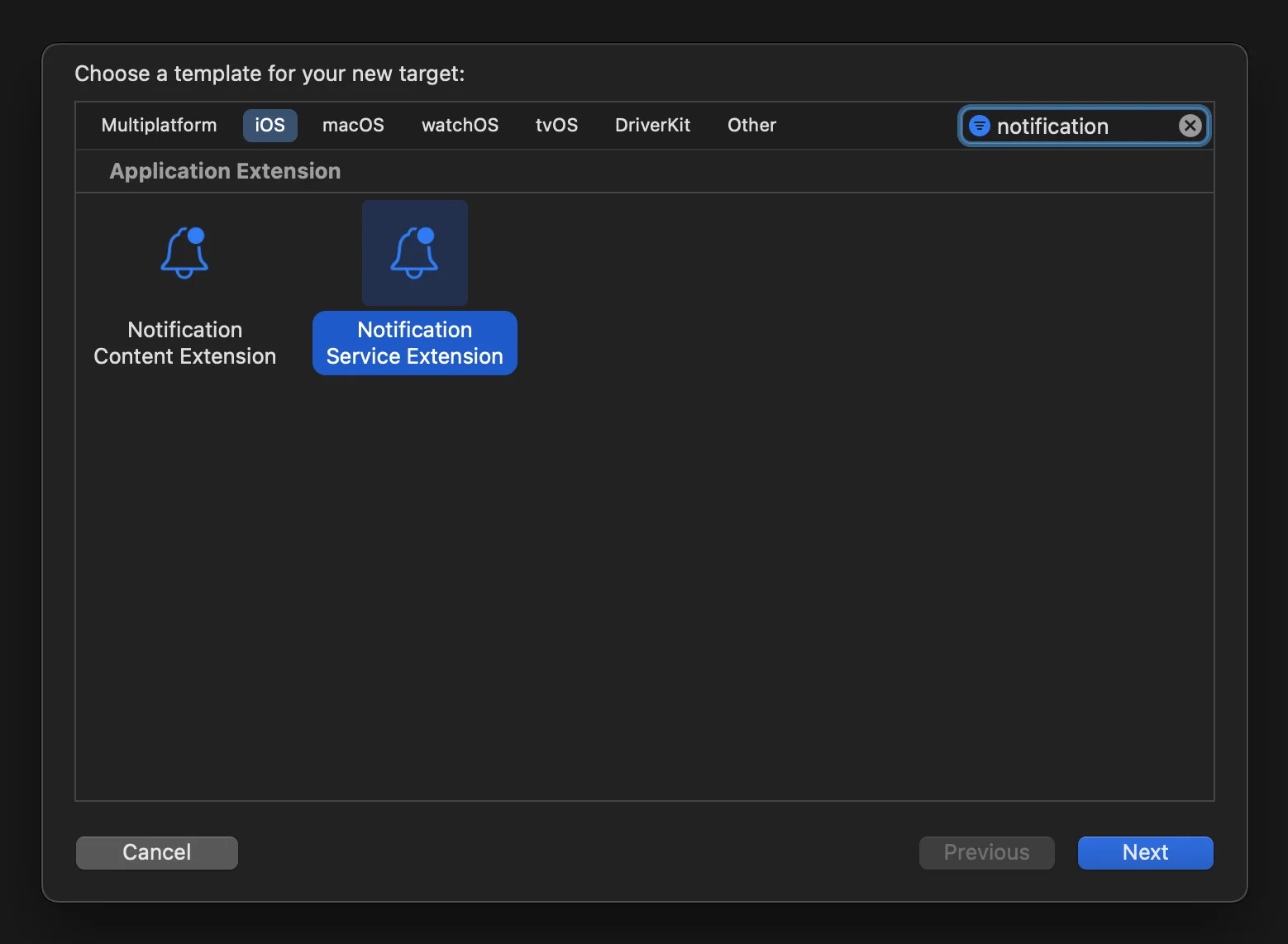
3. 按如下方式更新通知服务扩展代码:
Anchor link to#import "NotificationService.h"#import <Pushwoosh/PWNotificationExtensionManager.h>
@interface NotificationService ()
@property (nonatomic, strong) void (^contentHandler)(UNNotificationContent *contentToDeliver);@property (nonatomic, strong) UNMutableNotificationContent *bestAttemptContent;
@end
@implementation NotificationService
- (void)didReceiveNotificationRequest:(UNNotificationRequest *)request withContentHandler:(void (^)(UNNotificationContent * _Nonnull))contentHandler { self.contentHandler = contentHandler; self.bestAttemptContent = [request.content mutableCopy];
[[PWNotificationExtensionManager sharedManager] handleNotificationRequest:request contentHandler:contentHandler];}
- (void)serviceExtensionTimeWillExpire { // Called just before the extension will be terminated by the system. // Use this as an opportunity to deliver your "best attempt" at modified content, otherwise the original push payload will be used. self.contentHandler(self.bestAttemptContent);}
@end4. 将依赖项链接到 target
Anchor link toReact Native 不会自动将所有必需的依赖项链接到手动创建的 target,因此您应更新 target 的 Build Phases 并提供必要的信息:
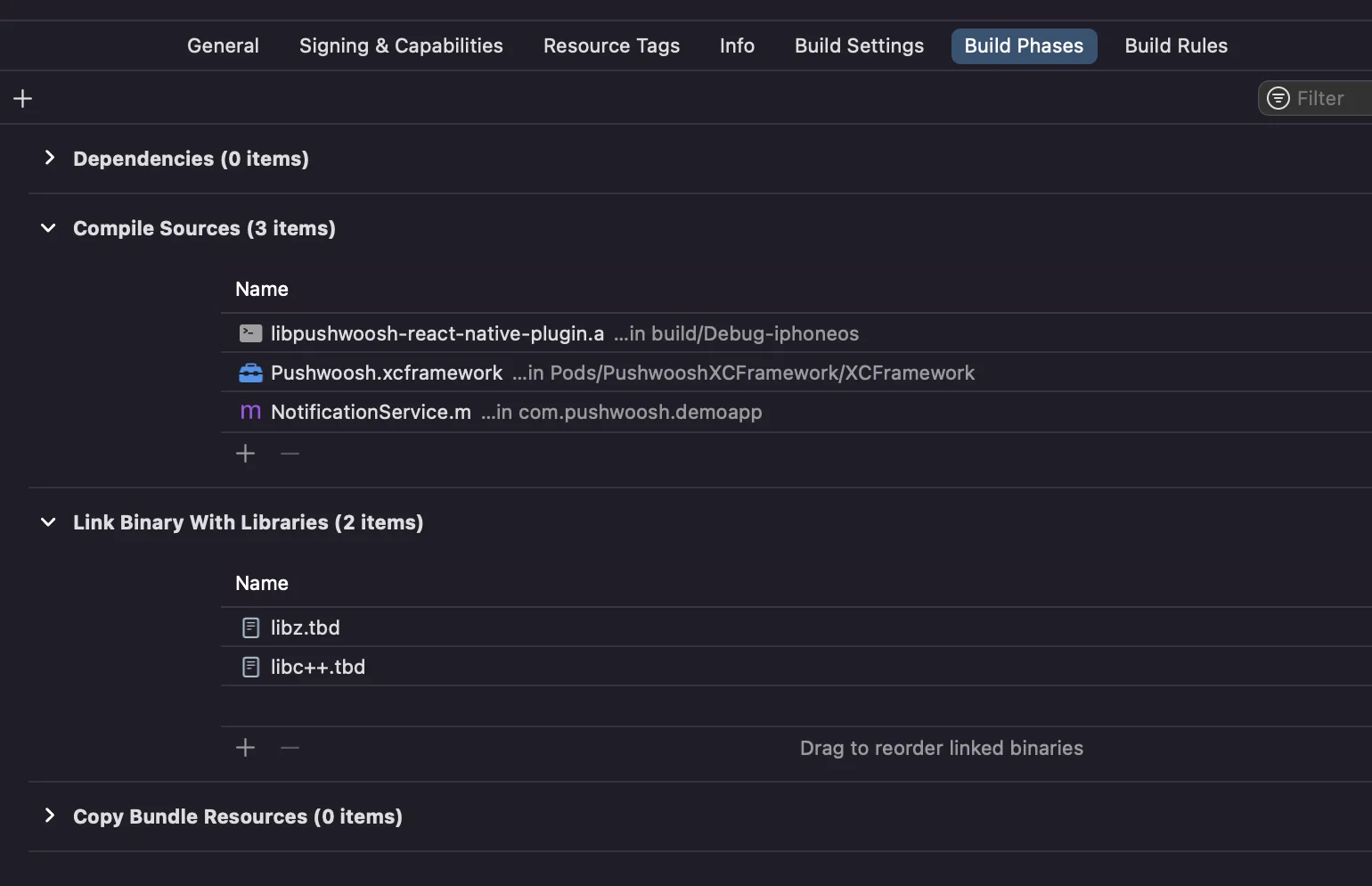
只需点击 Compile Sources 和 Link Binary With Libraries 下方的 + 号,然后搜索所需的库/框架即可。
5. 在 Xcode 中为两个 target 添加 App Groups 功能,并为应用和扩展设置相同的组:
Anchor link to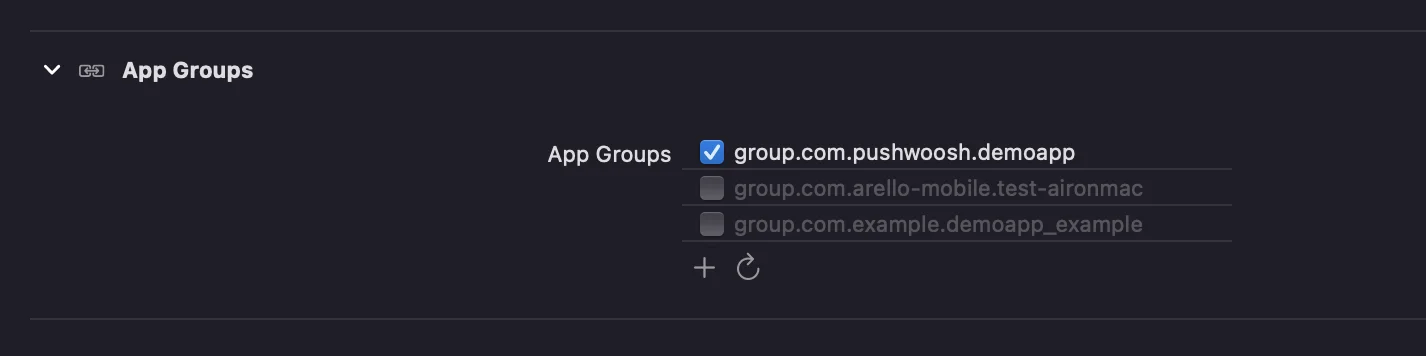
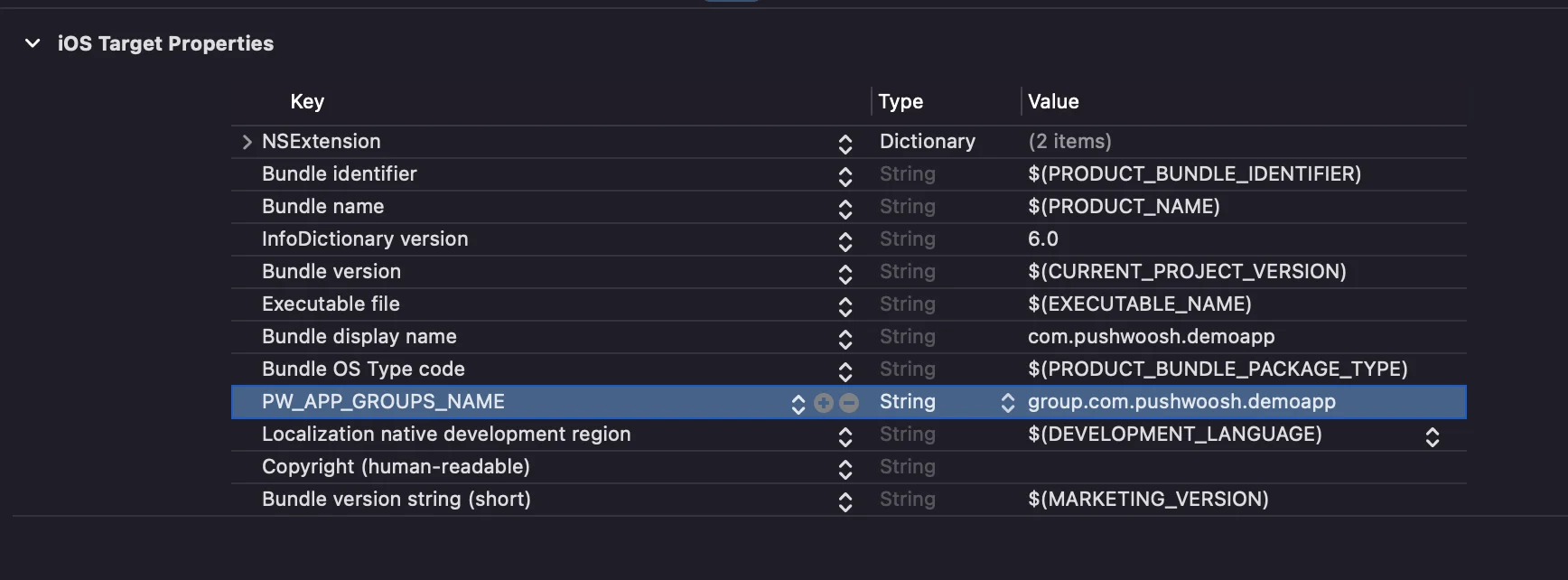
6. 将 PW_APP_GROUPS_NAME 键添加到两个 target 的 info.plist 文件中。该值是您的 app group 的名称:
Anchor link to