MAUI Dotnet Geozones 集成
通过 Pushwoosh,将 Geozones 功能集成到您的 MAUI .NET 应用程序中非常简单。请按照以下步骤开始:
- 将 Pushwoosh.DotNet.Geozones NuGet 包添加到您的解决方案中
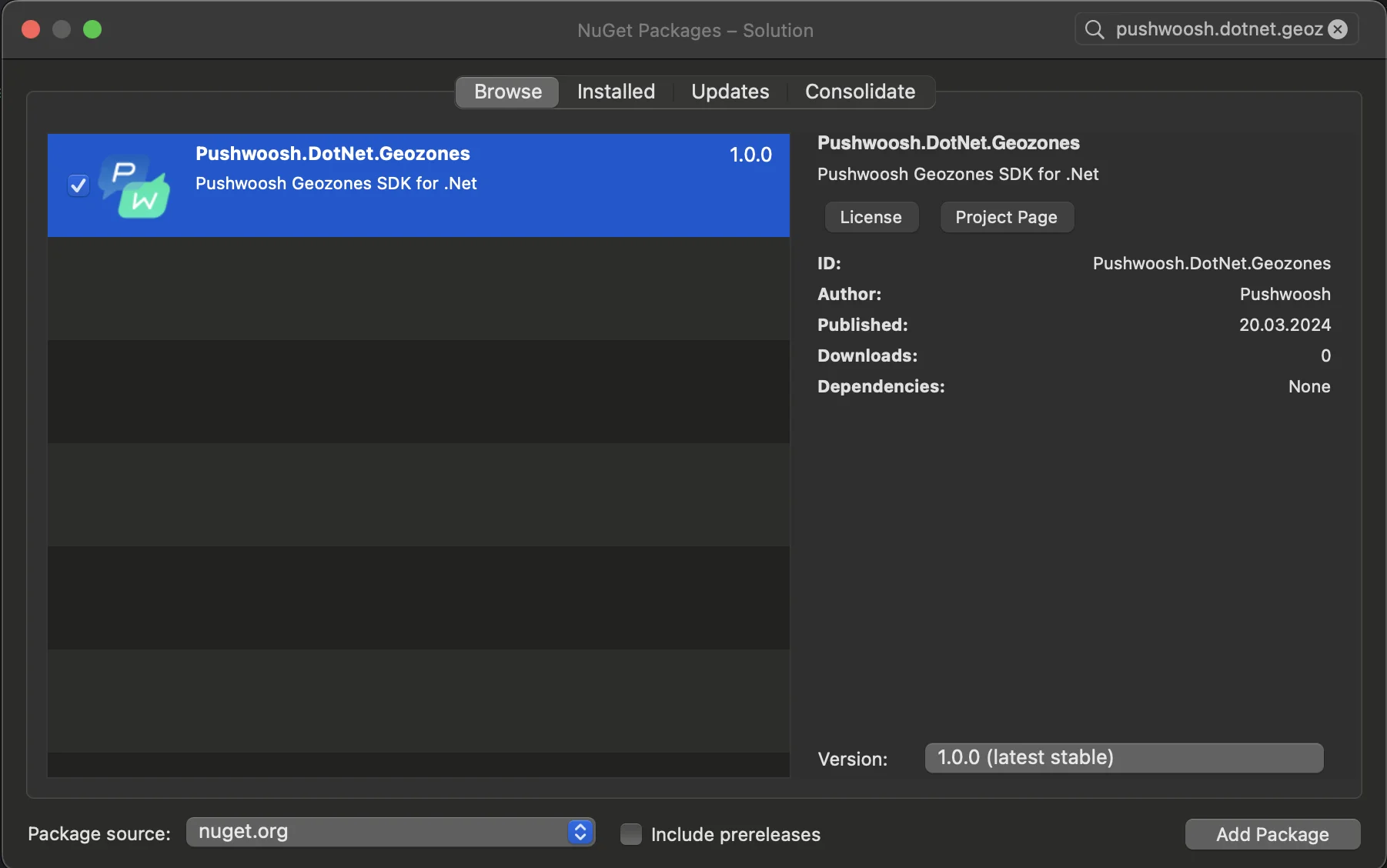
- Android 集成
在您的 Android 项目中,找到 MainActivity.cs 文件并在 OnCreate() 方法中调用 LocationManager.Init():
using PushwooshSDK.DotNet.Geozones.Android;
...
[Activity(Theme = "@style/Maui.SplashTheme", MainLauncher = true, ConfigurationChanges = ConfigChanges.ScreenSize | ConfigChanges.Orientation | ConfigChanges.UiMode | ConfigChanges.ScreenLayout | ConfigChanges.SmallestScreenSize | ConfigChanges.Density)]public class MainActivity : MauiAppCompatActivity{ protected override void OnCreate(Bundle savedInstanceState) { base.OnCreate(savedInstanceState); PushManager.Init(); LocationManager.Init(); }}- iOS 集成
对于您的 iOS 项目,打开 AppDelegate.cs 文件并在 FinishedLaunching() 方法中调用 LocationManager.Init():
using Pushwoosh.iOS;using PushwooshSDK.DotNet.Geozones.iOS;using UIKit;
...
[Register("AppDelegate")]public class AppDelegate : MauiUIApplicationDelegate{    public override bool FinishedLaunching(UIApplication application, NSDictionary launchOptions)    {        PushManager.Init();        LocationManager.Init();        return base.FinishedLaunching(application, launchOptions);    }
protected override MauiApp CreateMauiApp() => MauiProgram.CreateMauiApp();}- 根据您应用的需求添加位置权限。
Privacy - Location When In Use Usage Description 权限应始终添加。

5. 然后通过调用 StartLocationTracking() 方法开始位置跟踪。
using PushwooshSDK.DotNet.Geozones;

...
LocationManager.Instance.StartLocationTracking();