Push web para AMP
AMP es un framework de código abierto de Google para desarrollar páginas web centradas en el usuario que se cargan casi instantáneamente.
Al integrar el componente AMP Web Push en sus páginas web AMP, puede llegar a sus clientes cuando navegan por la web en sus navegadores móviles.
Integrar AMP en su sitio web
Anchor link toAgregue los siguientes archivos al directorio raíz de su sitio web:
Hay dos bloques personalizables en el archivo permission-dialog.html:
<div class="subscribe" permission="default"> <p class="message"> {Subscribe to push notifications} </p></div><div class="blocked" permission="denied"> <p class="message"> {Unblock push notifications in your browser settings} </p></div>Donde:
{Subscribe to push notifications}— un mensaje de llamada a la acción (CTA) que pide a los usuarios que permitan las notificaciones push;{Unblock push notifications in your browser settings}— un mensaje de CTA que solicita a los usuarios que desbloqueen las notificaciones push en la configuración de su navegador (en caso de que un usuario las haya bloqueado explícitamente).
Para personalizar la apariencia del diálogo de permisos, agregue el siguiente código a la etiqueta <head>:
 <style amp-custom>    .subscribe {        /* your css here */    }
    .blocked {        /* your css here */    }</style>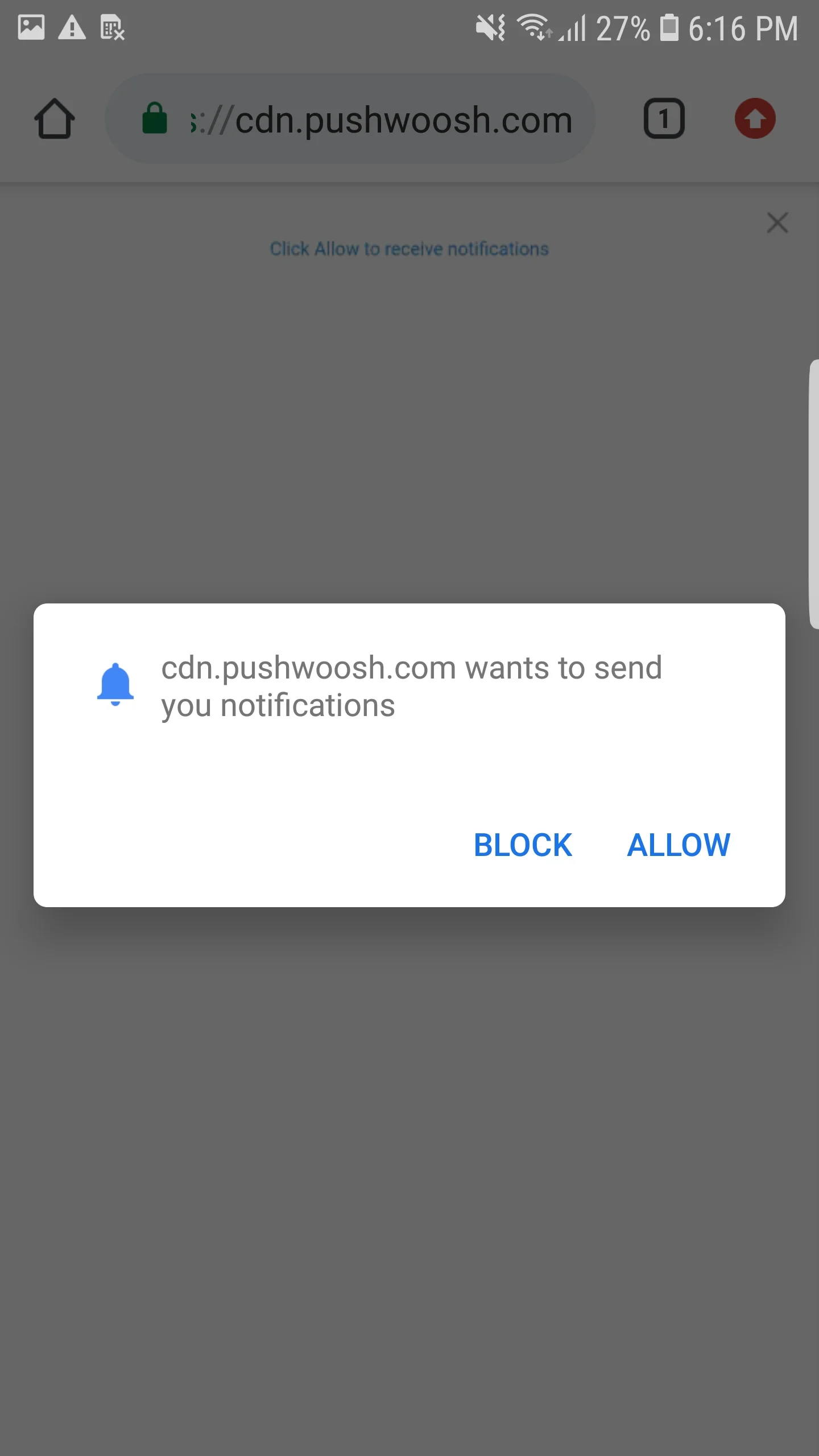
Integrar Pushes Web de AMP
Anchor link toPara implementar notificaciones push web en páginas AMP, agregue el componente amp-web-push a cada página AMP.
Para ello, siga estos dos pasos:
1. Agregue el siguiente script a la etiqueta <head>:
<head> ... <script async custom-element="amp-web-push" src="https://cdn.ampproject.org/v0/amp-web-push-0.1.js"></script> ...</head>2. Agregue el siguiente código a la etiqueta <body>:
<body> <amp-web-push id="amp-web-push" layout="nodisplay" helper-iframe-url="https://{domain}/helper-iframe.html" permission-dialog-url="https://{domain}/permission-dialog.html"service-worker-url="https://{domain}/service-worker.js?applicationCode={applicationCode}&senderId={senderId}&applicationServerKey={applicationServerKey}" ></amp-web-push> ... <!-- Start Subscribe to notifications button --> <amp-web-push-widget visibility="unsubscribed" layout="fixed" width="250" height="80"> <button class="subscribe" on="tap:amp-web-push.subscribe"> {Text on Subscribe button} </button> </amp-web-push-widget> <!-- End the Subscribe to notifications button --> <!-- Start Unsubscribe from notifications button --> <amp-web-push-widget visibility="subscribed" layout="fixed" width="250" height="80"> <button class="unsubscribe" on="tap:amp-web-push.unsubscribe"> {Text on Unsubscribe button} </button> </amp-web-push-widget> <!-- End Unsubscribe from notifications button --> <!-- Start Fallback if a user blocks notifications --> <amp-web-push-widget visibility="blocked" layout="fixed" width="250" height="80"> <div class="fallback"> {Fallback if a user blocks notifications} </div> </amp-web-push-widget> <!-- End Fallback if a user blocks notifications -->...</body>Donde:
{domain}— la URL de su sitio web,{applicationCode}— el código de su aplicación de Pushwoosh,{senderId}— el ID de remitente de su consola de Firebase,{applicationServerKey}— la clave del servidor de su consola de Firebase,{Text on Subscribe button}— un texto en un botón que habilita las notificaciones push,{Text on Unsubscribe button}— un texto en un botón que deshabilita las notificaciones push,{Fallback if a user blocks notifications}— un bloque alternativo que se muestra cuando un usuario bloquea las notificaciones push.
Para personalizar el estilo de los botones, agregue el siguiente código a la etiqueta <head>:
<style amp-custom> amp-web-push-widget button.subscribe { /* your css here */ } amp-web-push-widget button.unsubscribe { /* your css here */ } amp-web-push-widget .fallback { /* your css here */ }</style>Para verificar si ha hecho todo correctamente, utilice https://search.google.com/test/amp\