Integración de Geozones en MAUI Dotnet
Integrar la funcionalidad de Geozones en su aplicación MAUI .NET es sencillo con Pushwoosh. Siga estos pasos para empezar:
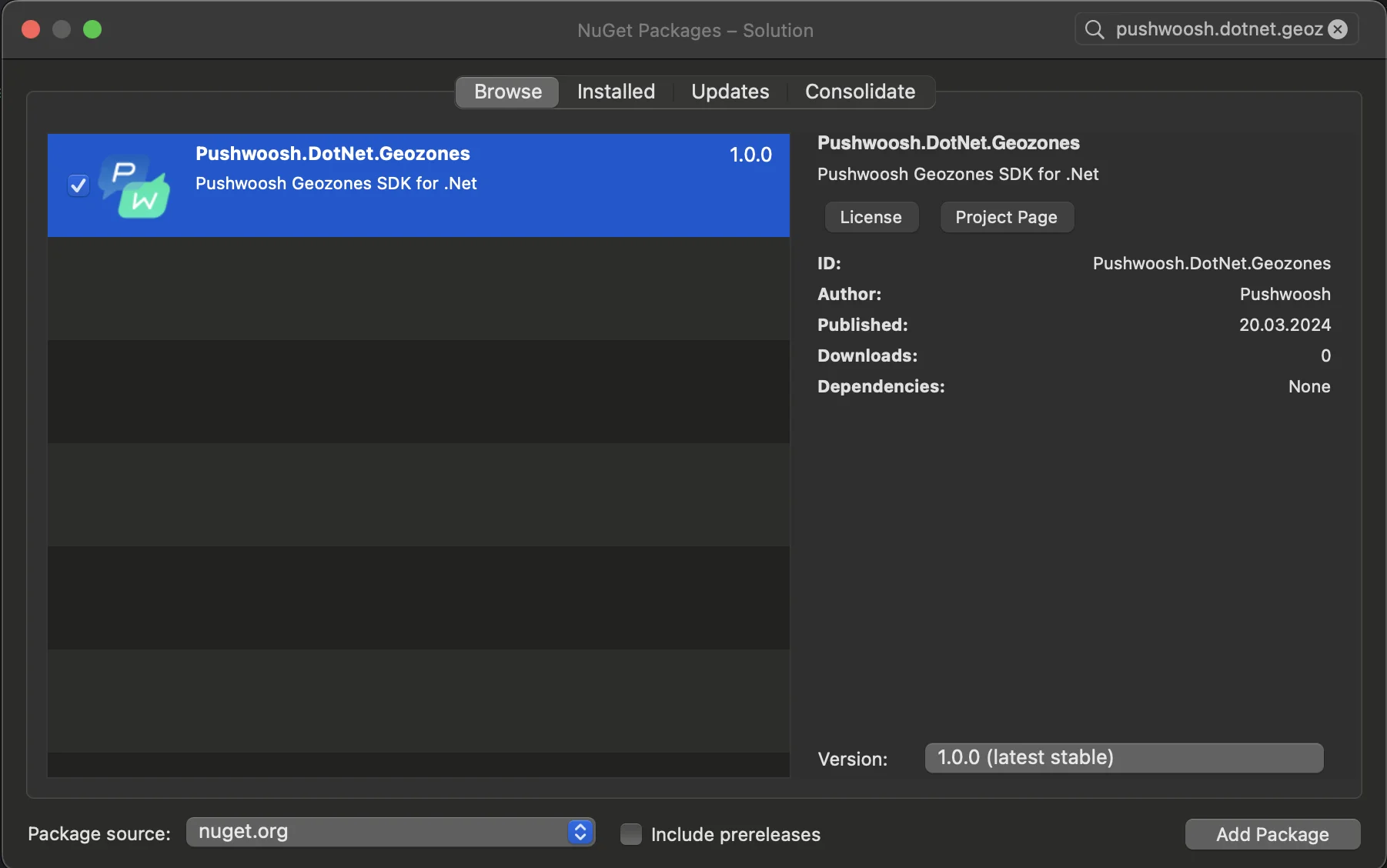
- Añada el paquete NuGet Pushwoosh.DotNet.Geozones a su solución
- Integración en Android
En su proyecto de Android, localice el archivo MainActivity.cs y llame al método LocationManager.Init() en OnCreate():
using PushwooshSDK.DotNet.Geozones.Android;
...
[Activity(Theme = "@style/Maui.SplashTheme", MainLauncher = true, ConfigurationChanges = ConfigChanges.ScreenSize | ConfigChanges.Orientation | ConfigChanges.UiMode | ConfigChanges.ScreenLayout | ConfigChanges.SmallestScreenSize | ConfigChanges.Density)]public class MainActivity : MauiAppCompatActivity{ protected override void OnCreate(Bundle savedInstanceState) { base.OnCreate(savedInstanceState); PushManager.Init(); LocationManager.Init(); }}- Integración en iOS
Para su proyecto de iOS, abra el archivo AppDelegate.cs y llame al método LocationManager.Init() en FinishedLaunching():
using Pushwoosh.iOS;using PushwooshSDK.DotNet.Geozones.iOS;using UIKit;
...
[Register("AppDelegate")]public class AppDelegate : MauiUIApplicationDelegate{    public override bool FinishedLaunching(UIApplication application, NSDictionary launchOptions)    {        PushManager.Init();        LocationManager.Init();        return base.FinishedLaunching(application, launchOptions);    }
protected override MauiApp CreateMauiApp() => MauiProgram.CreateMauiApp();}- Añada permisos de localización según los requisitos de su aplicación.
El permiso Privacy - Location When In Use Usage Description siempre debe ser añadido.

5. Luego, inicie el seguimiento de la ubicación llamando al método StartLocationTracking().
using PushwooshSDK.DotNet.Geozones;

...
LocationManager.Instance.StartLocationTracking();