صيغة قوالب الوسائط الغنية
بنية القالب
Anchor link toالقالب هو ببساطة أرشيف .zip يمكن أن يحتوي على HTML و JavaScript و CSS وصور كأصول للوسائط الغنية. يجب أن يحتوي الأرشيف على ملف index.html في جذره.
العناصر النائبة للقالب
Anchor link toيمكنك استخدام العناصر النائبة في قوالب الوسائط الغنية التي ستسمح لك بتغيير وتوطين القيم في محتوى الوسائط الغنية.
يجب أن يتبع العنصر النائب التنسيق أدناه:
{{ Placeholder name | Type | Default value }}`حيث:
- Placeholder name — هو اسم العنصر النائب الذي سيكون مرئيًا في محرر الوسائط الغنية.
- Type — هو نوع العنصر النائب. يمكن أن يكون النوع أيًا من القيم التالية:
- color — إدخال لون
- text — إدخال نص
- html — منطقة نصية (نص متعدد الأسطر)
- Default value — القيمة الافتراضية التي يتم استخدامها إذا لم يتم توفير قيمة في المحرر. إذا لم يتم تعيين أي قيمة، فسيتم استخدام Placeholder name كقيمة افتراضية.
مثال:
{{Header text|text|Tell Us What You Think}}`إضافة Pushwoosh.json
Anchor link toيمكنك تجميع العناصر النائبة بحيث تكون مرتبطة معًا في محرر الوسائط الغنية:
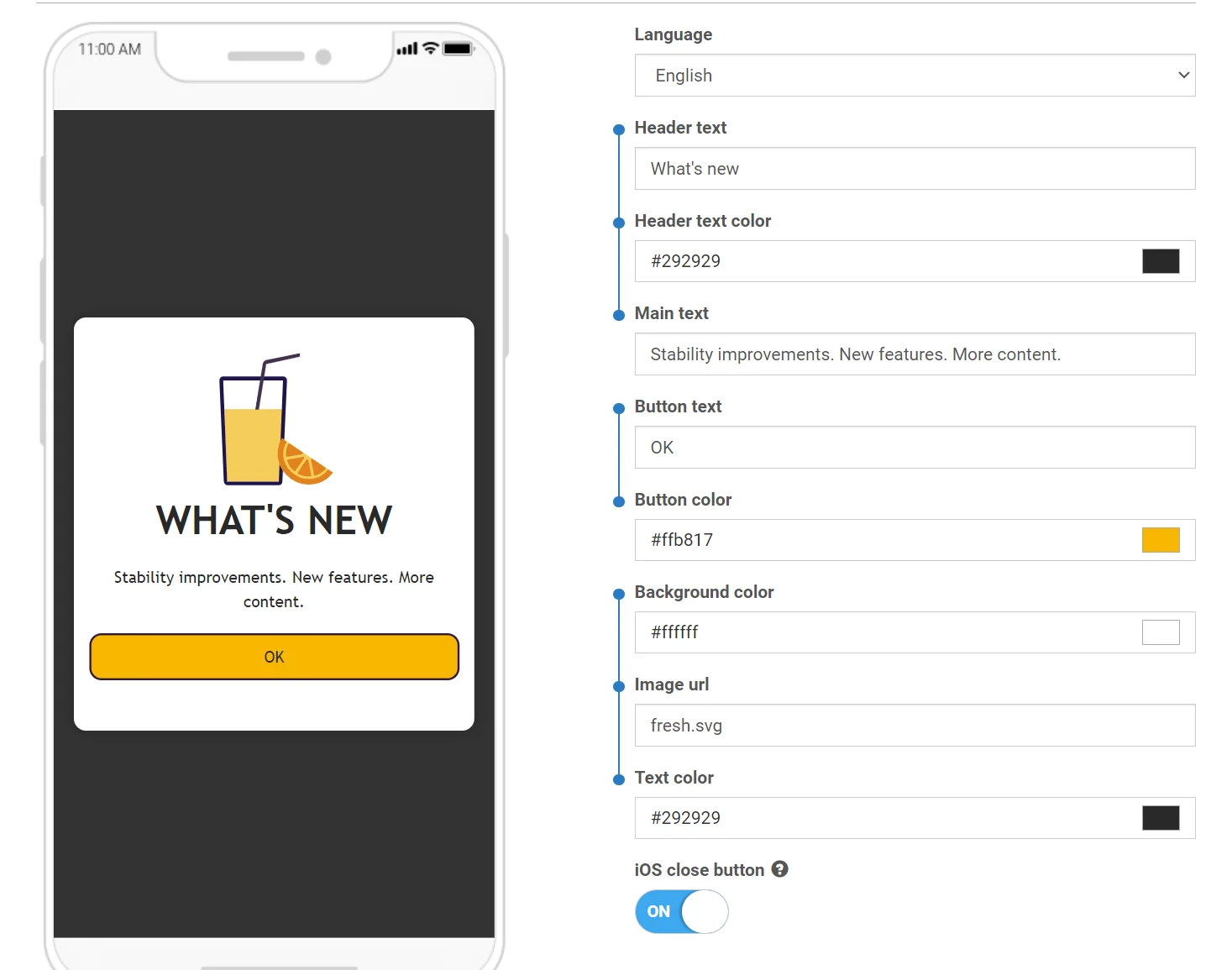
لتحقيق ذلك، أضف ملف pushwoosh.json إلى الأرشيف مع قالب الوسائط الغنية الخاص بك بجوار ملف index.html.
بنية الملف بسيطة جدًا ويجب أن تكون واضحة بذاتها:
{ "input_groups": [ ["Logo image URL", "Logo background color"], ["Topic text", "Topic text color", "Topic background color", "Sub-topic text"], ["Main text", "Text background color"], ["Button text", "Button URL", "Button text color", "Button background color"] ]}مثال
Anchor link toتعد النماذج المخصصة للاستطلاعات حالة استخدام شائعة لقوالب الوسائط الغنية المخصصة. تسمح لك هذه النماذج بجمع ملاحظات قيمة من المستخدمين. يتوفر قالب مصمم مسبقًا مع نموذج استطلاع مخصص في القوالب الافتراضية. استخدم هذا كنقطة انطلاق لاستطلاعاتك الخاصة.
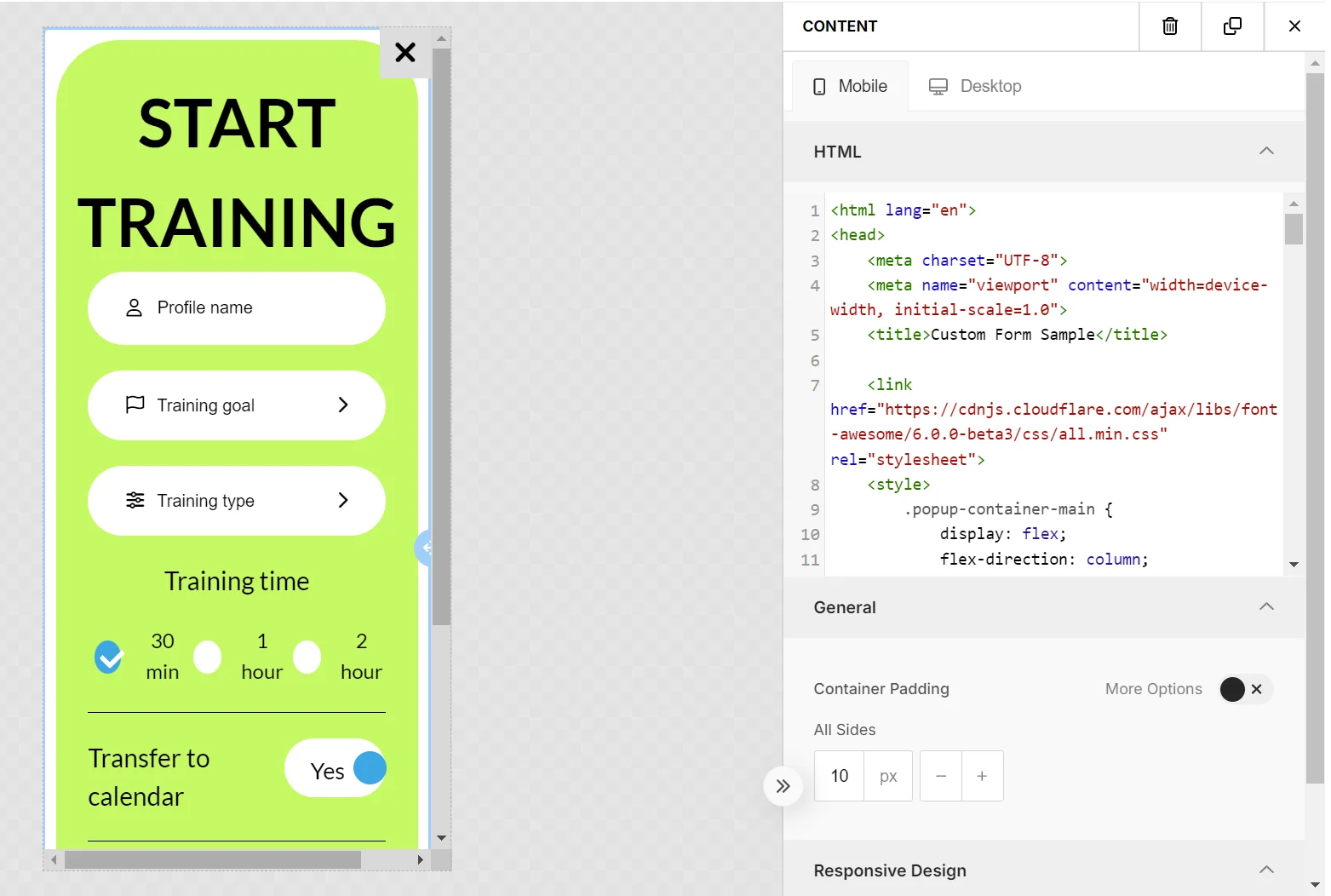
عند إنشاء النماذج، اتبع بعض أفضل الممارسات لضمان التوافق والوظائف السلسة داخل محرر الوسائط الغنية.
إليك مثال آخر من أحد القوالب الافتراضية المتاحة في لوحة التحكم.
<!DOCTYPE html><html><head>    <link href='https://fonts.googleapis.com/css?family=Open+Sans' rel='stylesheet' type='text/css'>    <style type="text/css">        html, body {            height: 100%;            width: 100%;            padding: 0;            margin: 0;            font-family: "Open Sans";        }        .main {            height: 100%;            width: 100%;            box-sizing: border-box;            -moz-box-sizing: border-box;            -webkit-box-sizing: border-box;        }        .logo {            width: 100%;            height: 15%;            background-image: url('{{Logo image URL|text|https://www.pushwoosh.com/wp-content/themes/pushwoosh/img/logo.png}}');            background-position: 50% 50%;            background-size: 50%;            background-repeat: no-repeat;            background-color: #{{Logo background color|color|343434}};        }        .topic-wrapper {            width: 100%;            height: 30%;            text-align: center;            display: table;            color: #{{Topic text color|color|FFFFFF}};            background-color: #{{Topic background color|color|23B7A4}};        }        .topic {            display: table-cell;            text-align: center;            vertical-align: middle;        }        .topic-wrapper h1, .topic-wrapper p {            margin: 0;        }        .padding-wrapper {            width: 100%;            height: 55%;            box-sizing: border-box;            -moz-box-sizing: border-box;            -webkit-box-sizing: border-box;            padding: 0 2% 0 2%;            background-color: #{{Text background color|color|FFFFFF}};        }        .text-wrapper {            height: 70%;            width: 100%;            padding: 2% 0 2% 0;            box-sizing: border-box;            -moz-box-sizing: border-box;            -webkit-box-sizing: border-box;            overflow: hidden;        }        .text {            width: 100%;            height: 99%;            overflow: auto;            padding-right: 15px;        }        .button-wrapper {            height: 30%;            width: 100%;            padding: 2% 0 2% 0;            box-sizing: border-box;            -moz-box-sizing: border-box;            -webkit-box-sizing: border-box;        }        .button {            display: table;            width: 100%;            height: 100%;        }        .button a {            display: table-cell;            vertical-align: middle;            text-align: center;            font-size: 2em;            text-decoration: none;            color:#{{Button text color|color|FFFFFF}};            border-radius: 20px;            background-color: #{{Button background color|color|23B7A4}};        }
        @media only screen        and (orientation: landscape) {            .padding-wrapper {                height: 45%;            }            .logo {                height: 20%;            }            .button a {                border-radius: 10px;            }        }    </style></head><body>
<div class="main">    <div class="logo"></div>    <div class="topic-wrapper">        <div class="topic">            <h1>{{Topic text|text|TOPIC TEXT}}</h1>            <p>{{Sub-topic text|text|Subtopic here}}</p>        </div>    </div>    <div class="padding-wrapper">        <div class="text-wrapper">            <div class="text">                {{Main text|html|Main text here}}            </div>        </div>        <div class="button-wrapper">            <div class="button">                <a href="{{Button URL|text|https://www.pushwoosh.com}}">                    {{Button text|text|Submit}}                </a>            </div>        </div>    </div></div></body></html>
مراقبة أداء الوسائط الغنية المخصصة
Anchor link toيمكنك أيضًا مراقبة أداء محتوى الوسائط الغنية المخصص الذي تقوم بإنشائه وتحميله إلى Pushwoosh كملف ZIP.
يمكنك تتبع كيفية تفاعل الأشخاص مع الوسائط الغنية الخاصة بك عن طريق:
- نقرات الأزرار
- نقرات الروابط
- إرسال النماذج
لتمكين Pushwoosh من تتبع هذه التفاعلات:
- أضف سمة “id” إلى كل عنصر ترغب في تتبعه.
على سبيل المثال:
لتتبع نقرات الروابط:
<a id=“my_link_1” href=“#”>…</a>لتتبع إرسال النماذج:
<form id=“my_form_1” action=“#” method=“GET”>…</form>لتتبع نقرات الأزرار:
<button id=“my_button_1” type=“button”>…</button> // السمة type="button" مطلوبة- أضف رابطًا إلى ملف JavaScript من CDN في نهاية المستند:
<script src="https://cdn.pushwoosh.com/richmedia-service/statistics/v1/richmedia-statistics.js"></script>أفضل الممارسات للعناصر المخصصة في الوسائط الغنية
Anchor link toإدارة أنماط CSS بعناية
Anchor link toتأكد من أن أنماط CSS الخاصة بك محددة لتجنب التعارض مع أنماط محرر الوسائط الغنية (Rich Media Editor). قد يؤثر استخدام أنماط ذات تحديد منخفض، مثل تلك المطبقة على أسماء الوسوم أو أسماء الفئات الشائعة، على مظهر محرر الوسائط الغنية. من الأفضل أن تبقي أنماطك محلية—قم بتغليف المحتوى الخاص بك في حاوية ذات ID أو class فريد واستخدم هذا المعرف في محددات CSS الخاصة بك للعناصر الفرعية.
تضمين المكتبات الخارجية
Anchor link toيمكنك دمج مكتبات CSS أو JavaScript (مثل Font Awesome، Bootstrap، Tailwind CSS، إلخ) للاستفادة من أساليبها، وأيقوناتها، وخطوطها، ورسومها المتحركة، والمزيد.