# 向用户的所有设备发送推送

此方法允许您向用户的多个设备发送定向推送通知。生成的推送通知将发送到与指定 User ID 关联的所有设备。[更多关于 User ID 的信息。](/zh/product/pushwoosh-knowledge-hub/users-userids#all-devices-delivery)

<Aside type="caution" title="需要开发者协助">
要开始发送这些推送，您需要收集 User ID。为此，您需要开发团队的协助。请与他们 [分享此链接](/zh/developer/first-steps/collecting-user-ids/) 以开始操作。
</Aside>

## 使用 Customer Journey 向用户的所有设备发送推送

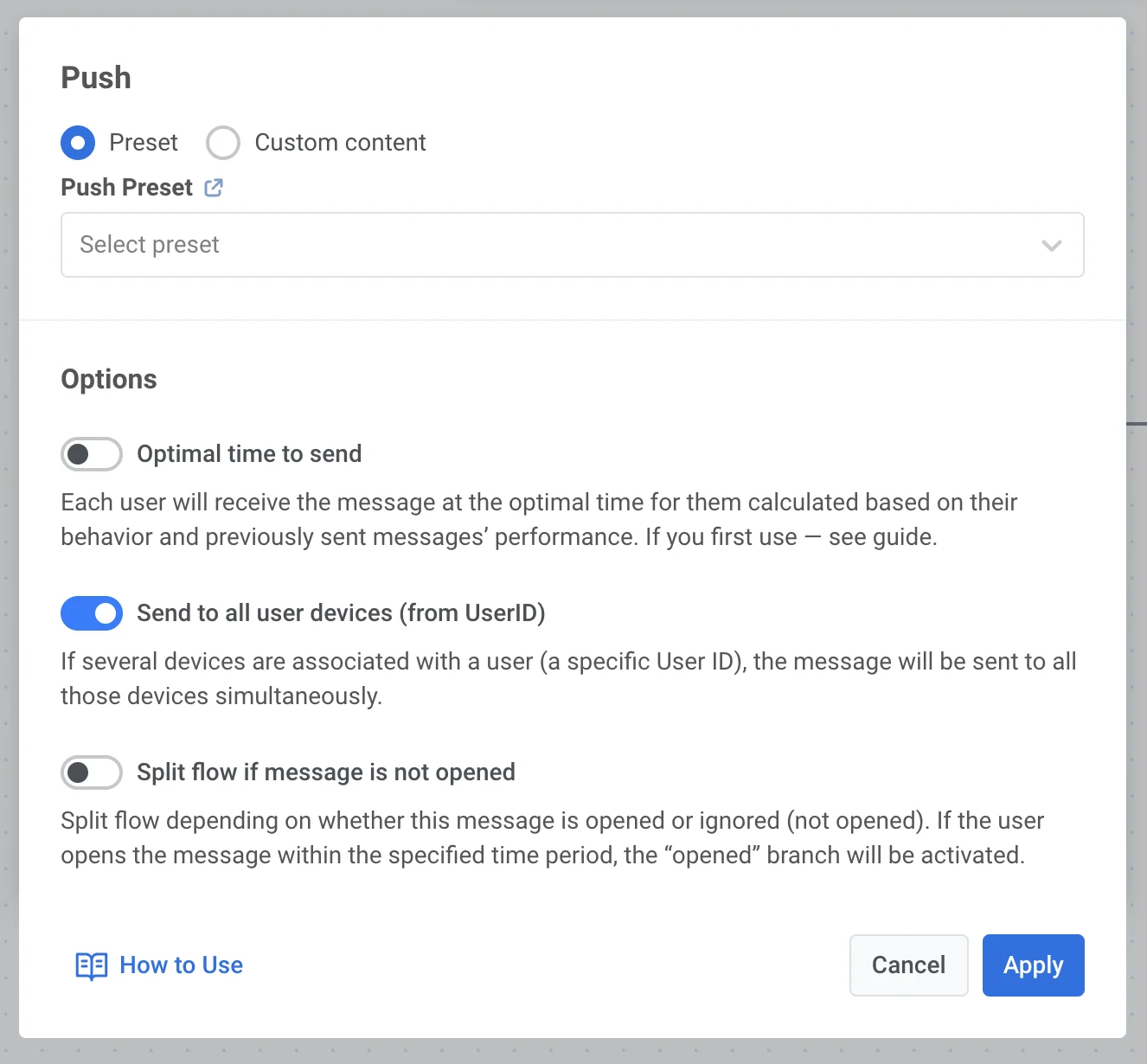
要向用户的所有设备发送推送，请在您的 Journey 中双击 [**Push**](/zh/product/customer-journey/journey-elements/channels/push/#send-by-user-id) 元素，开启 **Send to all user devices** 开关，然后点击 **Apply**。

<img src="/push-notifications-push-by-user-id-1.webp" alt="推送元素选项，显示在 Journey 配置中已启用“向所有用户设备发送”开关"/>

<Aside type="tip">
您也可以通过 API 按 User ID 发送推送。为此，请与您的开发团队分享 [此链接](/zh/developer/guides/messaging-channels/send-a-pushby-userid)。
</Aside>