# AMP web push
AMP เป็นเฟรมเวิร์กโอเพนซอร์สของ Google สำหรับการพัฒนาหน้าเว็บที่เน้นผู้ใช้เป็นหลักซึ่งโหลดได้เกือบจะในทันที
การผสานรวมคอมโพเนนต์ AMP Web Push เข้ากับหน้าเว็บ AMP ของคุณ จะช่วยให้คุณสามารถเข้าถึงลูกค้าของคุณได้ในขณะที่พวกเขากำลังท่องเว็บด้วยเบราว์เซอร์บนมือถือ
## ผสานรวม AMP เข้ากับเว็บไซต์ของคุณ
**เพิ่มไฟล์ต่อไปนี้ไปยัง** **root directory** **ของเว็บไซต์ของคุณ**:
1. [helper-iframe.html](https://cdn.pushwoosh.com/amp-web-push/helper-iframe.html)
2. [service-worker.js](https://cdn.pushwoosh.com/amp-web-push/service-worker.js)
3. [permission-dialog.html](https://cdn.pushwoosh.com/amp-web-push/permission-dialog.html)
มีสองบล็อกที่สามารถปรับแต่งได้ในไฟล์ `permission-dialog.html`:
```txt title="สมัครรับการแจ้งเตือนแบบพุช"
{สมัครรับการแจ้งเตือนแบบพุช}
```
```txt title="ปลดบล็อกการแจ้งเตือนแบบพุช"
{ปลดบล็อกการแจ้งเตือนแบบพุชในการตั้งค่าเบราว์เซอร์ของคุณ}
```
โดยที่:
* `{สมัครรับการแจ้งเตือนแบบพุช}` — ข้อความ CTA ที่ขอให้ผู้ใช้อนุญาตการแจ้งเตือนแบบพุช
* `{ปลดบล็อกการแจ้งเตือนแบบพุชในการตั้งค่าเบราว์เซอร์ของคุณ}` — ข้อความ CTA ที่แจ้งให้ผู้ใช้ปลดบล็อกการแจ้งเตือนแบบพุชในการตั้งค่าเบราว์เซอร์ (ในกรณีที่ผู้ใช้บล็อกการแจ้งเตือนแบบพุชไว้อย่างชัดเจน)
หากต้องการปรับแต่งลักษณะที่ปรากฏของกล่องโต้ตอบการขออนุญาต ให้เพิ่มโค้ดต่อไปนี้ลงในแท็ก ``:
```
```
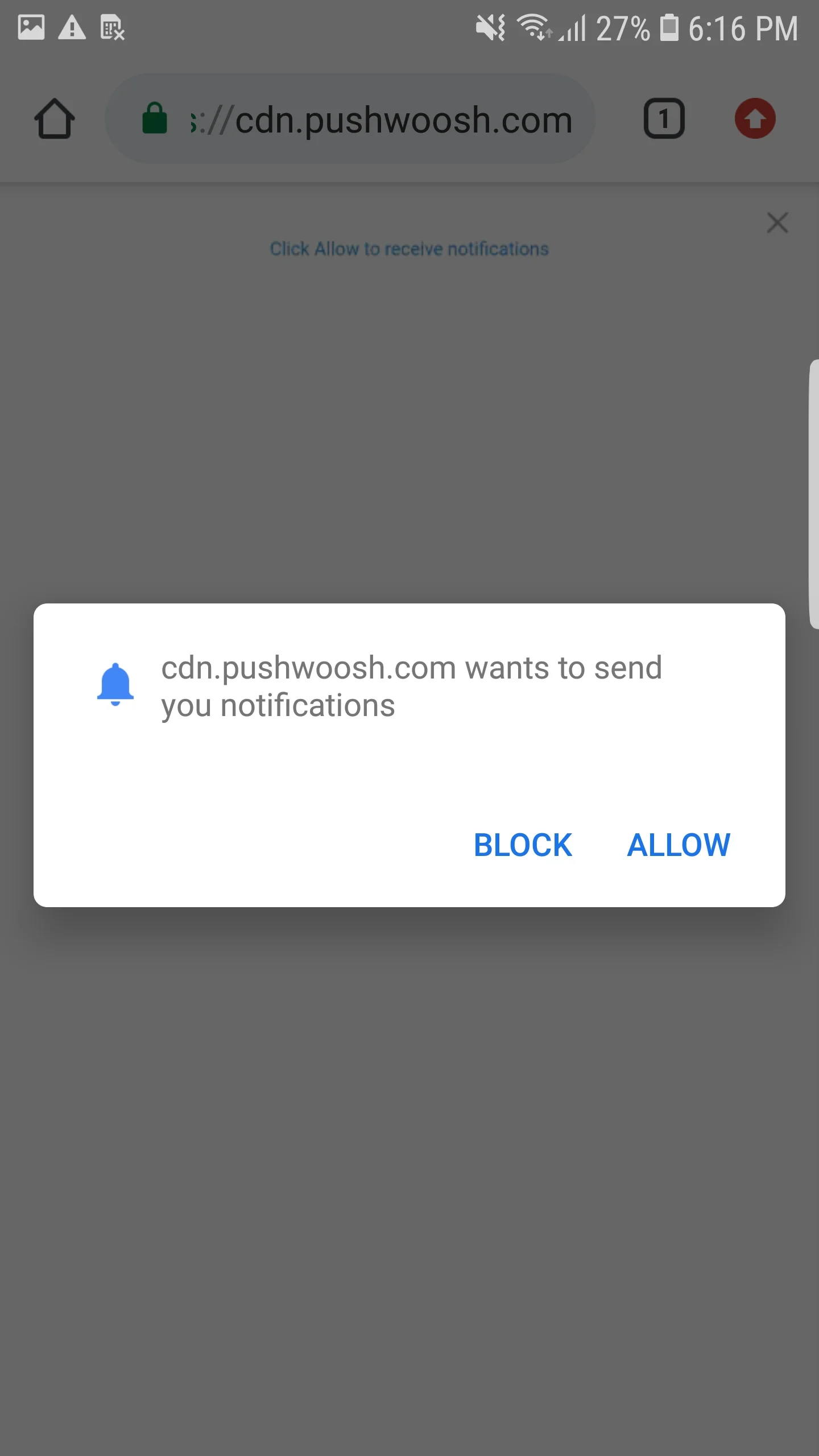 ## ผสานรวม AMP Web Push
หากต้องการติดตั้งการแจ้งเตือนแบบ web push บนหน้า AMP ให้เพิ่มคอมโพเนนต์ [amp-web-push](https://amp.dev/documentation/components/amp-web-push?format=websites) ในแต่ละหน้า AMP
ในการทำเช่นนั้น ให้ทำตามสองขั้นตอนต่อไปนี้:
**1. เพิ่มสคริปต์ต่อไปนี้ลงในแท็ก ``**:
```txt title="amp-web-push"
...
...
```
**2. เพิ่มโค้ดต่อไปนี้ลงในแท็ก ``**:
```txt title="amp-web-push"
...
## ผสานรวม AMP Web Push
หากต้องการติดตั้งการแจ้งเตือนแบบ web push บนหน้า AMP ให้เพิ่มคอมโพเนนต์ [amp-web-push](https://amp.dev/documentation/components/amp-web-push?format=websites) ในแต่ละหน้า AMP
ในการทำเช่นนั้น ให้ทำตามสองขั้นตอนต่อไปนี้:
**1. เพิ่มสคริปต์ต่อไปนี้ลงในแท็ก ``**:
```txt title="amp-web-push"
...
...
```
**2. เพิ่มโค้ดต่อไปนี้ลงในแท็ก ``**:
```txt title="amp-web-push"
...
{ข้อความสำรองหากผู้ใช้บล็อกการแจ้งเตือน}
...
```
โดยที่:
* `{domain}` — URL เว็บไซต์ของคุณ
* `{applicationCode}` — รหัสแอป Pushwoosh ของคุณ
* `{senderId}` — Sender ID จากคอนโซล Firebase ของคุณ
* `{applicationServerKey}` — Server Key จากคอนโซล Firebase ของคุณ
* `{ข้อความบนปุ่มสมัครรับข้อมูล}` — ข้อความบนปุ่มที่เปิดใช้งานการแจ้งเตือนแบบพุช
* `{ข้อความบนปุ่มยกเลิกการสมัคร}` — ข้อความบนปุ่มที่ปิดใช้งานการแจ้งเตือนแบบพุช
* `{ข้อความสำรองหากผู้ใช้บล็อกการแจ้งเตือน}` — บล็อกสำรองที่จะแสดงเมื่อผู้ใช้บล็อกการแจ้งเตือนแบบพุช
หากต้องการ**ปรับแต่งสไตล์ของปุ่ม** ให้เพิ่มโค้ดต่อไปนี้ลงในแท็ก **<head>**:
```txt title="css"
```
หากต้องการตรวจสอบว่าคุณได้ทำทุกอย่างถูกต้องหรือไม่ โปรดใช้ [https://search.google.com/test/amp](https://search.google.com/test/amp)\