# How to send a personalized SMS
In Pushwoosh, you can personalize the SMS you send to customers. To do so, use personalization tags for user attributes, known as [Dynamic Content](/product/personalization/dynamic-content).
All the personalization tags available for your SMS are created and stored in the **Audience > Tags** section. [Follow the guide](/product/audience-data-and-segmentation/user-data-tags/tags) to create new personalization tags.
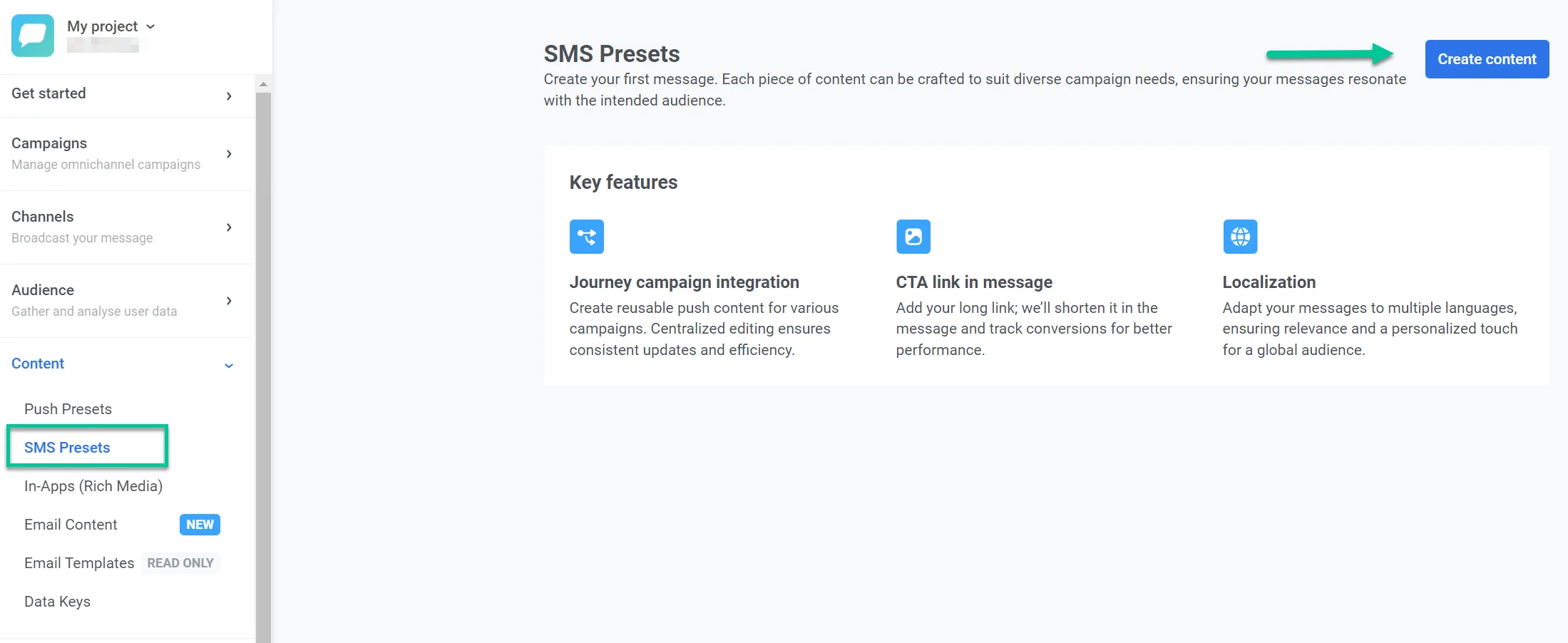
To personalize your SMS copy, go to **Content > SMS Preset > Create content**.
To personalize the SMS, click on the Message field and then click the personalization icon on the right. Choose the tag you want to use, for example, [first_name]. Click **Insert** to apply changes.
[Read more about how to create and send SMS in Pushwoosh](/product/content/sms-presets#compose-your-message).
 To personalize the SMS, click on the Message field and then click the personalization icon on the right. Choose the tag you want to use, for example, [first_name]. Click **Insert** to apply changes.
[Read more about how to create and send SMS in Pushwoosh](/product/content/sms-presets#compose-your-message).
To personalize the SMS, click on the Message field and then click the personalization icon on the right. Choose the tag you want to use, for example, [first_name]. Click **Insert** to apply changes.
[Read more about how to create and send SMS in Pushwoosh](/product/content/sms-presets#compose-your-message).