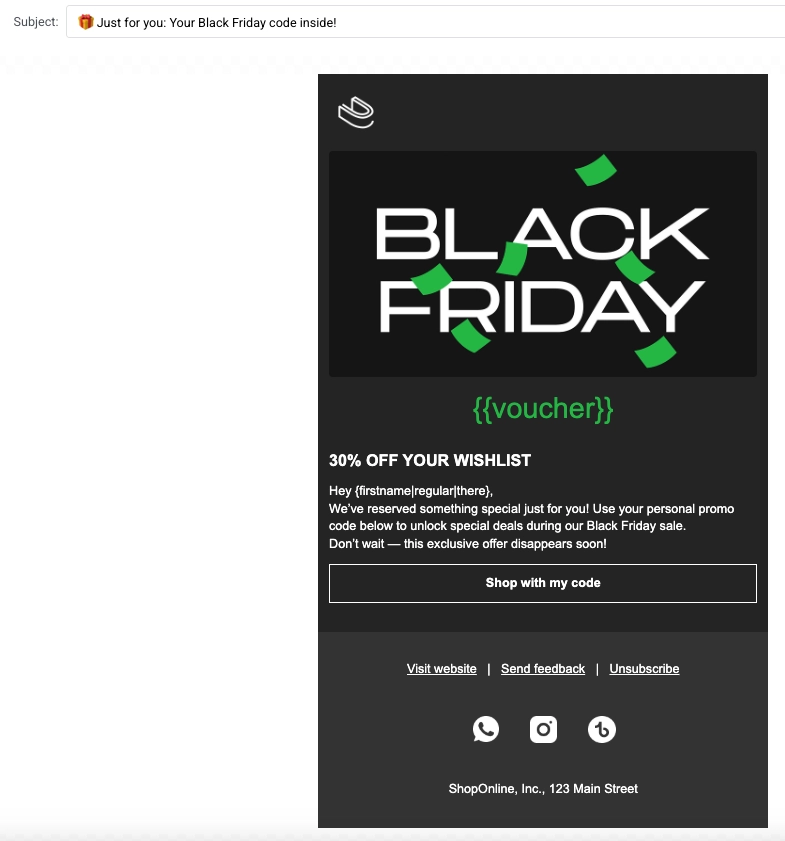
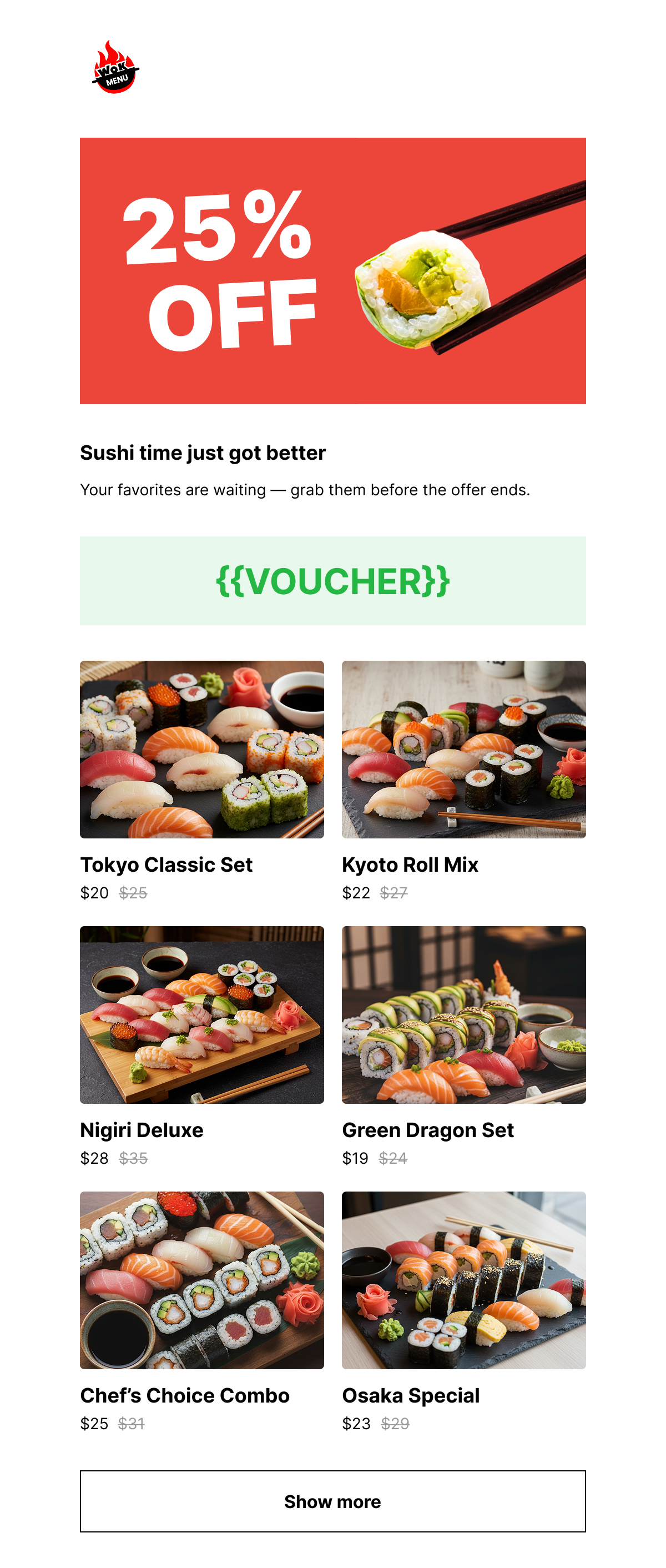
 ## Black Friday promo (with personal voucher code)
**What you can do**
Drive engagement with a personalized Black Friday offer using dynamic [voucher codes](/product/content/vouchers/). This template is designed to deliver exclusive discount codes to individual users, making the offer feel more personal and increasing the likelihood of conversion.
**Segment**
Target users who have shown purchase intent, such as those who added items to their wishlist or cart, clicked previous promotions, or haven't yet completed a purchase. [Learn more about creating Segments](/product/audience-data-and-segmentation/segmentation/create-segments)
**Best time to send**
Send shortly before or during the Black Friday campaign period to capture users actively looking for deals.
## Black Friday promo (with personal voucher code)
**What you can do**
Drive engagement with a personalized Black Friday offer using dynamic [voucher codes](/product/content/vouchers/). This template is designed to deliver exclusive discount codes to individual users, making the offer feel more personal and increasing the likelihood of conversion.
**Segment**
Target users who have shown purchase intent, such as those who added items to their wishlist or cart, clicked previous promotions, or haven't yet completed a purchase. [Learn more about creating Segments](/product/audience-data-and-segmentation/segmentation/create-segments)
**Best time to send**
Send shortly before or during the Black Friday campaign period to capture users actively looking for deals.
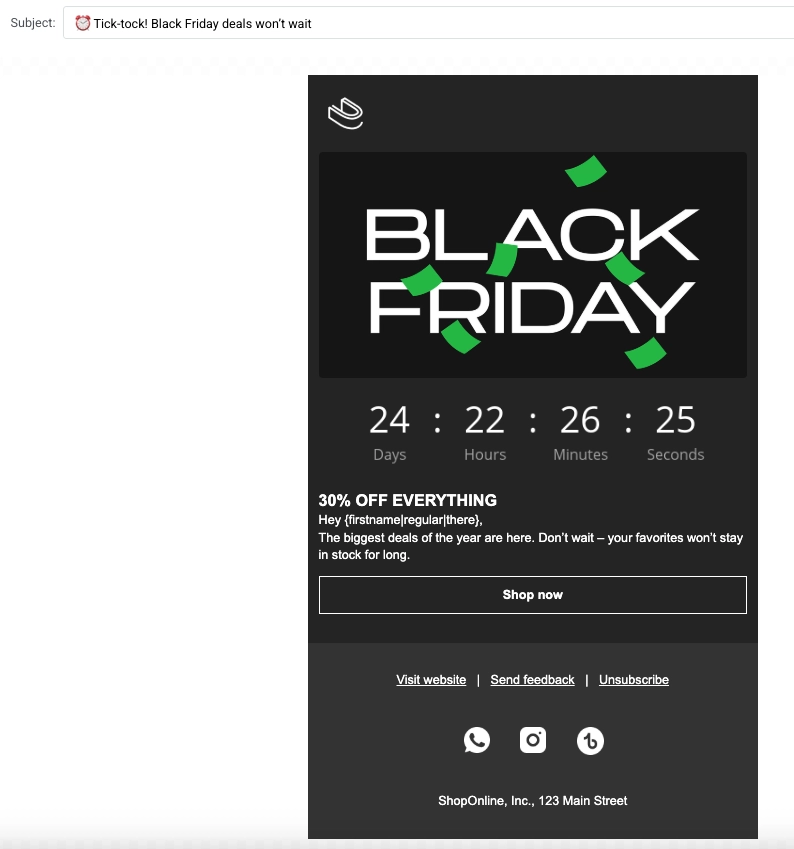
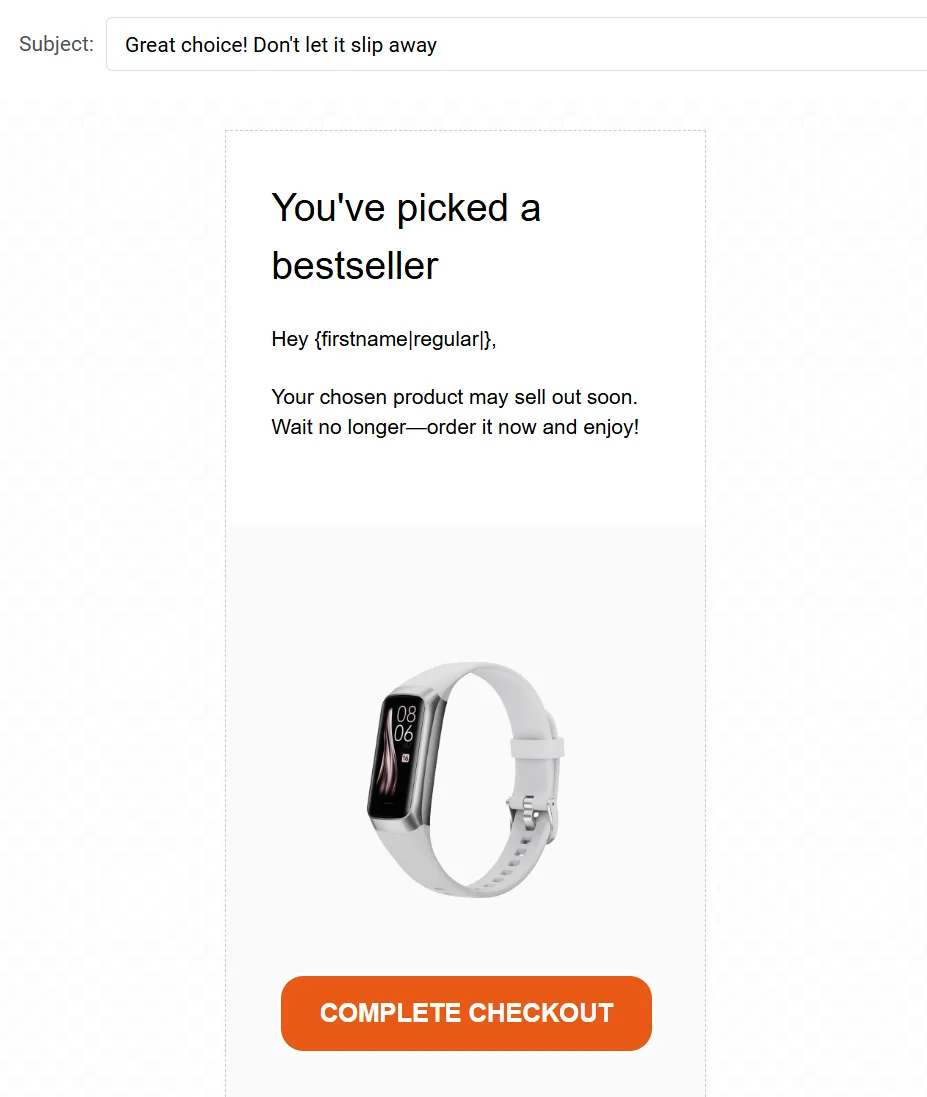
 ## Limited-time offer
**What you can do**
Create urgency with a bold, animated GIF that highlights a limited-time discount. This template is designed to capture user attention quickly with motion and clear messaging, making it ideal for flash sales or short-term promotions.
**Segment**
All users or segments interested in time-sensitive promotions, for example, users who previously responded to sales or have recently browsed product pages. [Learn more about creating Segments](/product/audience-data-and-segmentation/segmentation/create-segments)
**Best time to send**
Send at the start of a flash sale or limited-time promotion to generate immediate interest and quick conversions.
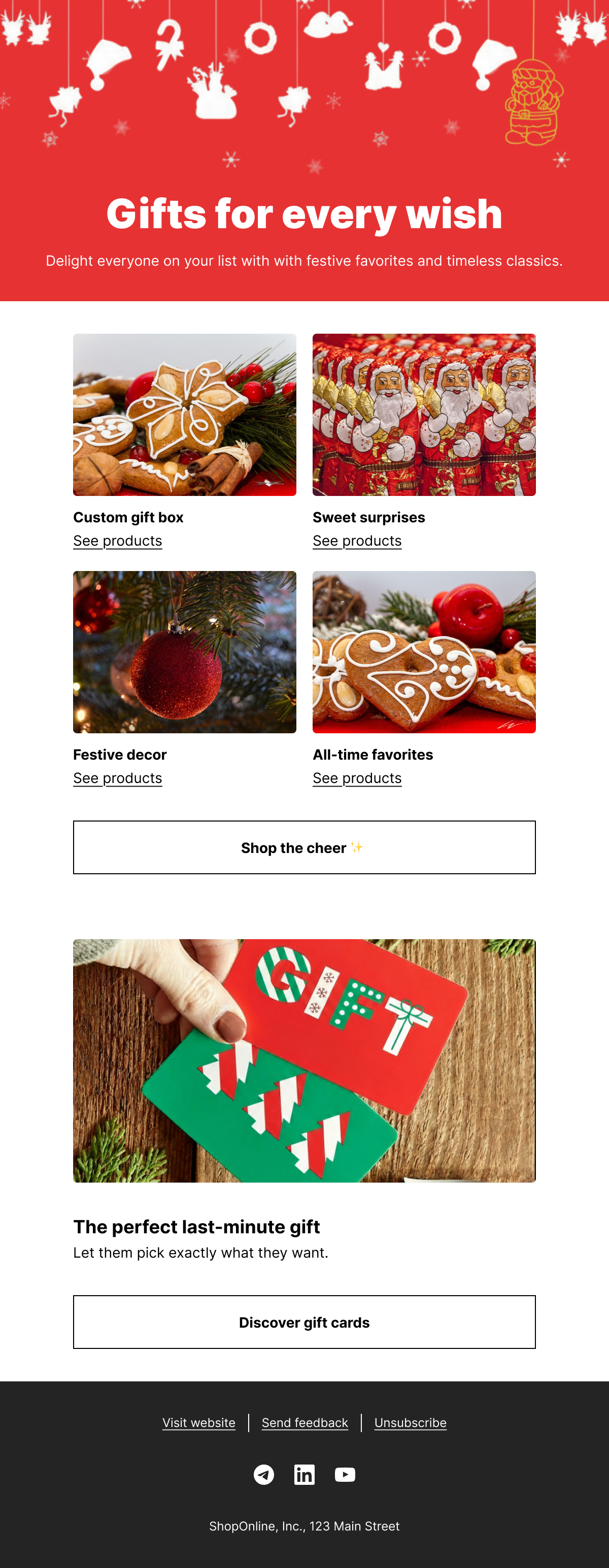
## Holiday season product catalog
**What you can do**
Promote your holiday season collection with a festive, catalog-style email layout. This template is ideal for showcasing seasonal gift ideas such as sweets, decor, and festive favorites. Use it to inspire customers with curated holiday offerings and drive traffic to your product pages.
**Segment**
All users or those who have shown interest in seasonal items, holiday shopping, or recent browsing activity. Targeting gift buyers or returning customers can also increase relevance. [Learn more about creating Segments](/product/audience-data-and-segmentation/segmentation/create-segments)
**Best time to send**
Send in early to mid-December to align with peak holiday shopping activity and give customers enough time to place their orders.
## Limited-time offer
**What you can do**
Create urgency with a bold, animated GIF that highlights a limited-time discount. This template is designed to capture user attention quickly with motion and clear messaging, making it ideal for flash sales or short-term promotions.
**Segment**
All users or segments interested in time-sensitive promotions, for example, users who previously responded to sales or have recently browsed product pages. [Learn more about creating Segments](/product/audience-data-and-segmentation/segmentation/create-segments)
**Best time to send**
Send at the start of a flash sale or limited-time promotion to generate immediate interest and quick conversions.
## Holiday season product catalog
**What you can do**
Promote your holiday season collection with a festive, catalog-style email layout. This template is ideal for showcasing seasonal gift ideas such as sweets, decor, and festive favorites. Use it to inspire customers with curated holiday offerings and drive traffic to your product pages.
**Segment**
All users or those who have shown interest in seasonal items, holiday shopping, or recent browsing activity. Targeting gift buyers or returning customers can also increase relevance. [Learn more about creating Segments](/product/audience-data-and-segmentation/segmentation/create-segments)
**Best time to send**
Send in early to mid-December to align with peak holiday shopping activity and give customers enough time to place their orders.
 ## Appointment reminder
**What you can do**
Send timely reminders about upcoming appointments. Include appointment details and options to reschedule if needed.
**Segment**
Users who have booked an appointment through your app or service. [Learn more about creating Segments](/product/audience-data-and-segmentation/segmentation/create-segments)
**Best time to send**
Send 24 hours or a few hours before the scheduled appointment time.
## Appointment reminder
**What you can do**
Send timely reminders about upcoming appointments. Include appointment details and options to reschedule if needed.
**Segment**
Users who have booked an appointment through your app or service. [Learn more about creating Segments](/product/audience-data-and-segmentation/segmentation/create-segments)
**Best time to send**
Send 24 hours or a few hours before the scheduled appointment time.
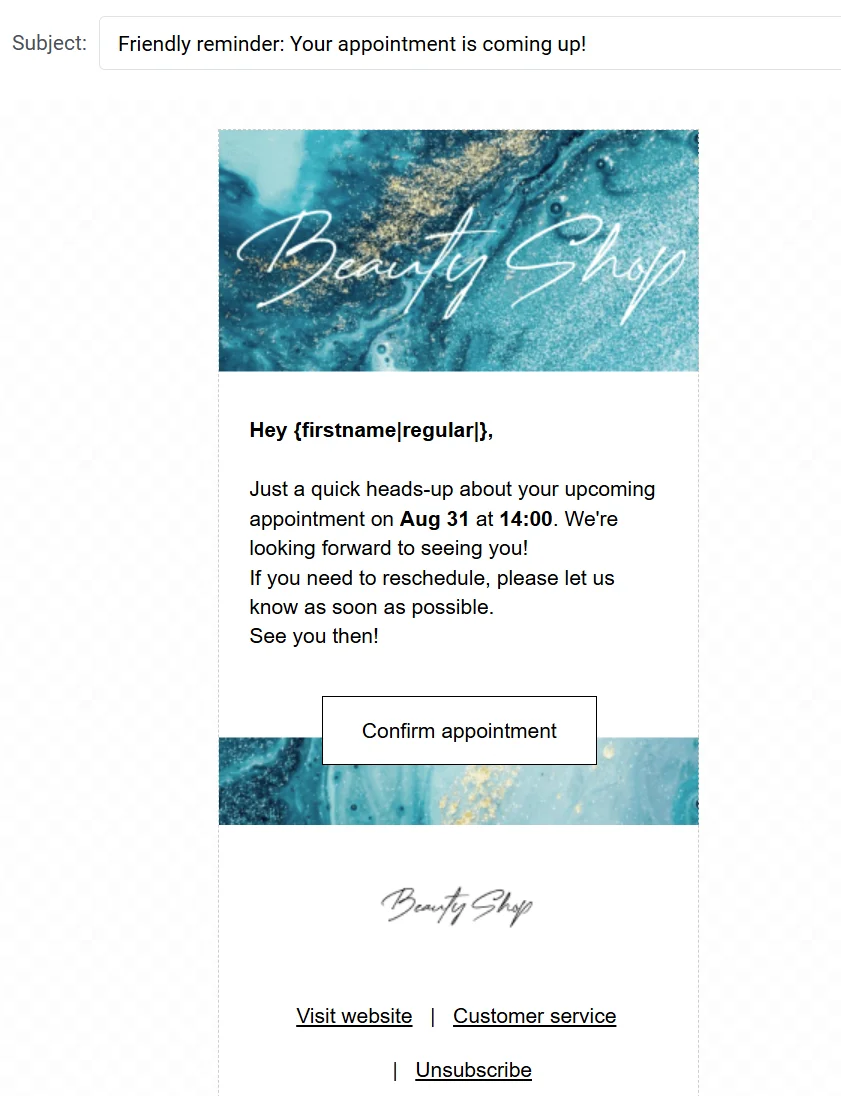 ## Birthday promo offer
**What you can do**
Celebrate your users' birthdays with a personalized message and a special gift. This template offers a free treat like a birthday cake when users place an order, creating a delightful and memorable experience that encourages engagement and loyalty.
**Segment**
Users with a birthday on the current day or within a selected date range. [Learn more about creating birthday and anniversary segments](/product/audience-data-and-segmentation/segmentation/create-segments/anniversary-segments)
**Best time to send**
Send on the user's birthday or one day in advance to give them time to redeem the offer.
## Birthday promo offer
**What you can do**
Celebrate your users' birthdays with a personalized message and a special gift. This template offers a free treat like a birthday cake when users place an order, creating a delightful and memorable experience that encourages engagement and loyalty.
**Segment**
Users with a birthday on the current day or within a selected date range. [Learn more about creating birthday and anniversary segments](/product/audience-data-and-segmentation/segmentation/create-segments/anniversary-segments)
**Best time to send**
Send on the user's birthday or one day in advance to give them time to redeem the offer.
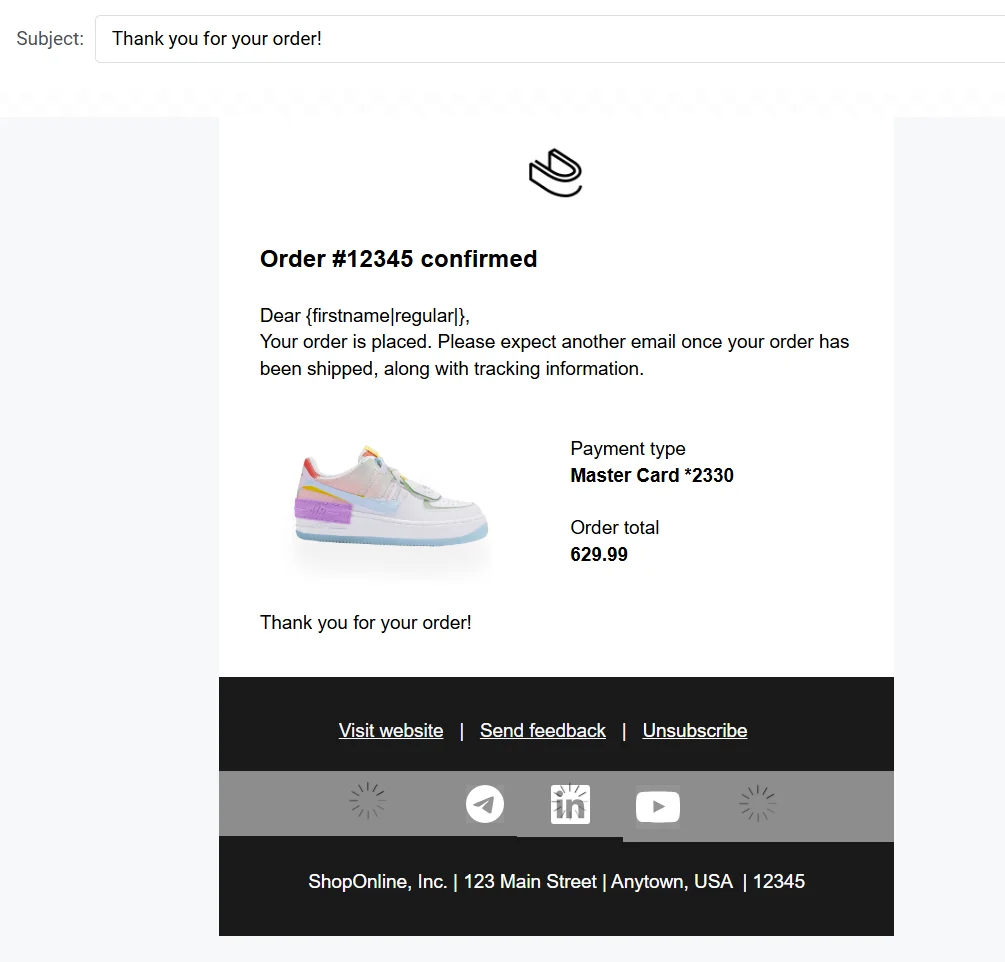
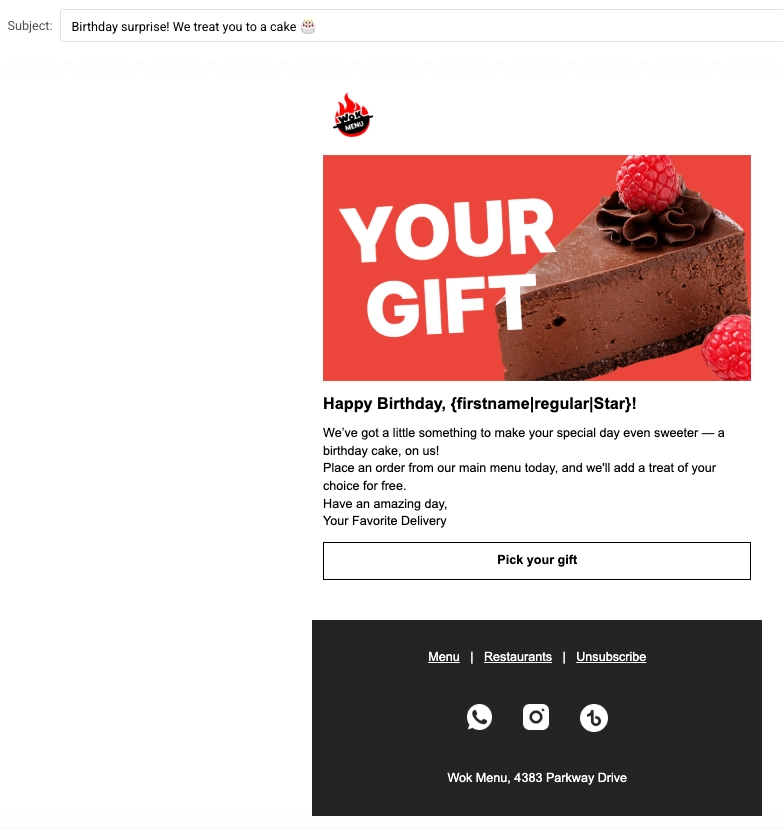 ## Order confirmation
**What you can do**
Automatically send confirmation emails after an order is placed. Include order details and tracking information to reassure customers.
**Segment**
Users who just completed a purchase.
**Best time to send**
Send immediately after the order is confirmed.
## Order confirmation
**What you can do**
Automatically send confirmation emails after an order is placed. Include order details and tracking information to reassure customers.
**Segment**
Users who just completed a purchase.
**Best time to send**
Send immediately after the order is confirmed.
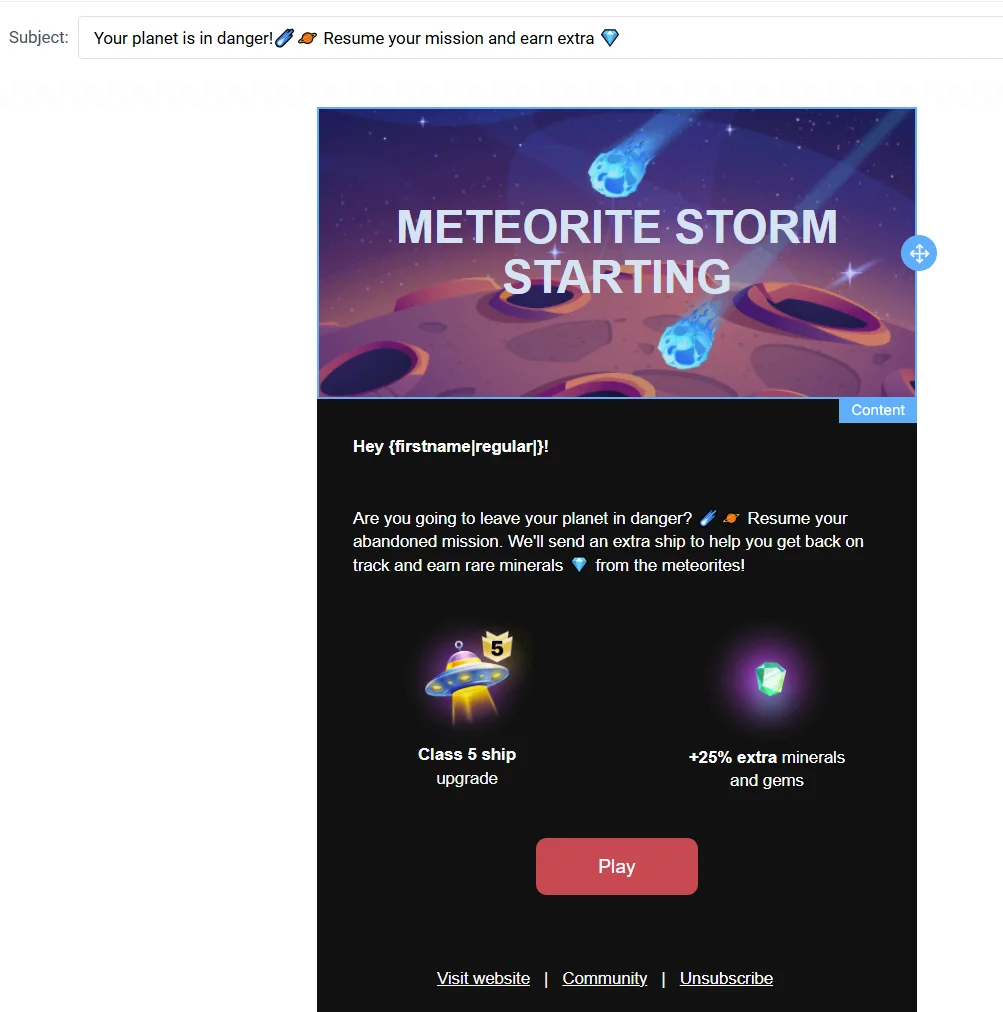
 ## Re-engagement
**What you can do**
Reconnect with inactive users with an exciting offer or content to spark their interest and encourage them to return to your app or website.
**Segment**
Users who haven’t interacted with your app or emails in a specified time frame (e.g., 30 days).
**Best time to send**
Send after a period of inactivity, such as 30–60 days.
## Re-engagement
**What you can do**
Reconnect with inactive users with an exciting offer or content to spark their interest and encourage them to return to your app or website.
**Segment**
Users who haven’t interacted with your app or emails in a specified time frame (e.g., 30 days).
**Best time to send**
Send after a period of inactivity, such as 30–60 days.
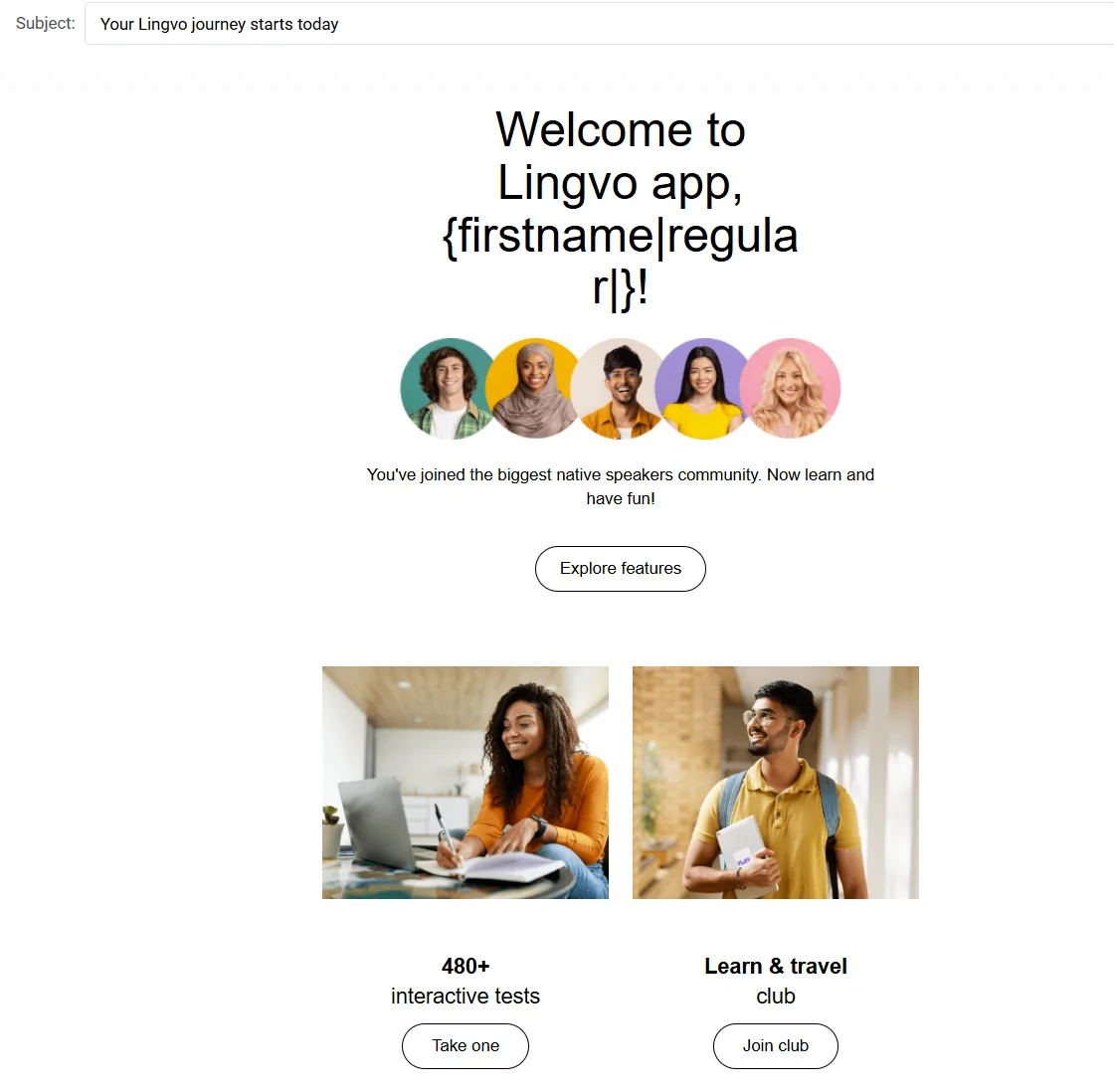
 ## Welcome to app
**What you can do**
Welcome new users with a warm email introducing them to your app. Highlight its key features and share tips to encourage engagement.
**Segment**
All newly registered users.
**Best time to send**
Send immediately after the user’s first login or registration.
## Welcome to app
**What you can do**
Welcome new users with a warm email introducing them to your app. Highlight its key features and share tips to encourage engagement.
**Segment**
All newly registered users.
**Best time to send**
Send immediately after the user’s first login or registration.