# MAUI Dotnet Geozones इंटीग्रेशन
Pushwoosh के साथ अपने MAUI .NET एप्लिकेशन में Geozones कार्यक्षमता को इंटीग्रेट करना सीधा है। शुरू करने के लिए इन चरणों का पालन करें:
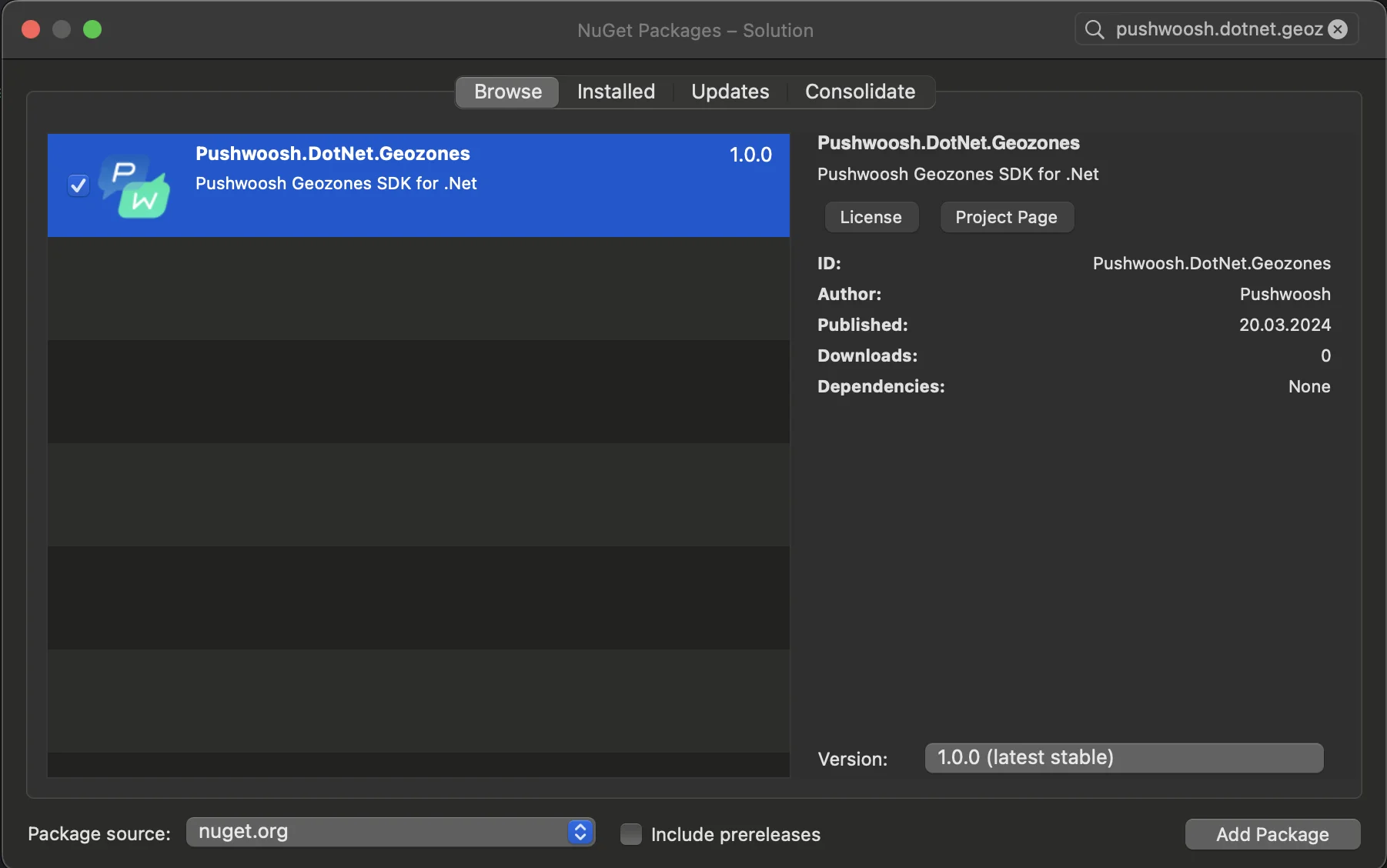
1. अपने सॉल्यूशन में Pushwoosh.DotNet.Geozones NuGet पैकेज जोड़ें
2. Android इंटीग्रेशन
अपने Android प्रोजेक्ट में, MainActivity.cs फ़ाइल का पता लगाएँ और `OnCreate()` मेथड में `LocationManager.Init()` को कॉल करें:
```csharp
using PushwooshSDK.DotNet.Geozones.Android;
...
[Activity(Theme = "@style/Maui.SplashTheme", MainLauncher = true, ConfigurationChanges = ConfigChanges.ScreenSize | ConfigChanges.Orientation | ConfigChanges.UiMode | ConfigChanges.ScreenLayout | ConfigChanges.SmallestScreenSize | ConfigChanges.Density)]
public class MainActivity : MauiAppCompatActivity
{
protected override void OnCreate(Bundle savedInstanceState)
{
base.OnCreate(savedInstanceState);
PushManager.Init();
LocationManager.Init();
}
}
```
3. iOS इंटीग्रेशन
अपने iOS प्रोजेक्ट के लिए, AppDelegate.cs फ़ाइल खोलें और `FinishedLaunching()` मेथड में `LocationManager.Init()` को कॉल करें:
```csharp
using Pushwoosh.iOS;
using PushwooshSDK.DotNet.Geozones.iOS;
using UIKit;
...
[Register("AppDelegate")]
public class AppDelegate : MauiUIApplicationDelegate
{
public override bool FinishedLaunching(UIApplication application, NSDictionary launchOptions)
{
PushManager.Init();
LocationManager.Init();
return base.FinishedLaunching(application, launchOptions);
}
protected override MauiApp CreateMauiApp() => MauiProgram.CreateMauiApp();
}
```
4. अपने ऐप की आवश्यकताओं के आधार पर लोकेशन अनुमतियाँ जोड़ें।
**Privacy - Location When In Use Usage Description** अनुमति हमेशा जोड़ी जानी चाहिए।
5\. फिर `StartLocationTracking()` मेथड को कॉल करके लोकेशन ट्रैकिंग शुरू करें।
```csharp
using PushwooshSDK.DotNet.Geozones;
...
LocationManager.Instance.StartLocationTracking();
```
 2. Android इंटीग्रेशन
अपने Android प्रोजेक्ट में, MainActivity.cs फ़ाइल का पता लगाएँ और `OnCreate()` मेथड में `LocationManager.Init()` को कॉल करें:
```csharp
using PushwooshSDK.DotNet.Geozones.Android;
...
[Activity(Theme = "@style/Maui.SplashTheme", MainLauncher = true, ConfigurationChanges = ConfigChanges.ScreenSize | ConfigChanges.Orientation | ConfigChanges.UiMode | ConfigChanges.ScreenLayout | ConfigChanges.SmallestScreenSize | ConfigChanges.Density)]
public class MainActivity : MauiAppCompatActivity
{
protected override void OnCreate(Bundle savedInstanceState)
{
base.OnCreate(savedInstanceState);
PushManager.Init();
LocationManager.Init();
}
}
```
3. iOS इंटीग्रेशन
अपने iOS प्रोजेक्ट के लिए, AppDelegate.cs फ़ाइल खोलें और `FinishedLaunching()` मेथड में `LocationManager.Init()` को कॉल करें:
```csharp
using Pushwoosh.iOS;
using PushwooshSDK.DotNet.Geozones.iOS;
using UIKit;
...
[Register("AppDelegate")]
public class AppDelegate : MauiUIApplicationDelegate
{
public override bool FinishedLaunching(UIApplication application, NSDictionary launchOptions)
{
PushManager.Init();
LocationManager.Init();
return base.FinishedLaunching(application, launchOptions);
}
protected override MauiApp CreateMauiApp() => MauiProgram.CreateMauiApp();
}
```
4. अपने ऐप की आवश्यकताओं के आधार पर लोकेशन अनुमतियाँ जोड़ें।
**Privacy - Location When In Use Usage Description** अनुमति हमेशा जोड़ी जानी चाहिए।
2. Android इंटीग्रेशन
अपने Android प्रोजेक्ट में, MainActivity.cs फ़ाइल का पता लगाएँ और `OnCreate()` मेथड में `LocationManager.Init()` को कॉल करें:
```csharp
using PushwooshSDK.DotNet.Geozones.Android;
...
[Activity(Theme = "@style/Maui.SplashTheme", MainLauncher = true, ConfigurationChanges = ConfigChanges.ScreenSize | ConfigChanges.Orientation | ConfigChanges.UiMode | ConfigChanges.ScreenLayout | ConfigChanges.SmallestScreenSize | ConfigChanges.Density)]
public class MainActivity : MauiAppCompatActivity
{
protected override void OnCreate(Bundle savedInstanceState)
{
base.OnCreate(savedInstanceState);
PushManager.Init();
LocationManager.Init();
}
}
```
3. iOS इंटीग्रेशन
अपने iOS प्रोजेक्ट के लिए, AppDelegate.cs फ़ाइल खोलें और `FinishedLaunching()` मेथड में `LocationManager.Init()` को कॉल करें:
```csharp
using Pushwoosh.iOS;
using PushwooshSDK.DotNet.Geozones.iOS;
using UIKit;
...
[Register("AppDelegate")]
public class AppDelegate : MauiUIApplicationDelegate
{
public override bool FinishedLaunching(UIApplication application, NSDictionary launchOptions)
{
PushManager.Init();
LocationManager.Init();
return base.FinishedLaunching(application, launchOptions);
}
protected override MauiApp CreateMauiApp() => MauiProgram.CreateMauiApp();
}
```
4. अपने ऐप की आवश्यकताओं के आधार पर लोकेशन अनुमतियाँ जोड़ें।
**Privacy - Location When In Use Usage Description** अनुमति हमेशा जोड़ी जानी चाहिए।
 5\. फिर `StartLocationTracking()` मेथड को कॉल करके लोकेशन ट्रैकिंग शुरू करें।
```csharp
using PushwooshSDK.DotNet.Geozones;
...
LocationManager.Instance.StartLocationTracking();
```
5\. फिर `StartLocationTracking()` मेथड को कॉल करके लोकेशन ट्रैकिंग शुरू करें।
```csharp
using PushwooshSDK.DotNet.Geozones;
...
LocationManager.Instance.StartLocationTracking();
```